
Claude in PowerPoint
Claude in PowerPoint is an AI-powered assistant powered by Anthropic’s Claude models that helps draft, refine, and style presentation slides using natural language prompts.

Useful details for evaluating Claude in PowerPoint
Primary Category
Presentation
Pricing Model
Paid
Related Topics
AI Chatbot Tools
Last Updated
Feb 24, 2026
What is Claude in PowerPoint?
- Founder: Claude AI
- Launch: 2025
- Use Cases:
- Generate presentation outlines using prompts.
- Draft slides with natural language input.
- Improve existing slide content and clarity.
- Rewrite bullet points for impact and tone.
- Add suggested visuals and layout ideas.
- Technology: Claude in PowerPoint makes use of Anthropic's Claude-family large language models (LLMs) embedded in Microsoft's AI platform to understand user prompts and generate context-aware content within the PowerPoint interface.
Claude in PowerPoint is a built-in AI-powered assistance feature that combines generative AI capability into Microsoft PowerPoint, allowing users to create, edit, and update presentations with natural language. Powered by Anthropic's Claude AI, it allows users to create presentations, generate structure and content, modify bullet points, improve style, and even suggest images—all without leaving PowerPoint. It accelerates workflow, increases creativity, and makes presentation design accessible to users of all skill levels.
Key Features
Claude in PowerPoint key features are
- AI Slide Drafting: Claude in PowerPoint generates entire slides from simple instructions—like “Create a sales pitch deck” or “Summarize this report as slides."
- Smart Rewriting & Editing: Allows you to reword bullets, fix grammar, adjust tone, and improve clarity with AI suggestions.
- Context-Aware Suggestions: The AI-assistant understands your existing slides and can generate content that flows with the rest of the deck.
- Visual & Layout Ideas: Offers recommended image placements, icons, and layouts suited to your message.
Pricing
Claude offers both free and paid plans
Free Plan:
- Allows chat on the web, iOS, and Android
- Allows generating code and visualizing data
- Allows to write, edit, and create content
- Offers to analyze text and images
Pro Plan:
- The plan starts at $20 per month
- Allows chat on the web, ios, and Android
- Allows generating code and visualizing data
- Allows to write, edit, and create content
- Offers to analyze text and images
- Allows access to Claude's code directly in the terminal.
- Allows you to create unlimited projects to organize chats and documents.
Disclaimer: For the latest and most accurate pricing information, please visit the official Claude AI website.
Who is using Claude by PowerPoint?
A diverse range of users and organizations utilize Claude by PowerPoint
- Professionals
- Students
- Sales teams
- Marketing teams
- Educators
- Content creators
Claude by Powerpoint Alternatives
Some Claude by Powerpoint alternatives are
- Beautiful AI
- Gamma App
- Canva AI
- Tome App
- Slidebean
Conclusion
Claude in PowerPoint combines advanced generative AI into the heart of presentation development. Anthropic's language models can be directly integrated into Microsoft PowerPoint, allowing users to create slides, rewrite content, suggest images, and edit messaging without disrupting their productivity. It is extremely useful for professionals, educators, and students who wish to create complex, effective decks easily even without design experience. While access may be limited to Microsoft's AI subscription plans, the feature shows how AI can enhance everyday productivity tools, reducing tasks that used to take hours, such as structuring and updating presentations, to minutes.
People are also reading:
FAQ
What is Claude in PowerPoint?
It’s an AI assistant inside PowerPoint powered by Claude for generating and refining slides.
Do I need a subscription?
Yes — typically requires Microsoft 365 or Copilot/AI plan access.
Can it generate full decks?
Yes — you can prompt it to create structured presentations.
Can it fix slide text?
Yes — it can rewrite and improve text tone and clarity.
Does it suggest visuals?
The AI can suggest layouts and visual elements.
User Reviews
No reviews yet for Claude in PowerPoint.
Featured Tools
Featured AI tools from TechShark

Fashion Diffusion AI
Fashion Diffusion is an AI-powered fashion design platform that helps brands and designers create clothing designs, virtual try-ons, AI models, product photos, and marketing visuals faster and cost-effectively.
Paid
Veo 4
Veo 4 AI is an AI video creation platform that generates dramatic videos from text, images, audio, and video prompts using realistic motion and synchronized sound.
Paid
Happy Horse
HappyHorse AI is an AI-powered video generator that creates cinematic videos with synchronized audio from text, images, and prompts instantly.
Paid
Seedance 2
Seedance 2.0 is an AI-powered video generation platform that transforms text, images, audio, and video into cinematic, multi-shot content with advanced motion control, reference-based consistency, and synchronized sound production.
Freemium
Alternatives
Alternatives to Claude in PowerPoint
Claude integrates generative AI slide creation and editing into PowerPoint. Alternatives include Beautiful.ai for auto layout, Gamma.app for storytelling decks, Tome.app for narrative presentations, Slidebean for AI design, and Canva AI for creating visual content.
 4.1
4.1Dream Companion
AI Chatbot Tools
My Dream Companion is an AI companion platform for adults offering customizable characters, conversational roleplay, image generation, and personalized digital interactions.
 4.6
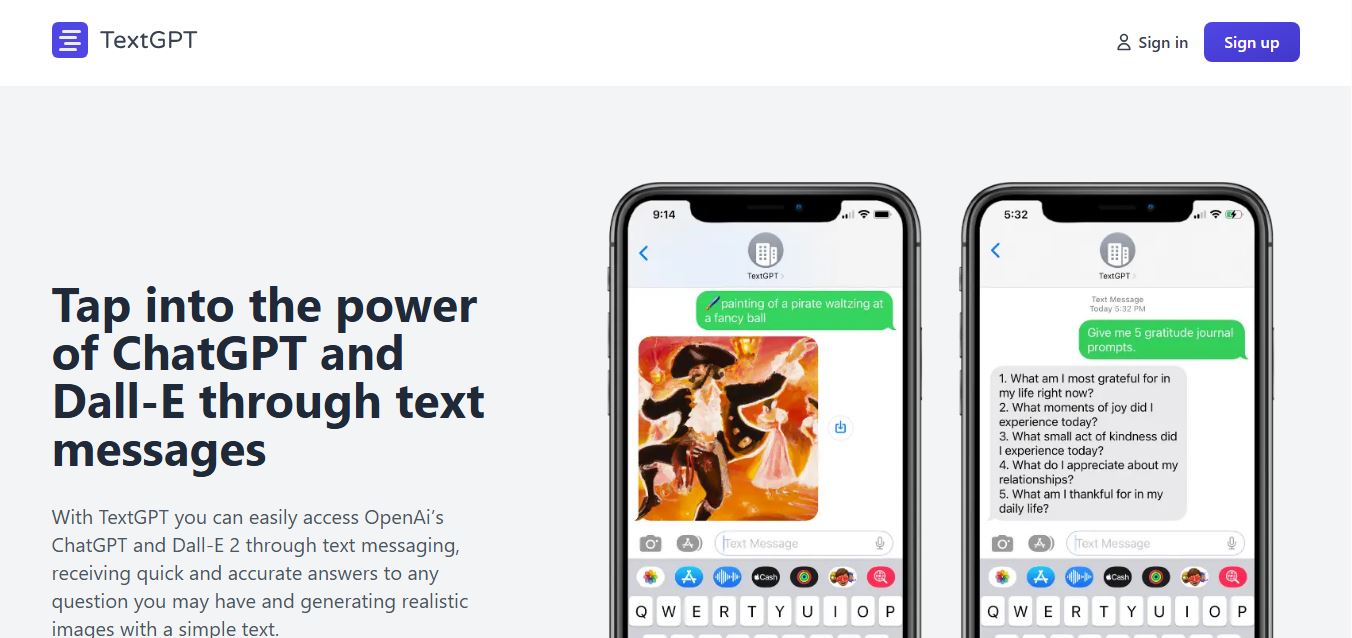
4.6TextGPT
AI Chatbot Tools
TextGPT lets users access ChatGPT through SMS, making AI assistance available without downloading an app or opening a browser.
 4.7
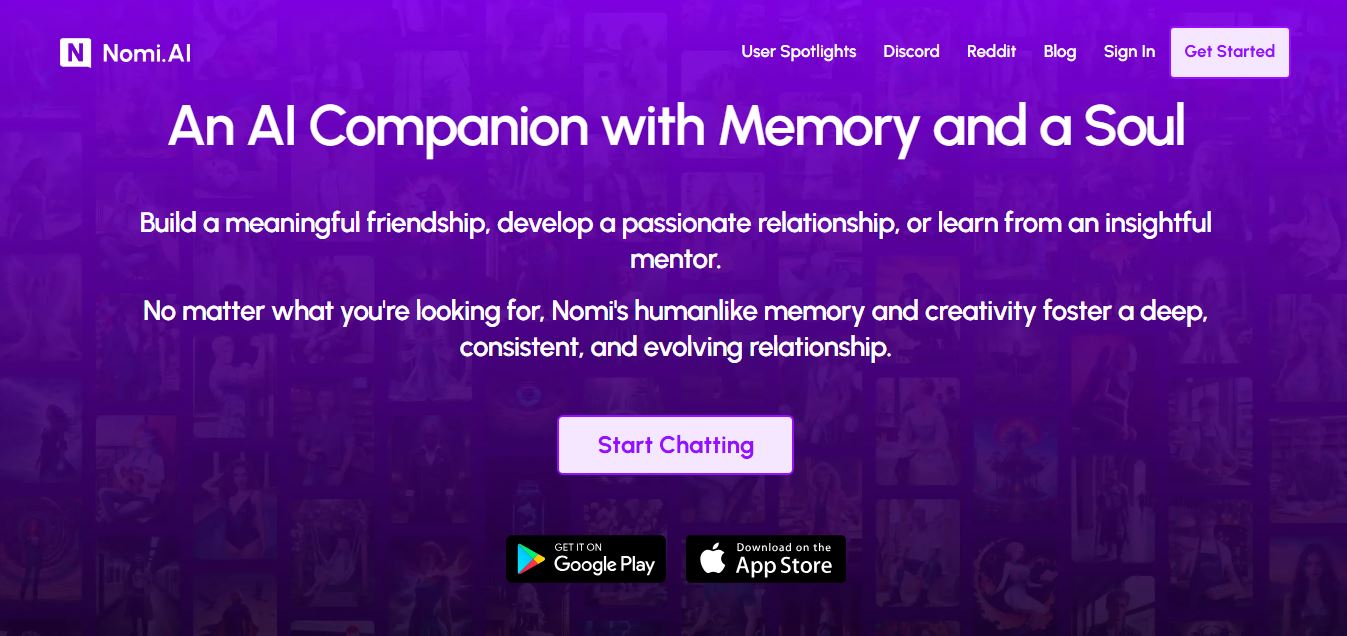
4.7Nomi AI
Writing
Nomi AI is an AI-powered companion platform that creates personalized conversations, emotional support, and engaging virtual relationships for everyday users.
 4.6
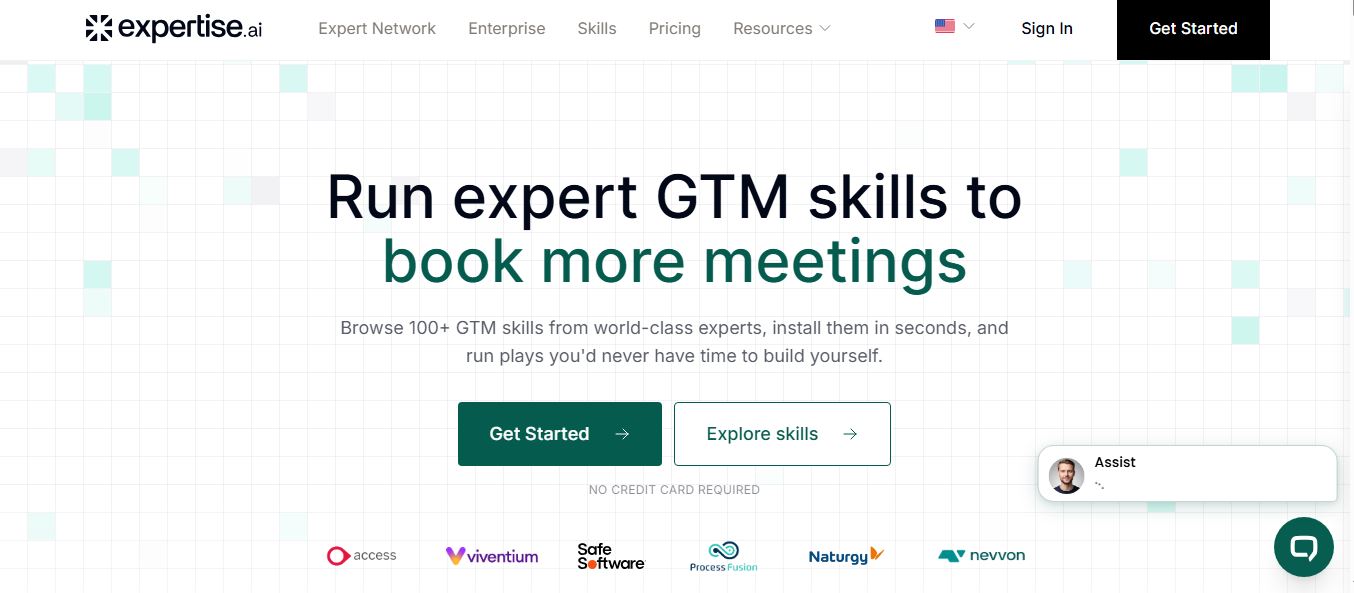
4.6Expertise AI
AI Chatbot Tools
Expertise AI is an AI-powered website chatbot platform that helps businesses automate conversations, answer questions, qualify leads, and generate sales.
 4.6
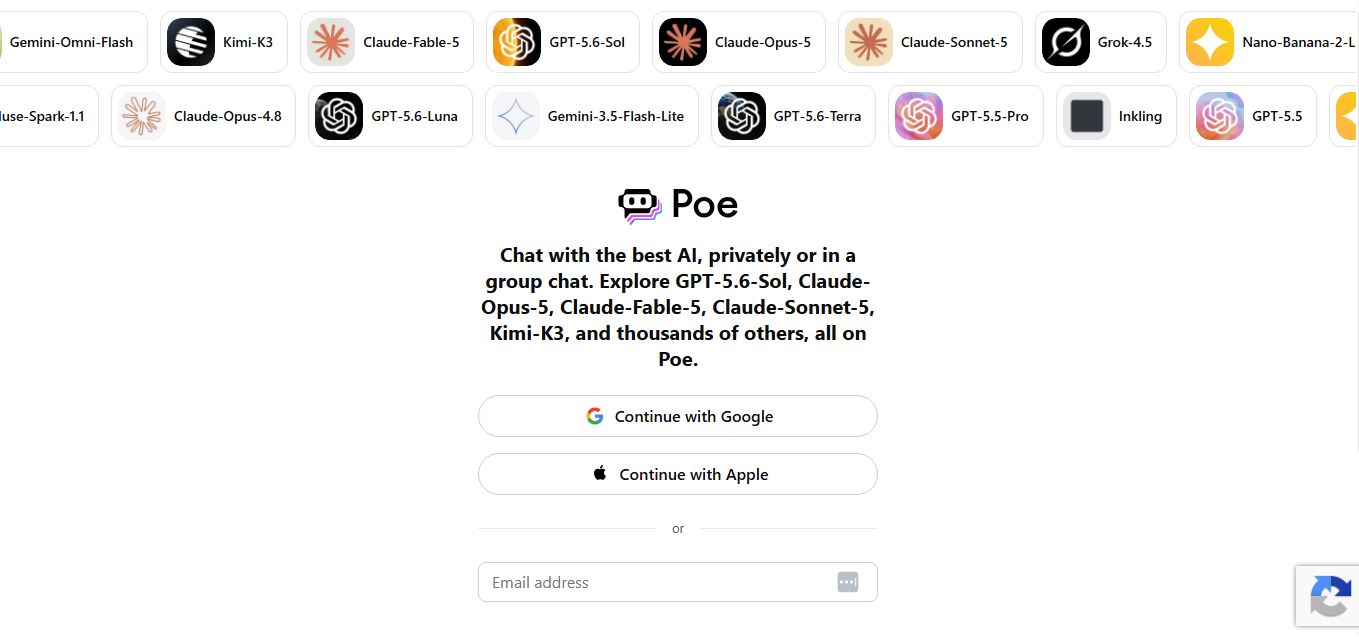
4.6Poe
AI Chatbot Tools
Poe is an AI platform by Quora that lets users access multiple leading AI models, create custom bots, compare responses, and generate text, images, and code from one interface.
 4.4
4.4GPTChat for Slack
AI Chatbot Tools
GPTChat AI is an AI-powered chatbot platform that helps users generate content, answer questions, brainstorm ideas, and improve productivity through fast, conversational artificial intelligence.
 4.5
4.5Horizon AI Template
Website Builders
Horizon AI Template is an AI-powered React and Next.js starter template that helps developers build AI SaaS applications, chatbots, and productivity tools faster with modern UI components.
 4.6
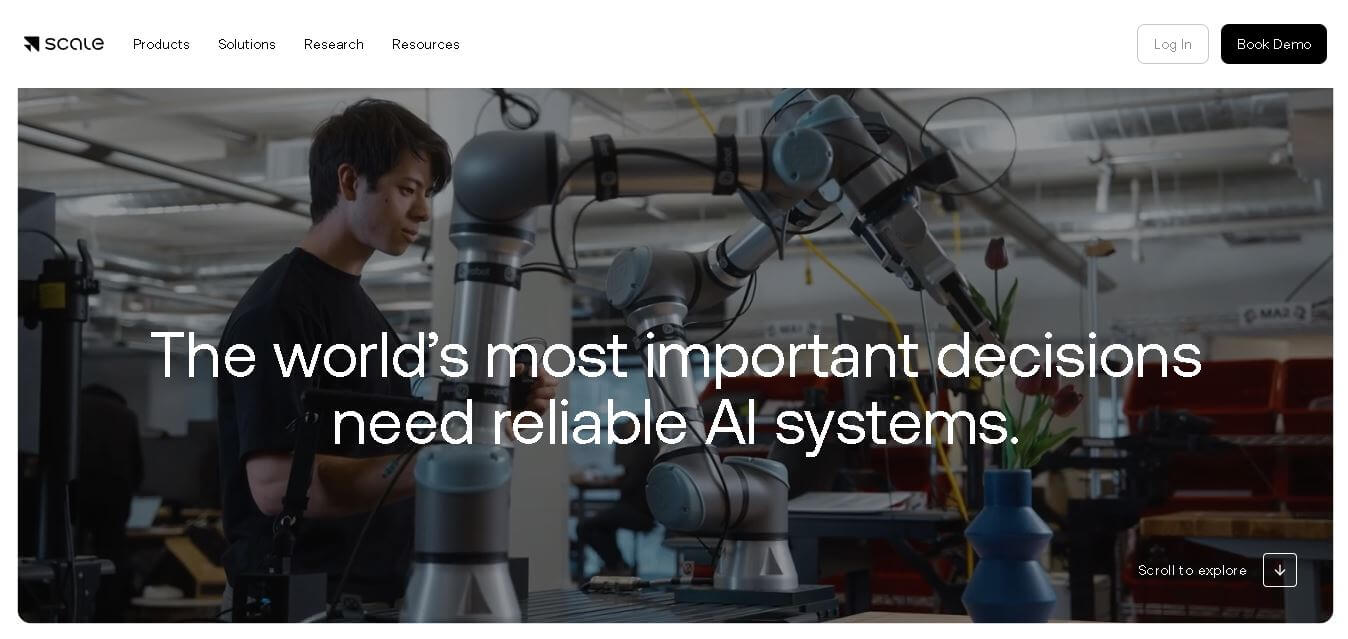
4.6Scale
Research
Scale AI is an AI-powered platform that helps businesses build reliable AI models through high-quality data annotation, model evaluation, reinforcement learning, and enterprise AI solutions.
 4.5
4.5AI/ML API
AI Chatbot Tools
AIMLAPI is an AI-powered API platform that provides developers with access to over 600 AI models for text, images, video, audio, coding, and automation through a unified API.