
Figr AI
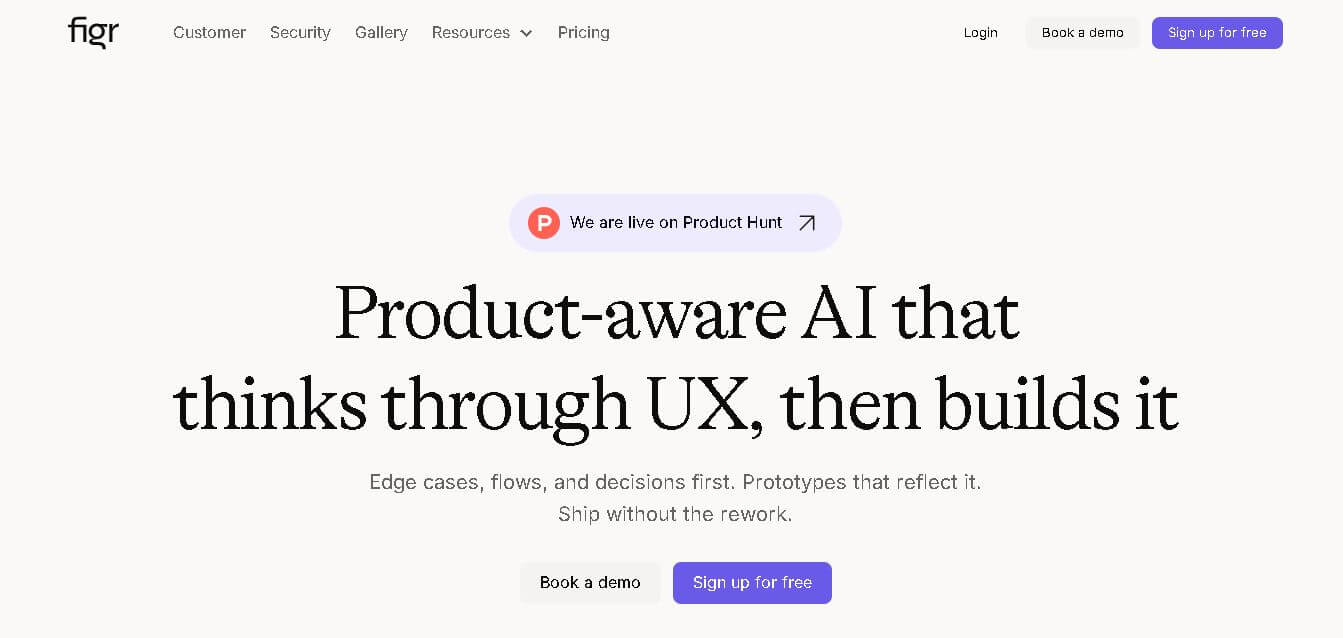
Figr is an AI-powered design agent that learns your product context to generate relevant UI/UX screens, flows, and prototypes with persistent memory and Figma export capabilities.
Useful details for evaluating Figr AI
Primary Category
Design
Pricing Model
Freemium
Related Topics
design
Last Updated
Feb 18, 2026
What is Figr AI?
- Founders: Moksh Garg and Chirag Singla
- Launch: 2026
- Use Cases:
- Generate UI/UX designs and screens that align with product context.
- Map user flows and journeys automatically.
- Create prototypes and interactive layouts for digital products.
- Perform UX reviews and generate variations of features or pages.
- Augment design systems and maintain consistency across screens.
- Technology: Uses AI with persistent product memory that ingests context—screenshots, Figma files, analytics, user flows, design tokens, and constraints—to generate design outputs that respect real UX logic and product conventions.
Figr AI is an AI-powered design platform allowing product and UX teams to create production-ready interface designs, user flows, prototypes, and design systems. Unlike simple AI design tools that generate generic mockups, Figr learns your product's context—including present screens, analytics, design systems, and user flows—and offers relevant design artifacts that seamlessly integrate into your actual product. It removes guessing, speeds up design cycles, and facilitates team collaboration by using a permanent product memory that improves outputs over time.
Key features
Figr AI's key features are
- Product-Aware AI: Figr does more than just generate designs; it takes in and maintains your product context, ensuring that each output is consistent with your current UX, components, and visual language.
- Context Ingestion & Mapping: Allows you to upload or connect your product screens, analytics, design systems, screenshots, CSVs, or flows, and Figr builds an internal model of your product’s structure and interaction logic.
- User Flows & Edge Case Detection: Automatically generate and visualize user flows, journeys, and edge cases based on context and real usage patterns.
- Production-Ready UI Screens & Variants: Generates UI screens, variations, and prototypes that are ready for handoff—with design details and consistency built in.
- Automated UX Reviews: Analyze existing designs and get AI-driven critique, optimizations, and recommendations before rework.
Figr AI Pricing
Figr AI offers both free and paid plans
Free Plan:
- Offers 10 credits per month
- Offers one product ally setup
- Offers 200 MB of context per product ally
- Offers limited canvas
- Offers sharable projects
- Allows exporting design to figma
Starter Plan:
- The plan starts at $16 per month
- Offers 100 credits per month
- Offers 3 product ally setup
- Offers 1GB of context per product ally
- Offers unlimited canvas
- Offers unlimited downloads from web
- Allow deeper memory retention.
- Offers sharable projects
- Allows exporting design to figma
Disclaimer: For the latest and most accurate pricing information, please visit the official Figr AI website.
Who is using Figr AI?
A diverse range of users and organizations utilize Figr AI
- Product Manager
- UX Designers
- Startups
- Design teams
- Development teams
Figr AI Alternatives
Some Figr AI alternatives are
- Figma
- Uizard
- Framer
- Galileo AI
- Builder.IO
Conclusion
Figr AI is an AI-powered design agent designed for product teams who need context-aligned UI/UX outputs rather than generic mockups. By using real product context—screens, analytics, flows, tokens, and design systems—Figr generates an internal model of your product that it can use to make UX decisions, identify edge situations, offer various alternatives, and create production-ready designs. Its long-term storage differs it from typical AI design tools by reducing repetitive explanations and ensuring that new work integrates smoothly with product logic. With team collaboration and export capabilities (particularly to Figma), Figr enables iterative design, prototyping, and handoff, making it suitable for professional product design teams.
People are also reading:
FAQ
What is Figr AI?
Figr is an AI design platform that learns your product and generates UI/UX screens, flows, and prototypes.
How does it work with existing products?
Figr ingests product data (screens, analytics, flows) and builds an internal model to generate relevant designs.
Is there a free plan?
Yes—a free tier with free credits is available to test core features.
Can Figr export to Figma?
Yes — designs can be exported and used within Figma.
Who should use Figr?
Best for product designers, UX teams, product managers, and startups needing accelerated, consistent design output.
User Reviews
No reviews yet for Figr AI.
Featured Tools
Featured AI tools from TechShark

Fashion Diffusion AI
Fashion Diffusion is an AI-powered fashion design platform that helps brands and designers create clothing designs, virtual try-ons, AI models, product photos, and marketing visuals faster and cost-effectively.
Paid

Veo 4
Veo 4 AI is an AI video creation platform that generates dramatic videos from text, images, audio, and video prompts using realistic motion and synchronized sound.
Paid

Happy Horse
HappyHorse AI is an AI-powered video generator that creates cinematic videos with synchronized audio from text, images, and prompts instantly.
Paid
Seedance 2
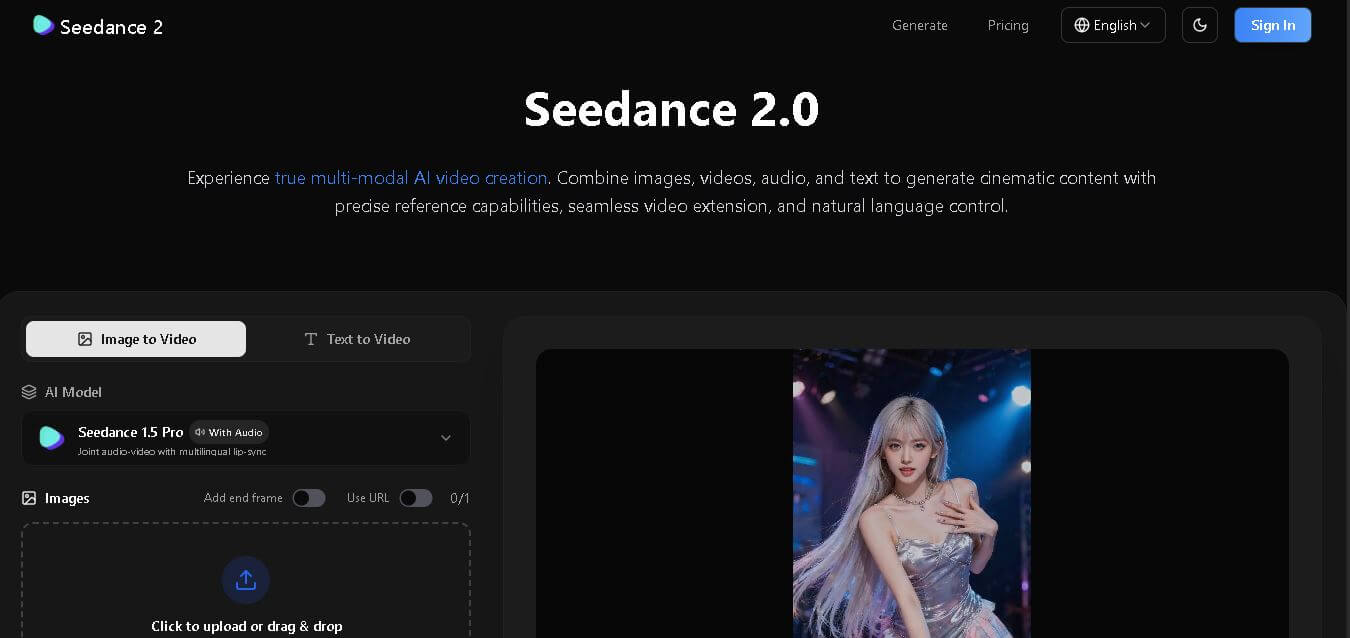
Seedance 2.0 is an AI-powered video generation platform that transforms text, images, audio, and video into cinematic, multi-shot content with advanced motion control, reference-based consistency, and synchronized sound production.
Freemium
Alternatives
Alternatives to Figr AI
Figr is an AI-powered design platform that generates contextual UI/UX designs from real product data, flows, and systems. Alternatives include Uizard for quick UI generation, Galileo AI for flow design, Framer for prototyping, Builder.io for integrated UI and front-end, and Figma plugins for design workflows.
 4.3
4.3Astrias
Art
Astria AI helps creators and developers generate custom AI images using fine-tuned models, APIs, and advanced image generation technology.
 4.7
4.7Hotpot AI
Image
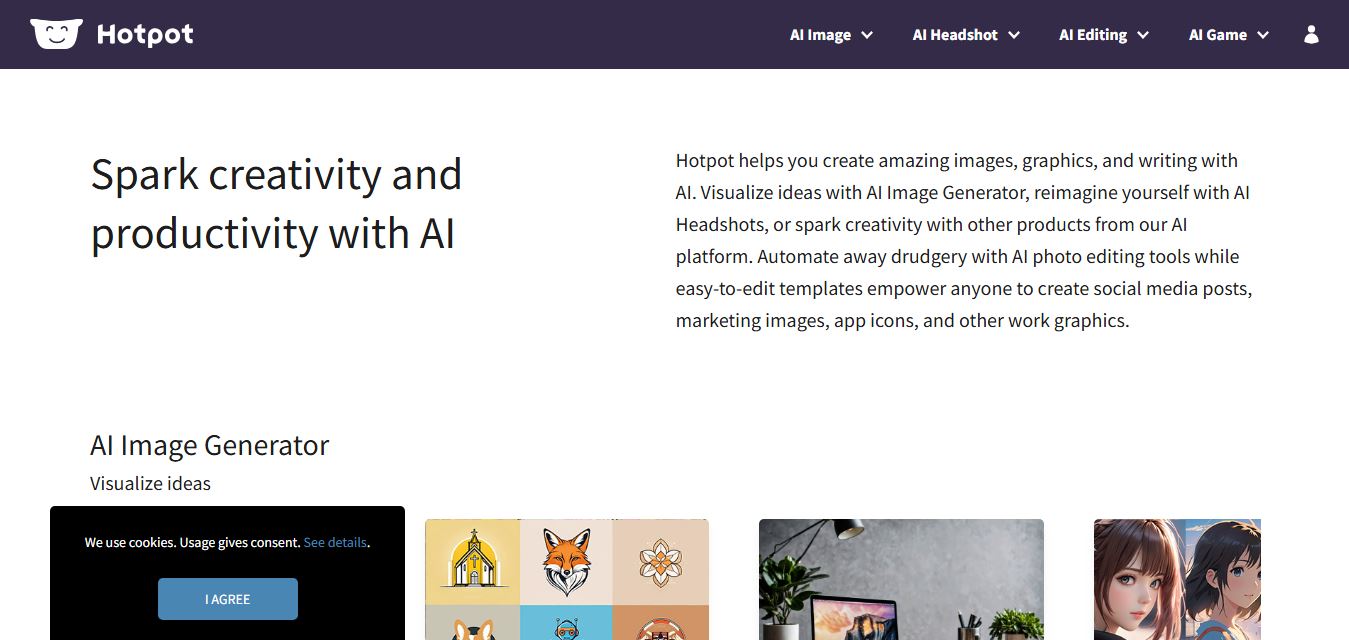
Hotpot AI helps users generate AI images, graphics, marketing assets, and photo edits quickly with easy-to-use creative tools for businesses, designers, and creators.
 4.6
4.6Lummi AI
Image
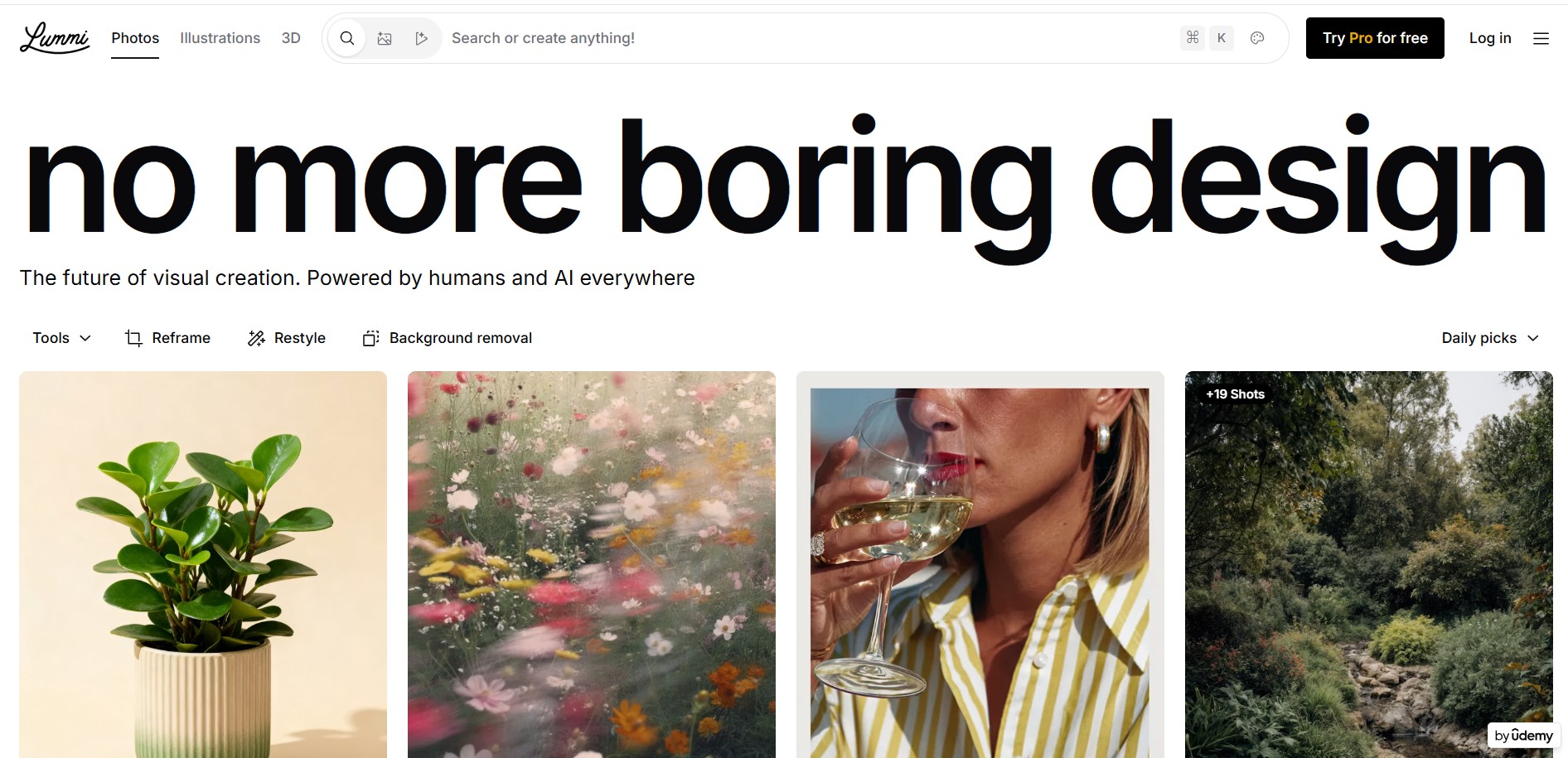
Lummi AI is an AI-powered platform offering royalty-free AI-generated images, illustrations, and editing tools. It helps creators, marketers, and designers produce high-quality visuals quickly and affordably.
 4.5
4.5Snaptrude
3D
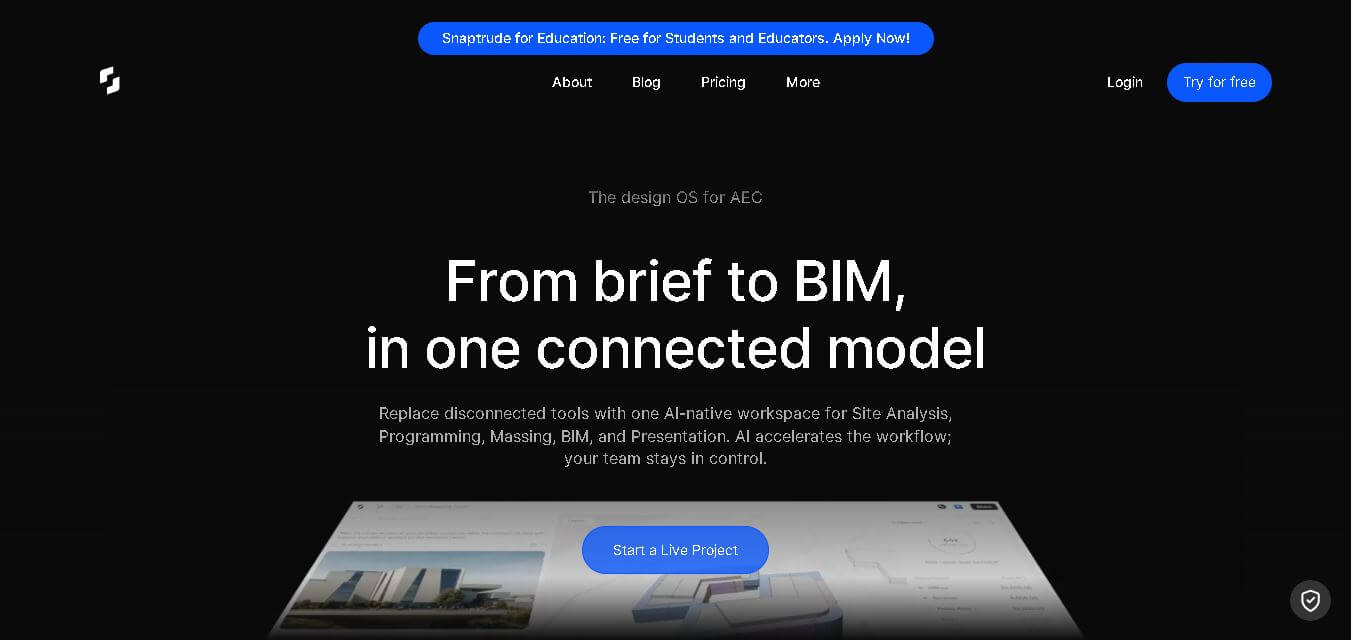
Snaptrude is an AI-powered building design platform that helps architects, engineers, and construction professionals create, collaborate, and optimize BIM-based projects faster with cloud collaboration and automation.
 4.5
4.5AICarousels
Social Media
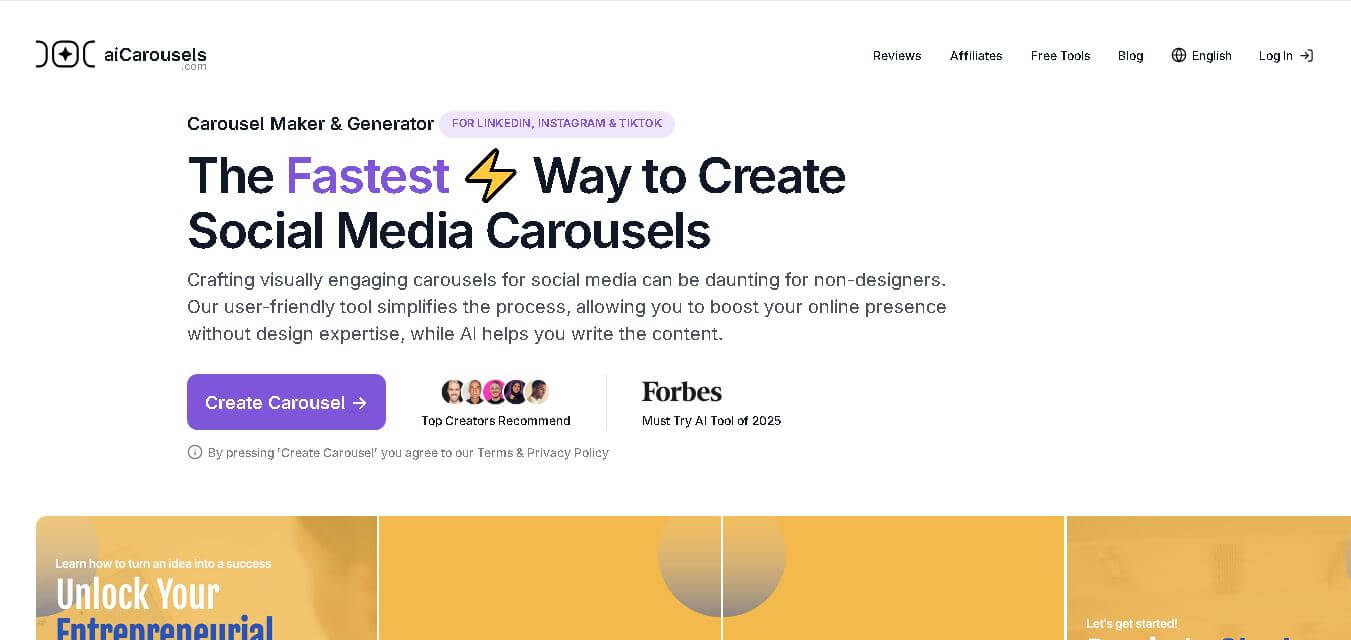
AI Carousels is an AI-powered social media carousel generator that helps users create engaging LinkedIn, Instagram, and TikTok carousel posts using AI writing, customizable templates, and professional designs.
 4.5
4.5GetFloorPlan
Real-Estate
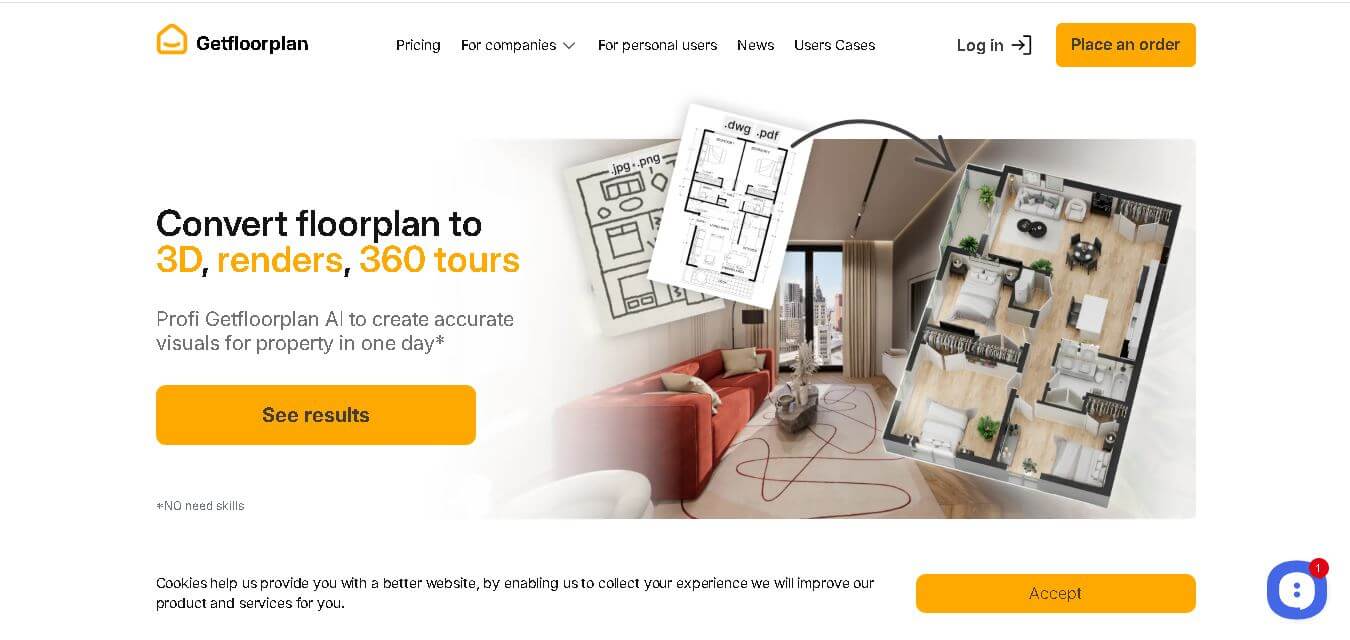
Getfloorplan is an AI-powered floor plan visualization platform that transforms 2D layouts into realistic 3D floor plans, virtual tours, and photorealistic renders for real estate and architecture professionals.
 4.6
4.6Motiff
Design
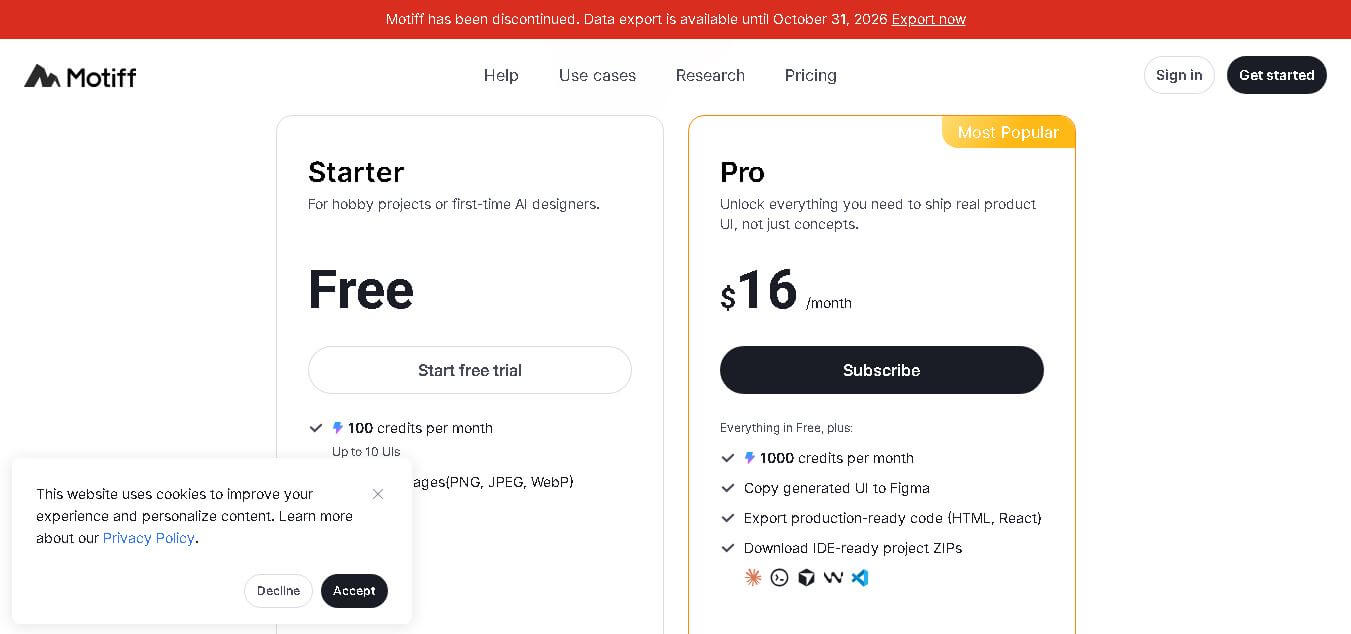
Motiff AI is an AI-powered UI design tool that helps designers, developers, and product teams create user interfaces from prompts, images, wireframes, and requirements with faster prototyping workflows.
 4.6
4.6TattoosAI
Fun
TattoosAI is an AI-powered tattoo design generator that creates customized tattoo concepts from user ideas. It helps users explore creative tattoo styles, visualize designs, and find inspiration before getting inked.
 4.3
4.3Charisma
Design
Charisma.ai is an AI-powered conversational storytelling platform that creates interactive virtual characters with emotions, memory, and dialogue abilities for gaming, training, education, and immersive digital experiences.