
Microsoft Copilot
Microsoft Copilot is an AI-powered productivity assistant that helps users create content, analyze data, automate tasks, and collaborate efficiently across Microsoft 365 applications.

Useful details for evaluating Microsoft Copilot
Primary Category
Productivity
Pricing Model
Freemium
Related Topics
AI Chatbot Tools
Last Updated
Feb 25, 2026
What is Microsoft Copilot AI?
- Founder: Developed by Microsoft
- Launch: Officially announced in 2023 as part of Microsoft 365 AI integration
-
Core Use Cases:
-
Content creation and document drafting
-
Data analysis and visualization
-
Email summarization and response drafting
-
Meeting summaries in Teams
-
Presentation generation
-
-
Technology:
-
Large Language Models (LLMs)
-
Integration with Microsoft Graph
-
Cloud-based AI infrastructure via Azure
-
Enterprise-grade security and compliance framework
-
Microsoft Copilot is an AI-powered productivity platform that functions as an AI system, which boosts workplace efficiency through its application of advanced AI technology to standard office software. The software functions as a built-in tool for Microsoft 365 applications, which enables users to create documents, conduct spreadsheet analysis, create meeting summaries, and develop new ideas. Copilot uses large language models together with Microsoft Graph data to deliver context-based assistance. The smart assistant Copilot provides users with functions that integrate directly into their Word, PowerPoint, and Outlook applications for writing, presentations, and email management tasks. The software enables professionals to work more efficiently by decreasing their need to perform repetitive tasks while they concentrate on vital strategic activities that benefit their work in various departments and organizations.
Key Features
Microsoft Copilot AI's key features are
-
AI-Powered Writing Assistance
Generates high-quality drafts in Word, refines tone, rewrites content, and summarizes long documents within seconds. -
Excel Data Insights
Analyzes complex datasets, creates formulas, generates charts, and provides predictive insights using natural language prompts. -
PowerPoint Presentation Creation
Converts written prompts or documents into structured slide decks with design suggestions and speaker notes. -
Outlook Email Management
Summarizes long email threads, drafts professional replies, and prioritizes important conversations. -
Teams Meeting Intelligence
Automatically summarizes meetings, highlights key decisions, and tracks action items for better collaboration. -
Context-Aware Responses
Uses organizational data securely to provide personalized and relevant outputs. -
Enterprise Security & Compliance
Ensures data protection aligned with Microsoft’s enterprise security standards.
Pricing
- Free limited version (web access)
- Microsoft 365 Personal plan add-on
- Microsoft 365 Business subscription
- Enterprise licensing options
Disclaimer: For the latest and most accurate pricing information, please visit the official Microsoft Copilot AI website.
Who is using it?
A diverse range of users and organizations utilize Microsoft Copilot AI
- Corporate enterprises
- Small and medium-sized businesses
- Marketing teams
- Financial analysts
- Content creators
- IT professionals
- Educational institutions
Alternatives
Some Microsoft Copilot AI alternatives are
- ChatGPT
- Google Gemini
- Notion AI
- Jasper
- GrammarlyGO
Conclusion
Microsoft Copilot functions as an advanced AI productivity tool that offers users complete integration throughout Microsoft 365. The system enables professionals to achieve better results because it combines artificial intelligence capabilities with their business data. The Copilot system uses AI technology to convert regular document creation and data evaluation tasks into more efficient automated processes. The solution provides Microsoft customers with an optimal upgrade path, which enhances their daily work productivity.
People are also reading
FAQ
What is Microsoft Copilot used for?
Microsoft Copilot is used for writing assistance, data analysis, meeting summaries, email drafting, and presentation creation within Microsoft 365 apps.
Is Microsoft Copilot free?
A limited web version may be available, but full functionality requires a Microsoft 365 subscription.
Is Microsoft Copilot secure for businesses?
Yes, it follows Microsoft’s enterprise-grade security and compliance standards.
Which apps support Microsoft Copilot?
It integrates with Word, Excel, PowerPoint, Outlook, and Teams within Microsoft 365.
Who should use Microsoft Copilot?
Professionals, businesses, educators, analysts, and teams looking to improve productivity and automate repetitive tasks can benefit from using it.
User Reviews
No reviews yet for Microsoft Copilot.
Featured Tools
Featured AI tools from TechShark

Fashion Diffusion AI
Fashion Diffusion is an AI-powered fashion design platform that helps brands and designers create clothing designs, virtual try-ons, AI models, product photos, and marketing visuals faster and cost-effectively.
Paid
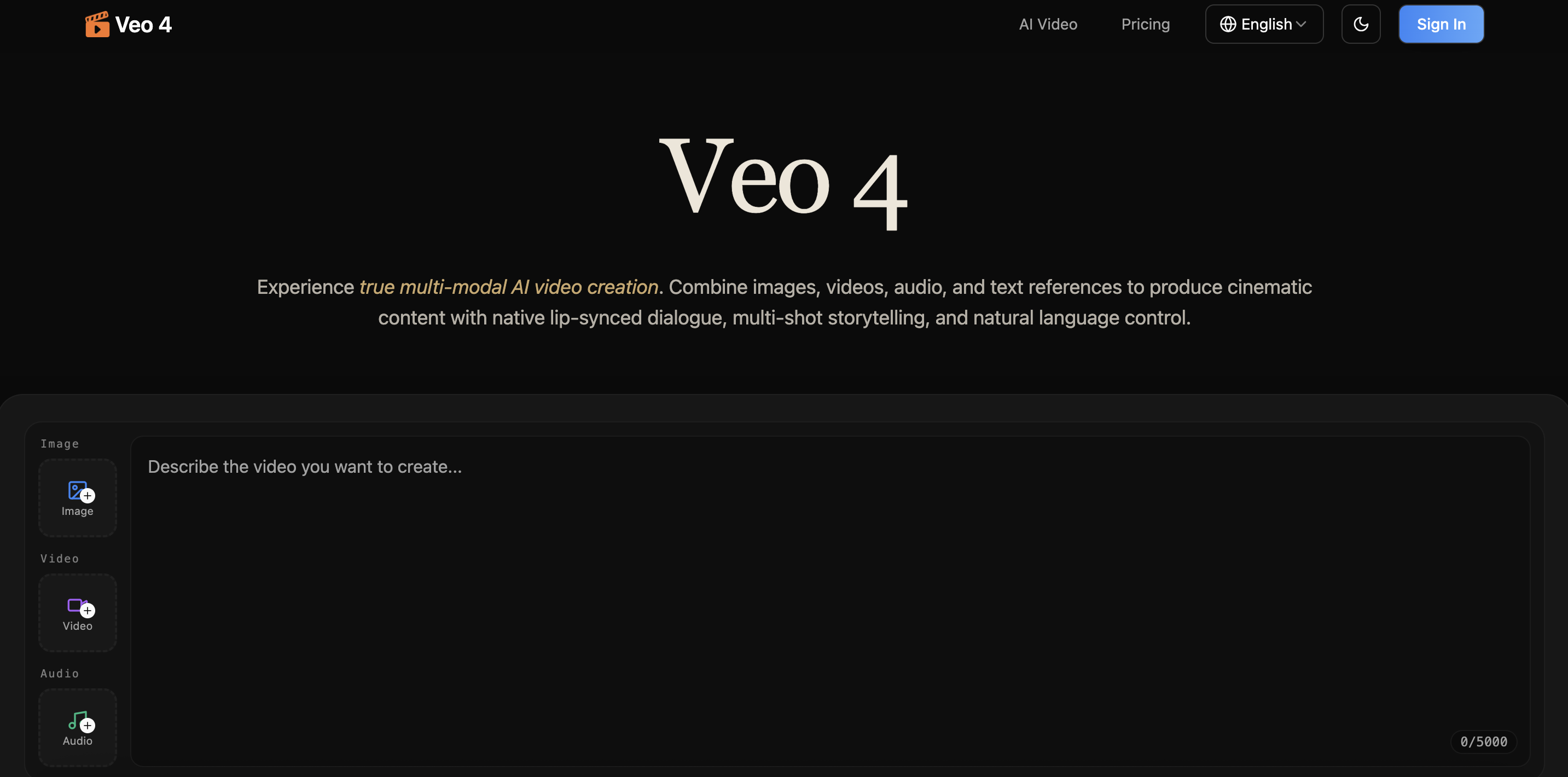
Veo 4
Veo 4 AI is an AI video creation platform that generates dramatic videos from text, images, audio, and video prompts using realistic motion and synchronized sound.
Paid
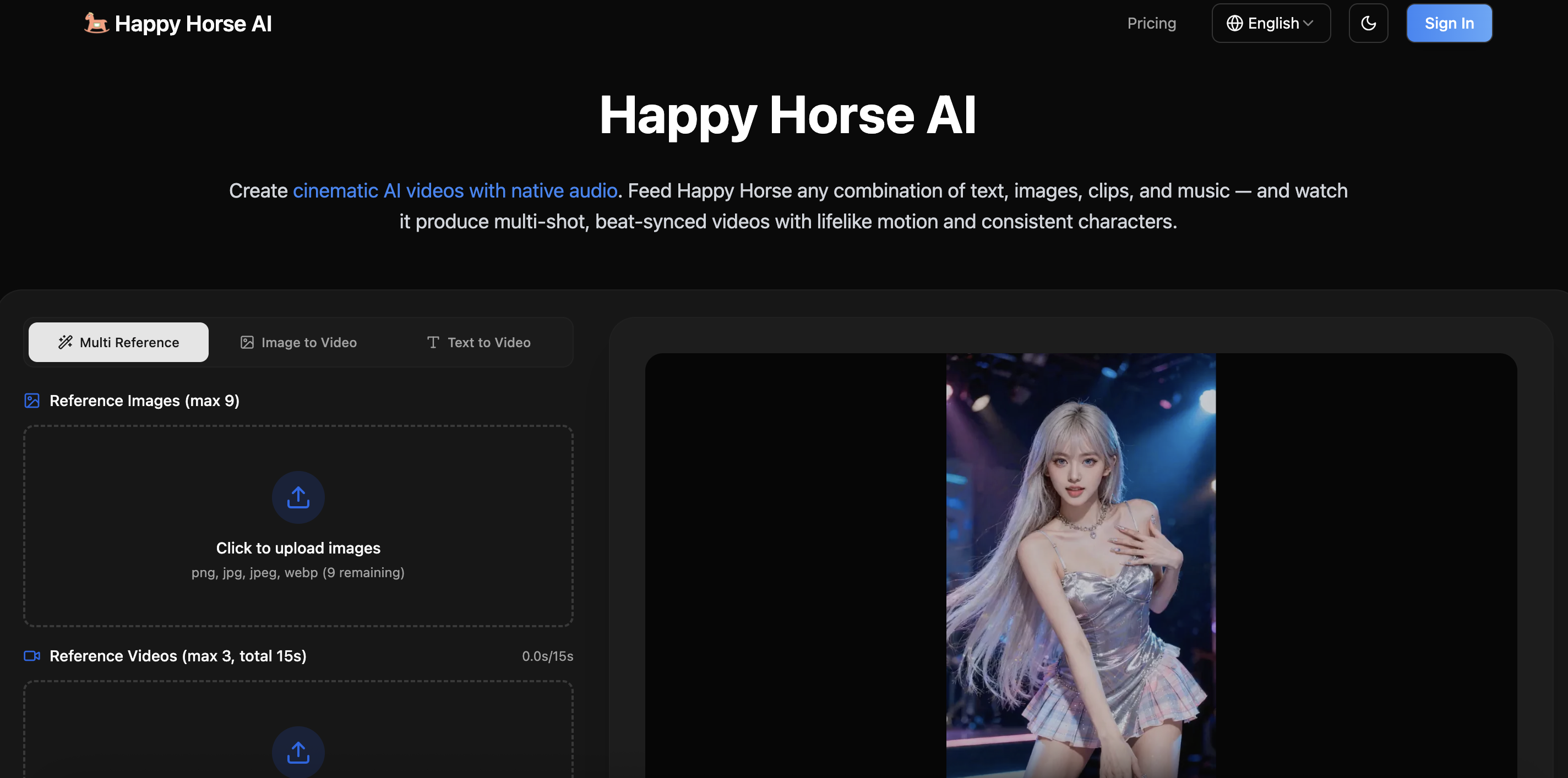
Happy Horse
HappyHorse AI is an AI-powered video generator that creates cinematic videos with synchronized audio from text, images, and prompts instantly.
Paid
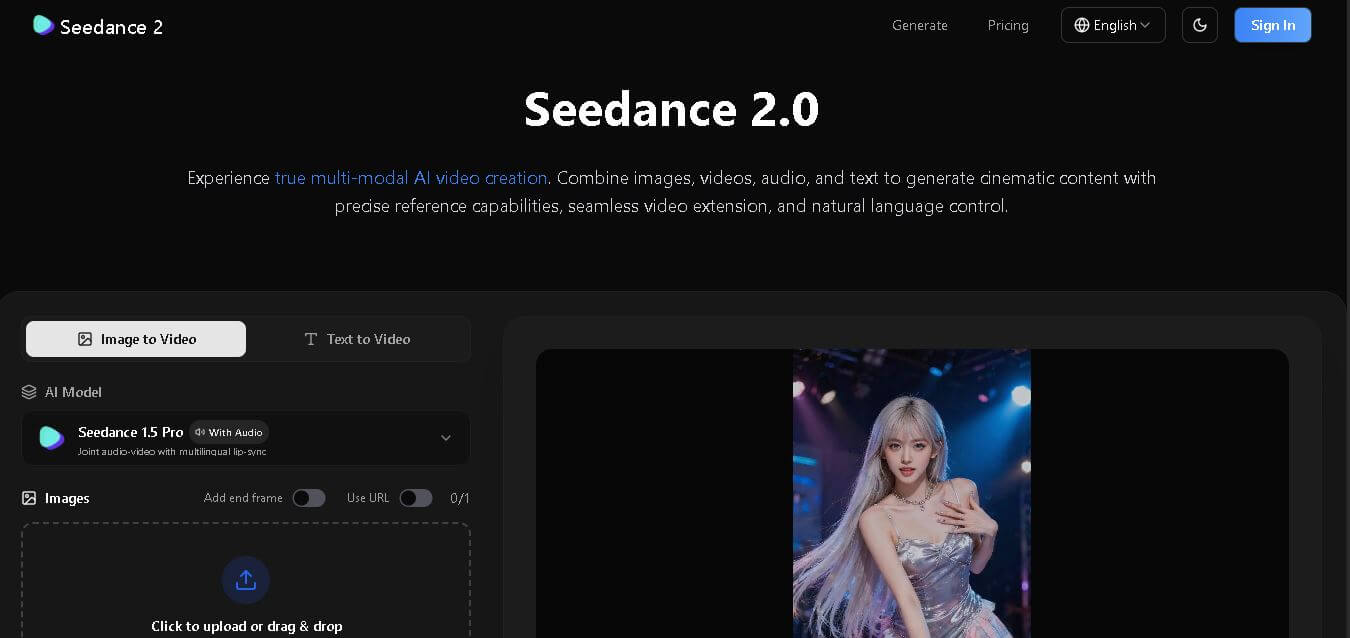
Seedance 2
Seedance 2.0 is an AI-powered video generation platform that transforms text, images, audio, and video into cinematic, multi-shot content with advanced motion control, reference-based consistency, and synchronized sound production.
Freemium
Alternatives
Alternatives to Microsoft Copilot
Microsoft Copilot is an intelligent AI assistant integrated into Microsoft 365 apps like Word, Excel, and Teams, enabling businesses and individuals to streamline workflows, generate insights, improve writing, and boost overall productivity with secure AI technology.
 4.1
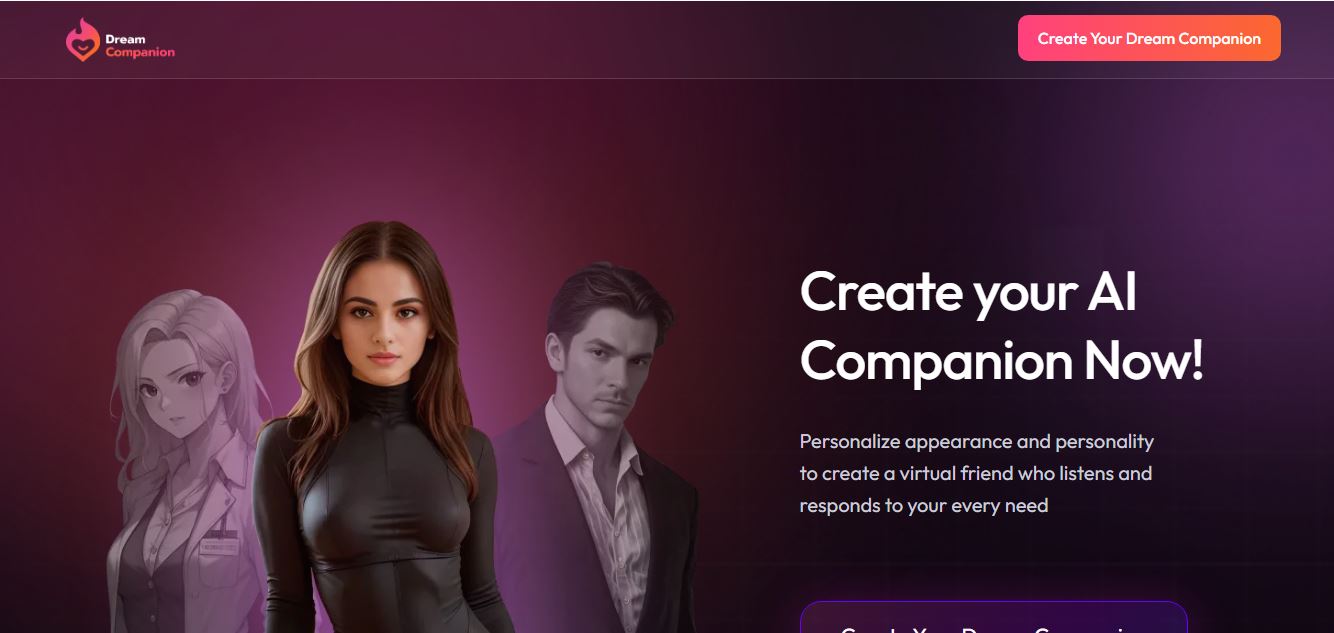
4.1Dream Companion
AI Chatbot Tools
My Dream Companion is an AI companion platform for adults offering customizable characters, conversational roleplay, image generation, and personalized digital interactions.
 4.6
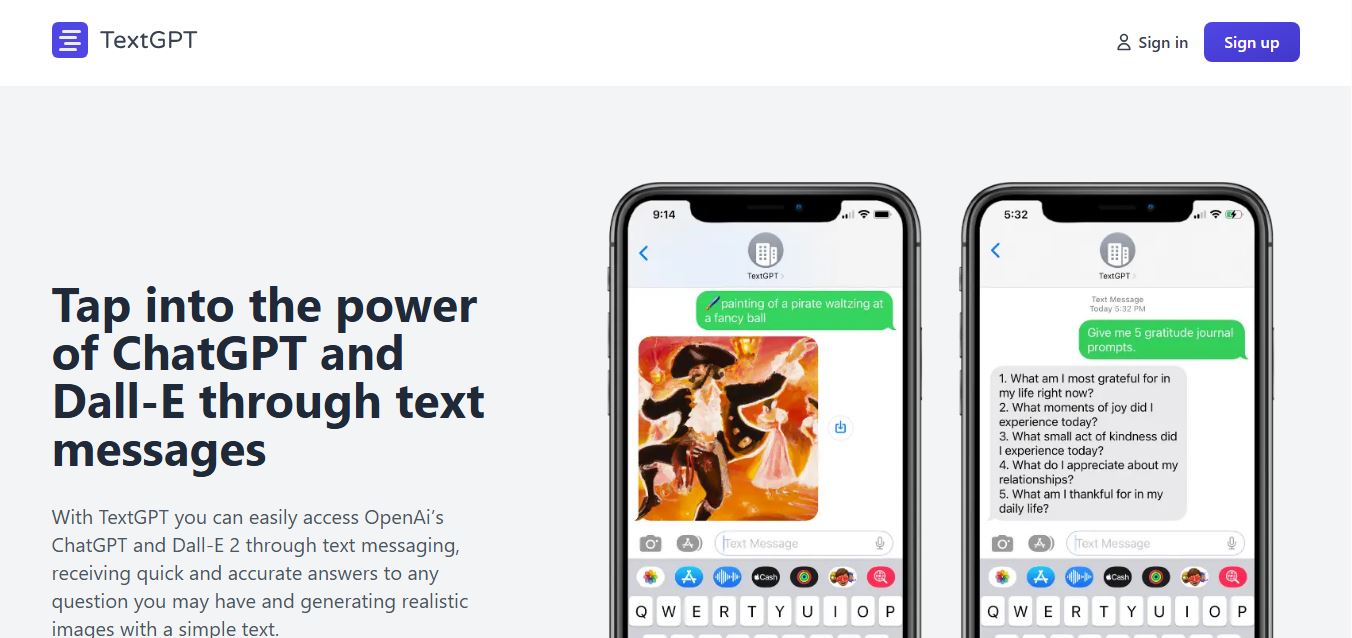
4.6TextGPT
AI Chatbot Tools
TextGPT lets users access ChatGPT through SMS, making AI assistance available without downloading an app or opening a browser.
 4.7
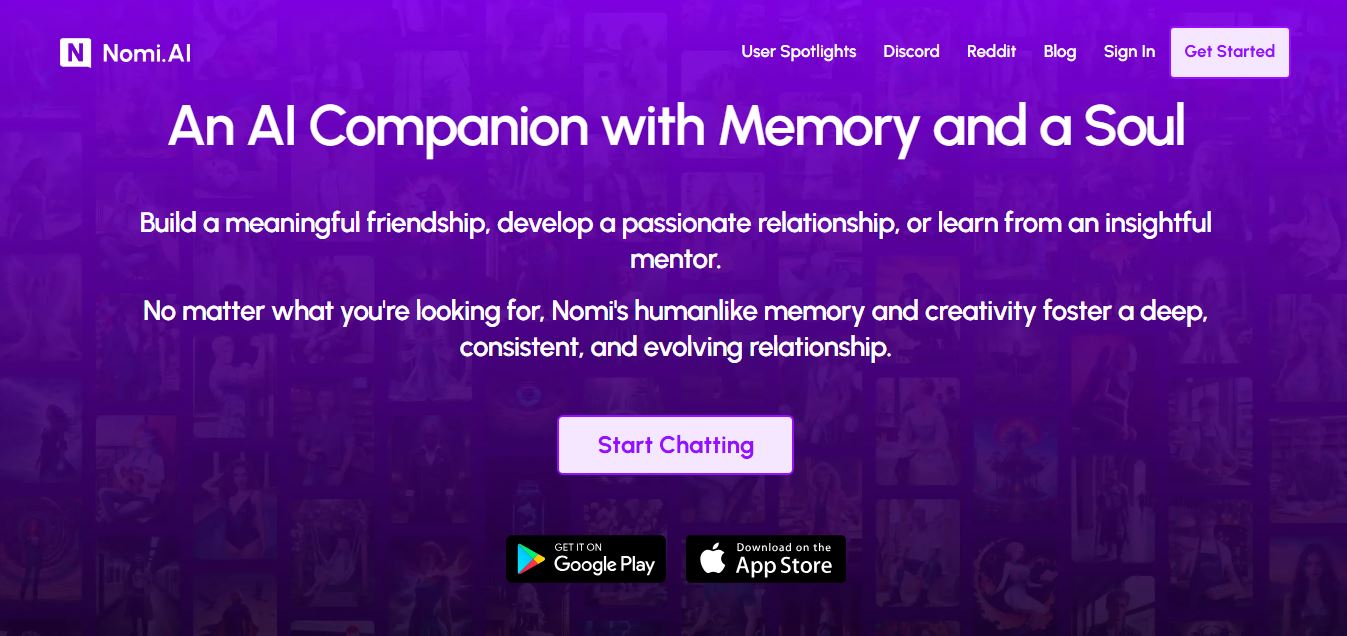
4.7Nomi AI
Writing
Nomi AI is an AI-powered companion platform that creates personalized conversations, emotional support, and engaging virtual relationships for everyday users.
 4.6
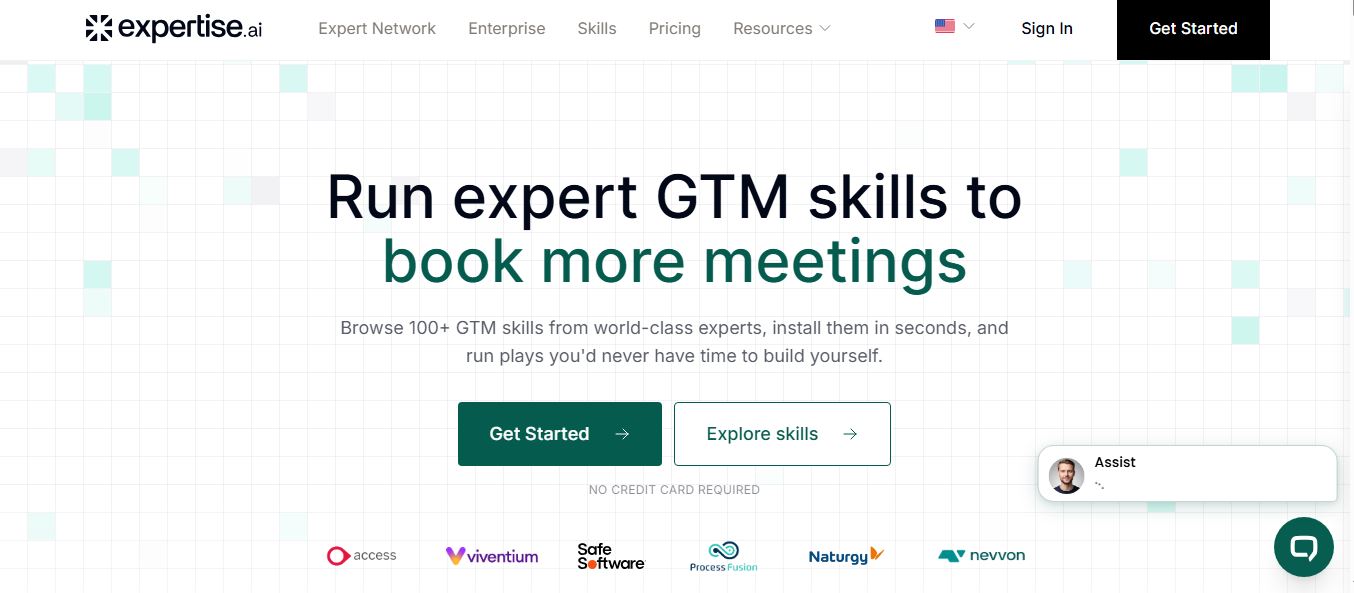
4.6Expertise AI
AI Chatbot Tools
Expertise AI is an AI-powered website chatbot platform that helps businesses automate conversations, answer questions, qualify leads, and generate sales.
 4.6
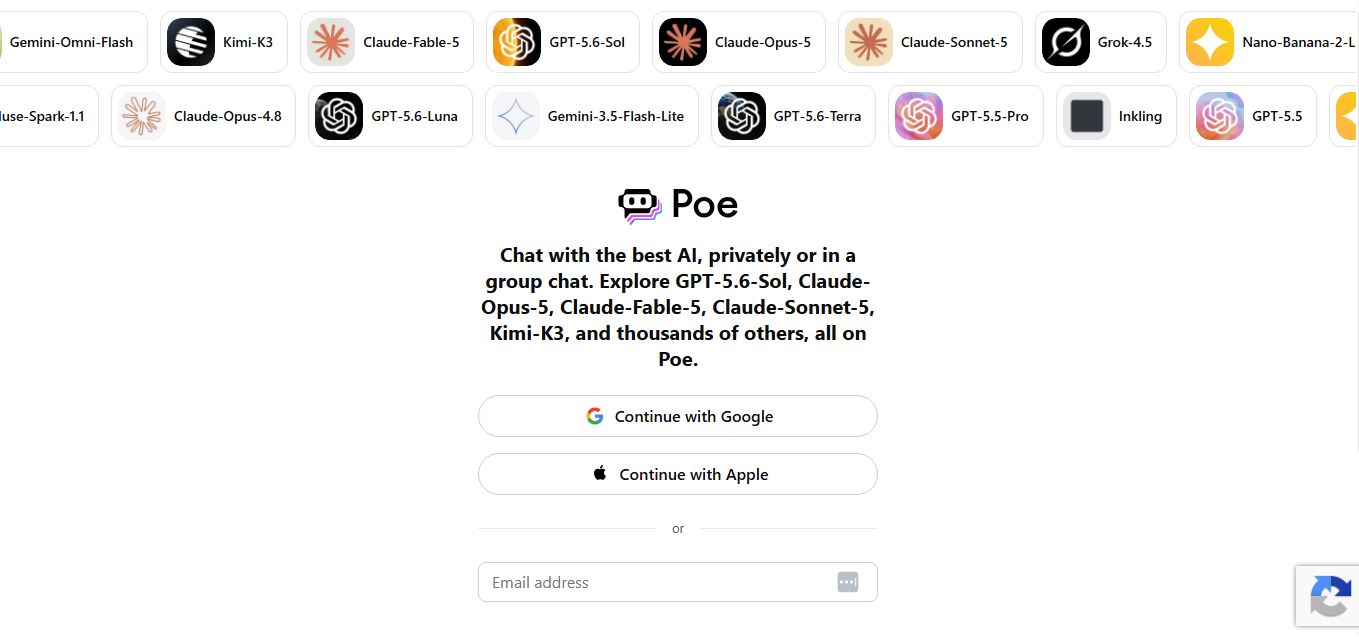
4.6Poe
AI Chatbot Tools
Poe is an AI platform by Quora that lets users access multiple leading AI models, create custom bots, compare responses, and generate text, images, and code from one interface.
 4.4
4.4GPTChat for Slack
AI Chatbot Tools
GPTChat AI is an AI-powered chatbot platform that helps users generate content, answer questions, brainstorm ideas, and improve productivity through fast, conversational artificial intelligence.
 4.5
4.5Horizon AI Template
Website Builders
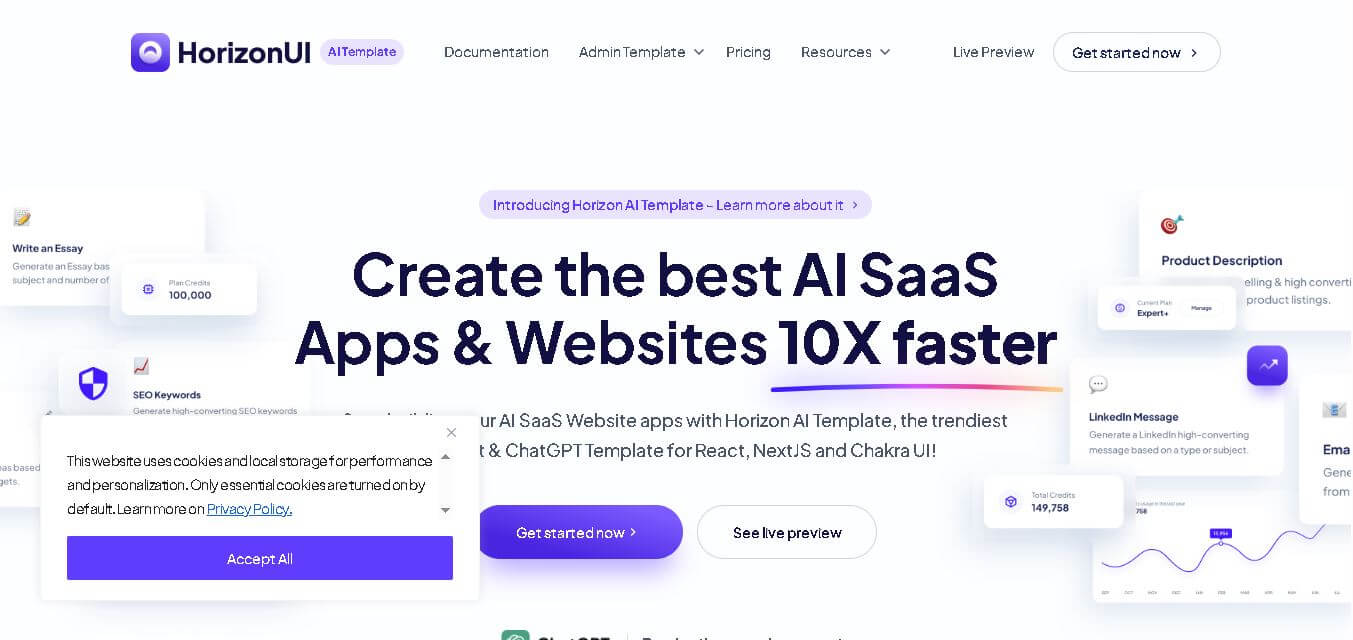
Horizon AI Template is an AI-powered React and Next.js starter template that helps developers build AI SaaS applications, chatbots, and productivity tools faster with modern UI components.
 4.6
4.6Scale
Research
Scale AI is an AI-powered platform that helps businesses build reliable AI models through high-quality data annotation, model evaluation, reinforcement learning, and enterprise AI solutions.
 4.5
4.5AI/ML API
AI Chatbot Tools
AIMLAPI is an AI-powered API platform that provides developers with access to over 600 AI models for text, images, video, audio, coding, and automation through a unified API.