
Microsoft Translator
Microsoft Translator is an AI-powered language translation platform that enables fast, accurate multilingual communication for businesses, developers, students, travelers, and global teams worldwide.
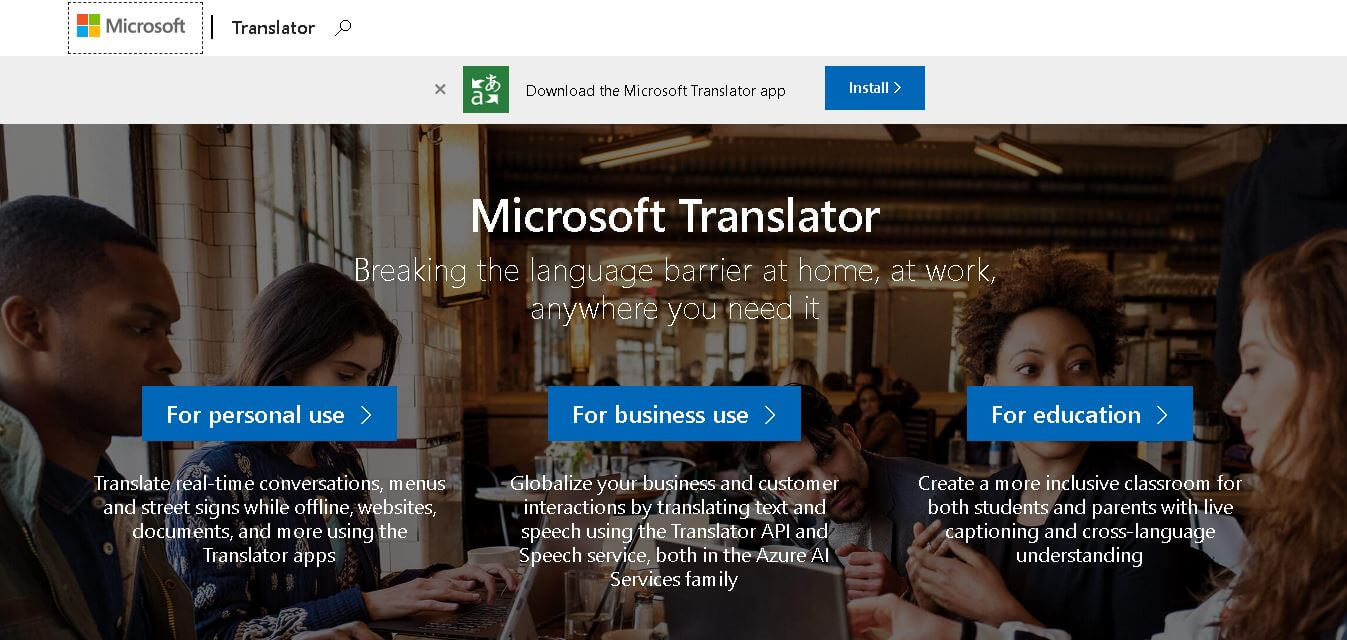
Useful details for evaluating Microsoft Translator
Primary Category
Translator
Pricing Model
Freemium
Related Topics
Education, Travel
Last Updated
May 28, 2026
What is Microsoft Translator AI?
Microsoft Translator is an AI-powered Translator platform that helps people translate text, voice, images, chats, and documents across a bunch of languages—mostly with high accuracy. Microsoft built the platform, which relies on neural machine translation and cloud-based AI methods to facilitate real-time multilingual communication. The whole thing slots in pretty smoothly with Microsoft apps such as Teams, Office, Edge, and Azure services, so you do not really feel the switch. In practice, business developers, students, travelers, and large enterprises use it to cut through language barriers, support broader global teamwork, and make sure customer experiences are localized in a natural way. Plus, the scalable APIs and enterprise-level security are why it becomes a go-to translation option for many regions.
Microsoft Translator supports more than 100 languages and dialects across text and speech translation services. The platform powers translation features inside Microsoft Teams, Office, Bing, and Azure AI services. Millions of users worldwide rely on Microsoft Translator for real-time multilingual communication and document localization. The tool uses neural machine translation models trained on large-scale multilingual datasets to improve contextual accuracy. Microsoft’s cloud infrastructure enables enterprise scalability, secure data handling, and fast translation performance for businesses, developers, educational institutions, and international organizations globally.

Founders
- Developed by Microsoft
- Founded by Bill Gates and Paul Allen
Launch Date: Launched in 2007
Use Cases
- Website localization
- Real-time conversation translation
- Business communication
- Customer support translation
- Educational learning
- Travel communication
- App translation integration
- Document translation
Technology
- Neural Machine Translation (NMT)
- Artificial Intelligence
- Speech Recognition
- Cloud Computing
- Azure AI Services
- Natural Language Processing (NLP)
Key Features
Microsoft Translator AI's key features are
- Real-Time Text Translation: Instantly translates text into multiple languages with contextual AI understanding and improved sentence accuracy.
- Voice & Speech Translation: Converts spoken language into translated speech for multilingual meetings and conversations.
- Image Translation: Users can translate text from images, screenshots, and signs using OCR technology.
- Conversation Translation: Enables multilingual group conversations in real time across devices and applications.
- Microsoft Ecosystem Integration: Works with Microsoft Teams, Word, Edge, PowerPoint, Outlook, and Azure services.
- Translator API: Developers can integrate translation capabilities into websites, apps, and enterprise systems.
- Offline Translation: Mobile apps provide offline language translation support for travelers and remote users.
- Enterprise Security: Offers secure cloud infrastructure and compliance standards for business and enterprise users.
Pricing
- Free basic access
- Pay-as-you-go API
- Azure subscription plans
- Enterprise custom pricing
Disclaimer: For the latest and most accurate pricing information, please visit the official Microsoft Translator website.
Who is using Microsoft Translator?
A diverse range of users and organizations utilize Microsoft Translator AI.
- Global enterprises
- Developers & startups
- Educational institutions
- Customer support teams
- Travelers & tourists
- Multinational companies
- Content creators
- Healthcare organizations
Alternatives
Some Microsoft Translator alternatives are
- Google Translate
- DeepL Translator
- Amazon Translate
- IBM Watson Language Translator
- SYSTRAN Translate
Pros & Cons
Pros
- Supports 100+ languages
- Strong Microsoft integration
- Enterprise-grade security
- AI-powered contextual translation
- Real-time speech translation
- Developer-friendly APIs
Cons
- Premium APIs can be costly
- Translation accuracy varies by language
- Requires internet for full functionality
- Limited customization for casual users
Microsoft Translator vs Alternatives
| Feature | Microsoft Translator | Google Translate | DeepL |
|---|---|---|---|
| AI Translation | Yes | Yes | Yes |
| Speech Translation | Yes | Yes | Limited |
| Microsoft Integration | Excellent | Limited | Limited |
| API Access | Yes | Yes | Yes |
| Enterprise Features | Strong | Moderate | Moderate |
| Offline Support | Yes | Yes | Limited |
| Languages Supported | 100+ | 130+ | 30+ |
How We Rated Microsoft Translator
- Creative Accuracy: 9/10
- User Experience: 9/10
- Tools & Capabilities: 9.5/10
- Speed & Efficiency: 9/10
- Creative Freedom: 8/10
- Trust & Transparency: 9/10
- Help & Community: 8.5/10
- Value for Money: 8.5/10
- Ecosystem Fit: 10/10
- Overall Score: 9/10
Conclusion
Microsoft Translator is one of the leading AI-powered translation platforms for businesses, developers, and everyday users. Its advanced neural machine translation technology, real-time speech translation, and seamless integration with Microsoft products make it highly effective for multilingual communication. The platform is ideal for enterprises seeking scalable translation solutions and for individuals needing reliable language support. With strong AI capabilities, enterprise-grade security, and cloud-based performance, Microsoft Translator remains a trusted choice in the global translation software market.
People are also reading
FAQ
What is Microsoft Translator?
Microsoft Translator is an AI-powered language translation service developed by Microsoft for translating text, speech, images, and conversations.
Is Microsoft Translator free?
Yes, Microsoft Translator offers free translation tools, while advanced API and enterprise features require paid Azure plans.
How many languages does Microsoft Translator support?
Microsoft Translator supports more than 100 languages and dialects.
Can Microsoft Translator translate speech?
Yes, it provides real-time voice and speech translation for conversations and meetings.
Does Microsoft Translator work offline?
Yes, the mobile application supports offline translation for selected languages.
User Reviews
No reviews yet for Microsoft Translator.
Featured Tools
Featured AI tools from TechShark

Fashion Diffusion AI
Fashion Diffusion is an AI-powered fashion design platform that helps brands and designers create clothing designs, virtual try-ons, AI models, product photos, and marketing visuals faster and cost-effectively.
Paid
Veo 4
Veo 4 AI is an AI video creation platform that generates dramatic videos from text, images, audio, and video prompts using realistic motion and synchronized sound.
Paid
Happy Horse
HappyHorse AI is an AI-powered video generator that creates cinematic videos with synchronized audio from text, images, and prompts instantly.
Paid
Seedance 2
Seedance 2.0 is an AI-powered video generation platform that transforms text, images, audio, and video into cinematic, multi-shot content with advanced motion control, reference-based consistency, and synchronized sound production.
Freemium
Alternatives
Alternatives to Microsoft Translator
Microsoft Translator AI alternatives include Verisl, Cytora, Shift Technology, Socotra, Earnix, and Guidewire. Microsoft Translator helps users translate text, speech, images, conversations, and documents across multiple languages using advanced AI and neural machine translation technology integrated with Microsoft products and cloud services globally.
 4.4
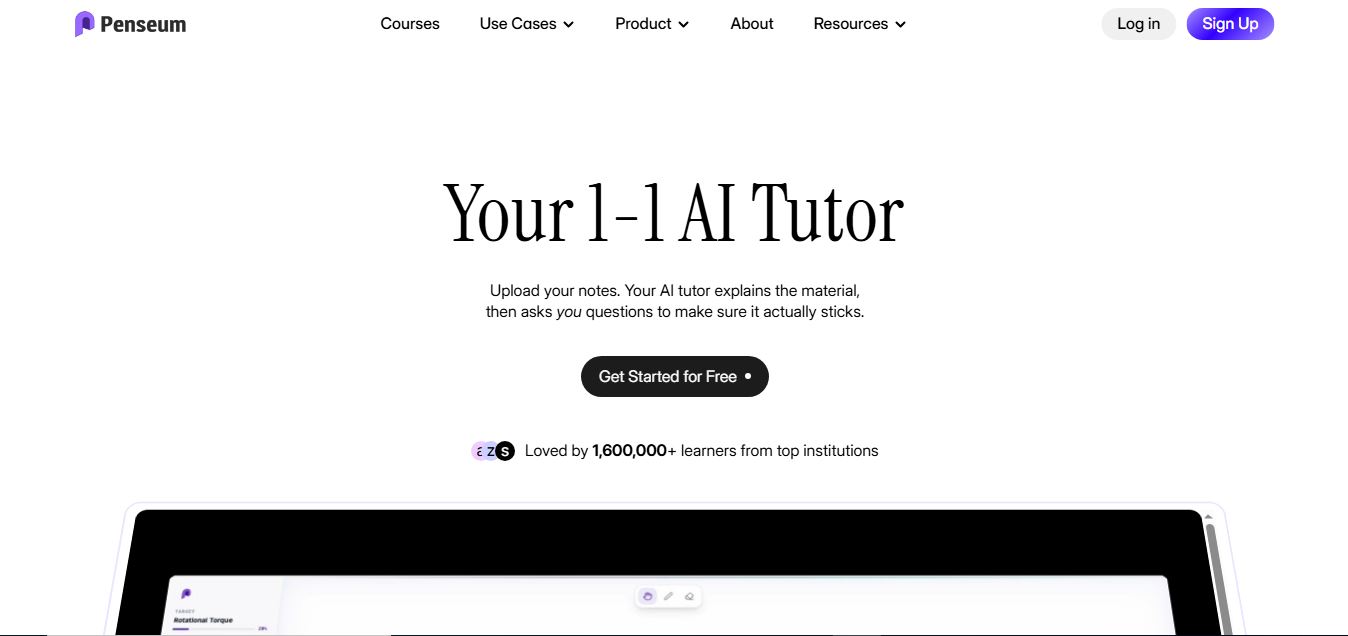
4.4Penseum
Education
Penseum Chat is an AI-powered study assistant that helps students understand course materials, solve problems, practice concepts, and prepare for exams faster.
 4.7
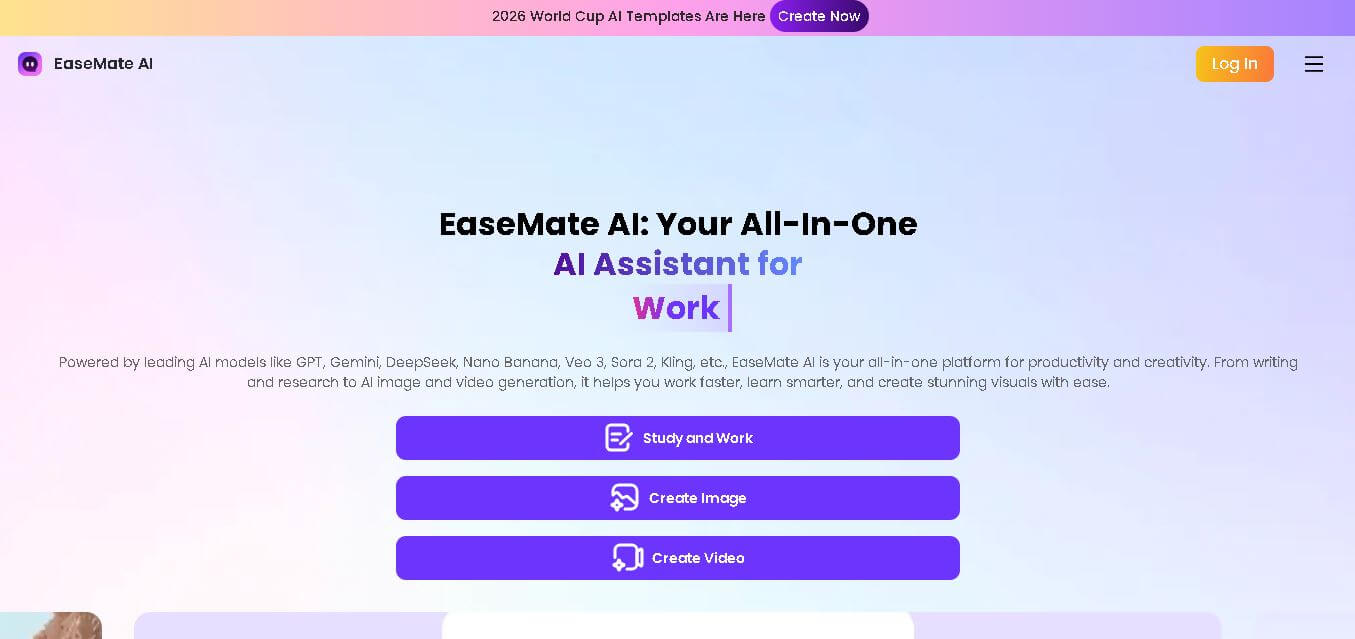
4.7EaseMate AI
Education
EaseMate AI is an AI-powered productivity platform that combines AI chat, writing, research, image generation, and video creation tools into one workspace, helping users learn, create, and work efficiently.
 4.4
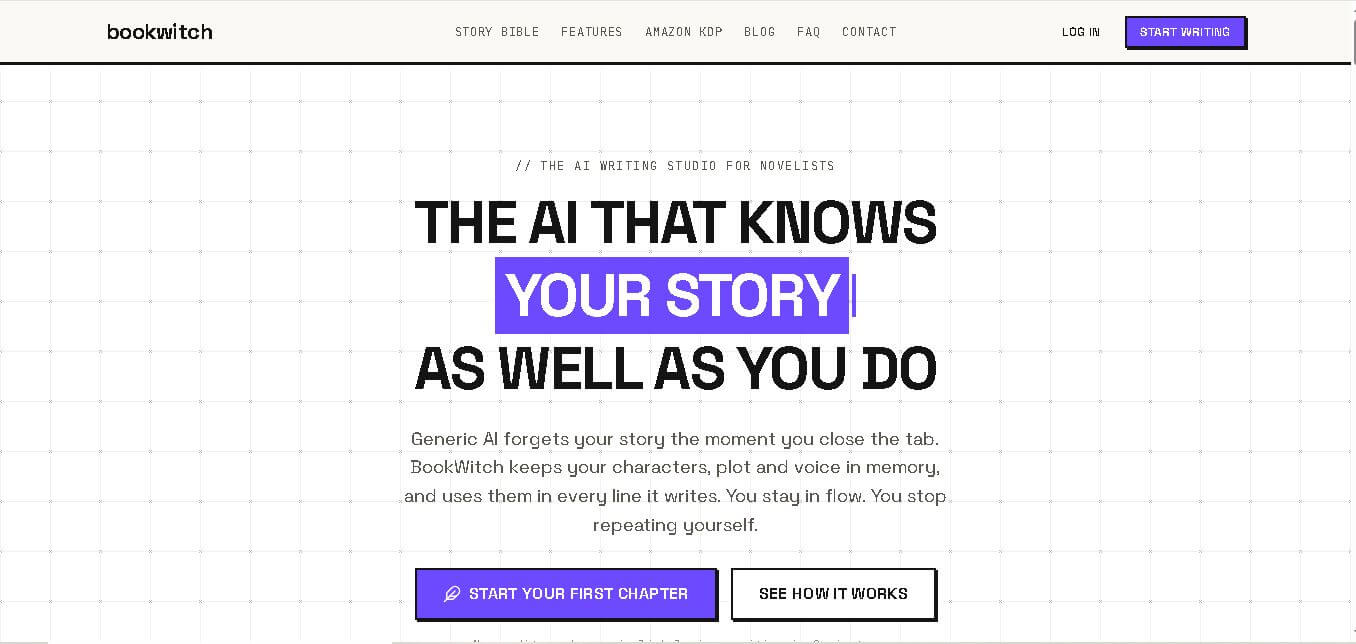
4.4Book Witch
Writing
BookWitch is an AI-powered novel writing platform that helps authors create, organize, edit, and publish books with story memory, intelligent writing assistance, and Amazon KDP-ready exports.
 4.6
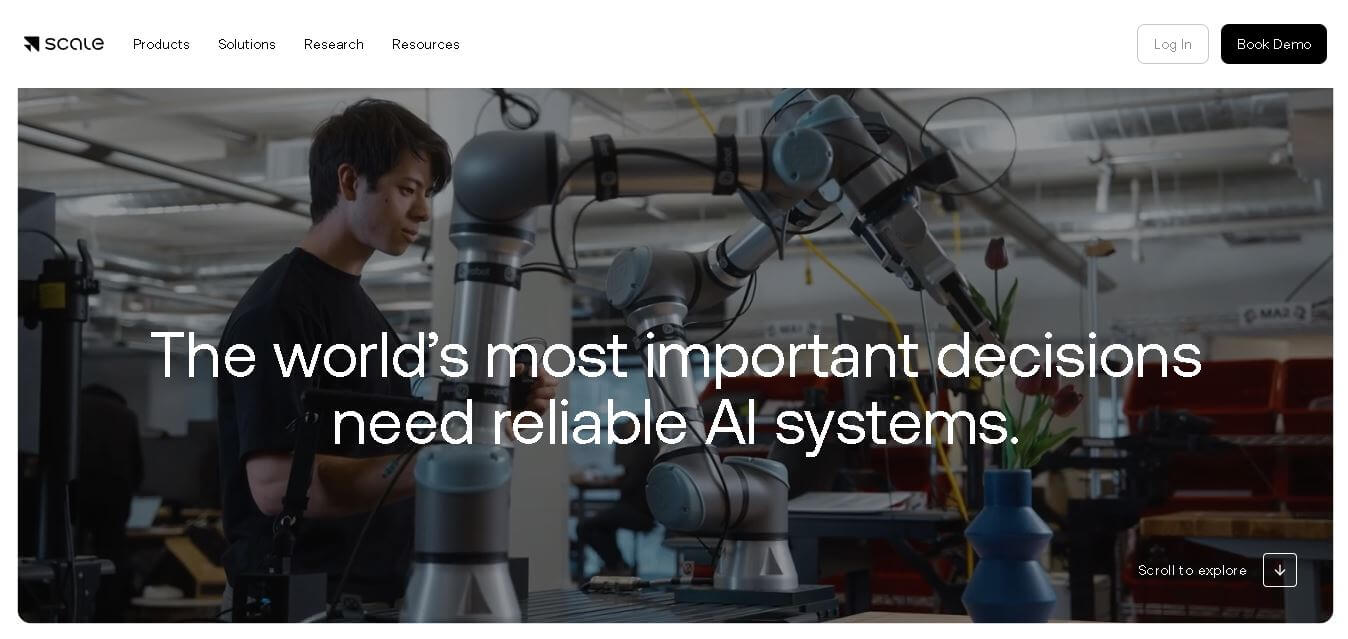
4.6Scale
Research
Scale AI is an AI-powered platform that helps businesses build reliable AI models through high-quality data annotation, model evaluation, reinforcement learning, and enterprise AI solutions.
 4.4
4.4Fast.ai
Education
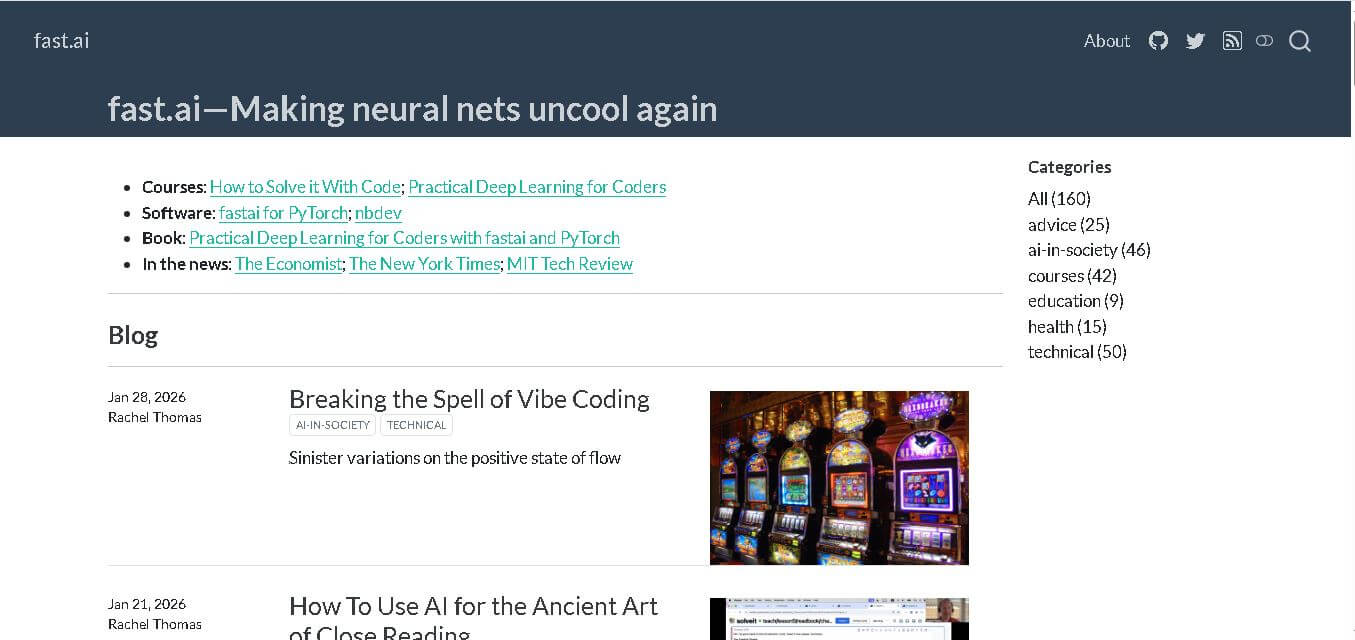
fast.ai is an AI-powered deep learning platform that offers free courses, open-source libraries, and practical resources to help learners build real-world artificial intelligence and machine learning applications.
 4.4
4.4Quizlet
Education
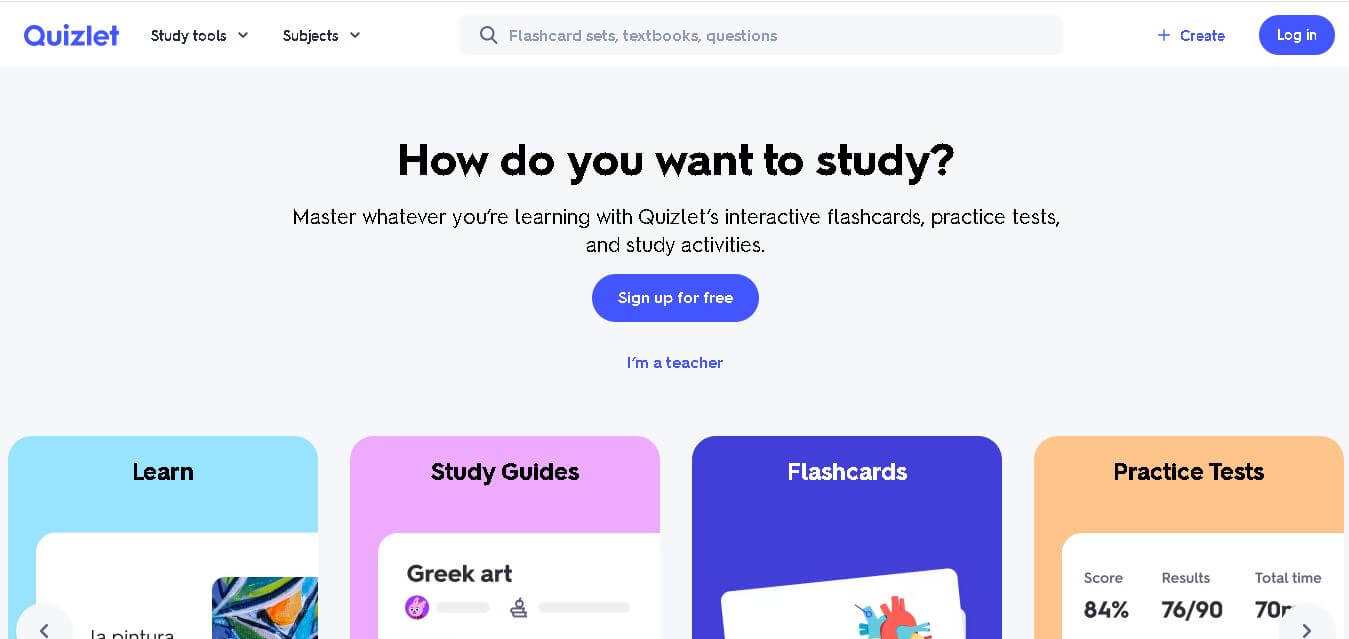
Quizlet is an AI-powered learning platform that helps students create flashcards, generate quizzes, practice tests, and personalized study guides for faster, smarter, and more effective learning.
 4.4
4.4Gnomi App
Education
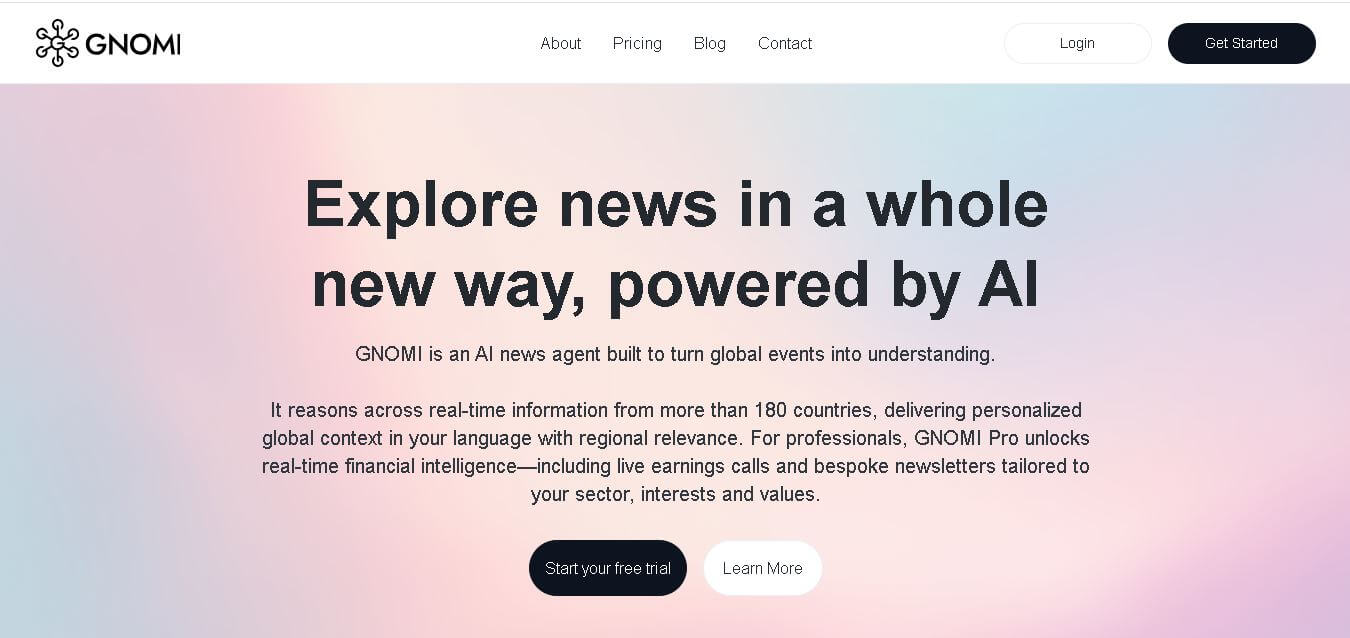
GNOMI is an AI-powered intelligence platform that analyzes global news, financial updates, and real-time events to provide personalized insights, summaries, and research support for smarter decision-making.
 4.5
4.5TLDR this
Summarizer
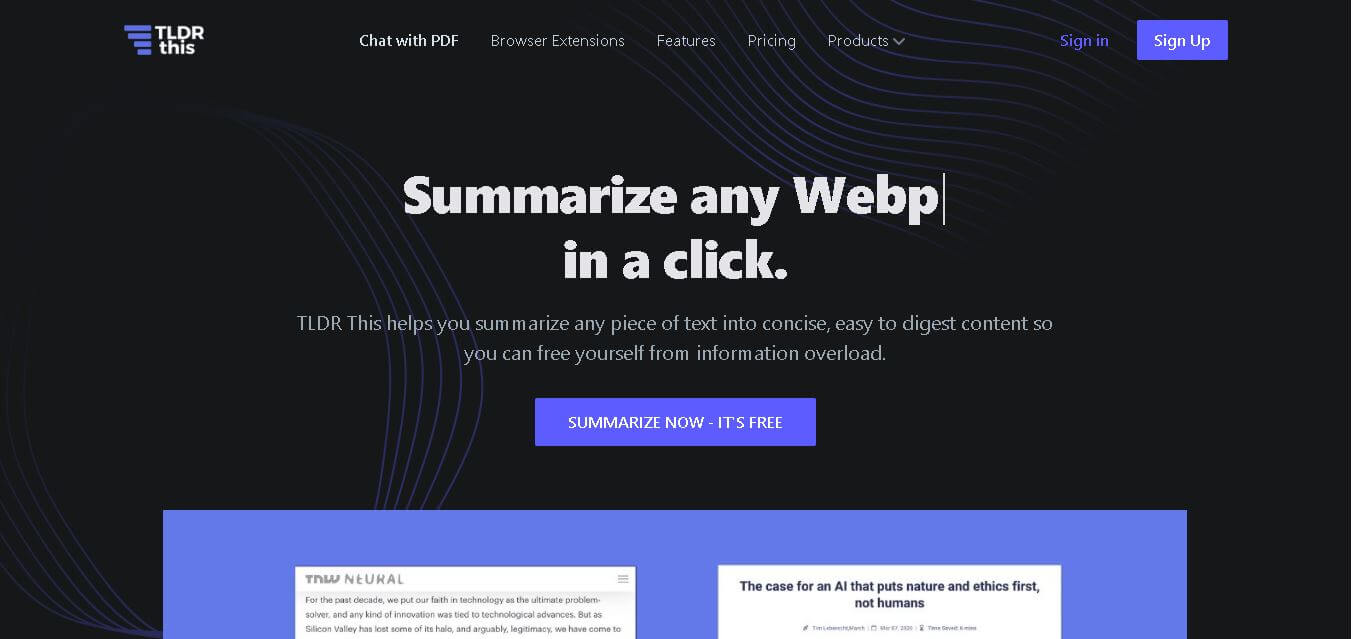
TLDR This is an AI-powered summarization tool that converts lengthy articles, webpages, and documents into short summaries, helping users quickly extract key information and save reading time.
 4.6
4.6Elicit
Research
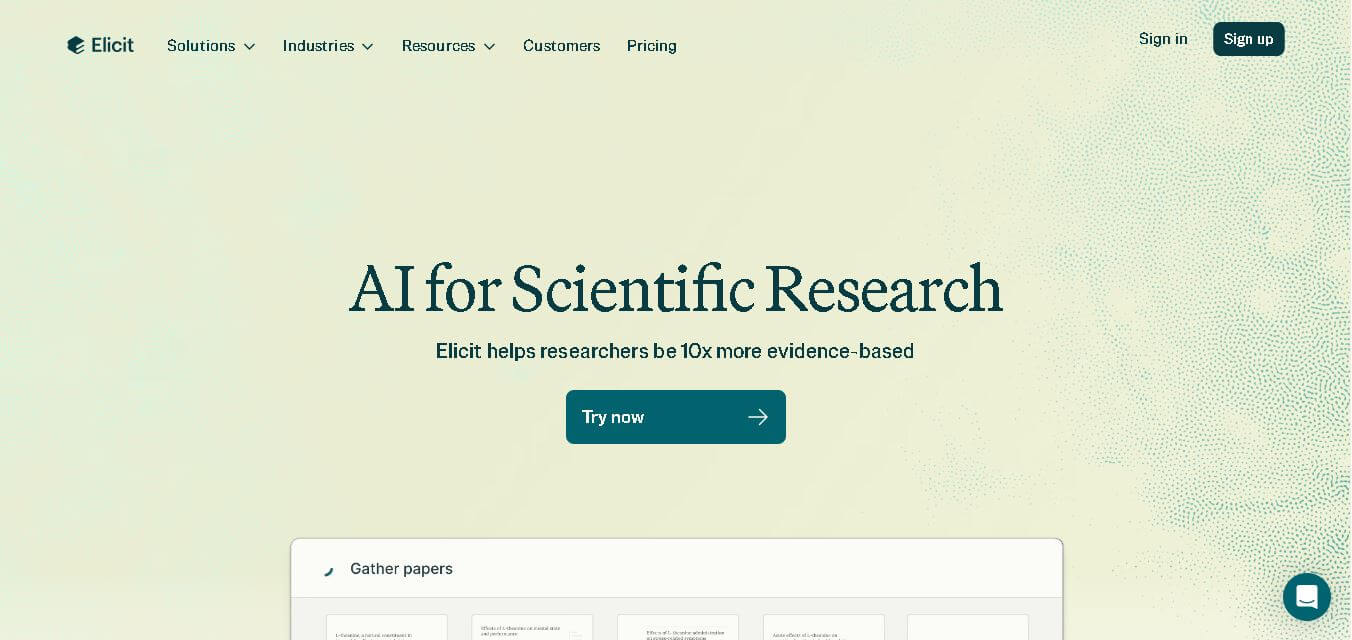
Elicit is an AI-powered research assistant that helps users find academic papers, summarize studies, automate literature reviews, extract evidence, and improve research workflows with artificial intelligence.