
Napkin AI
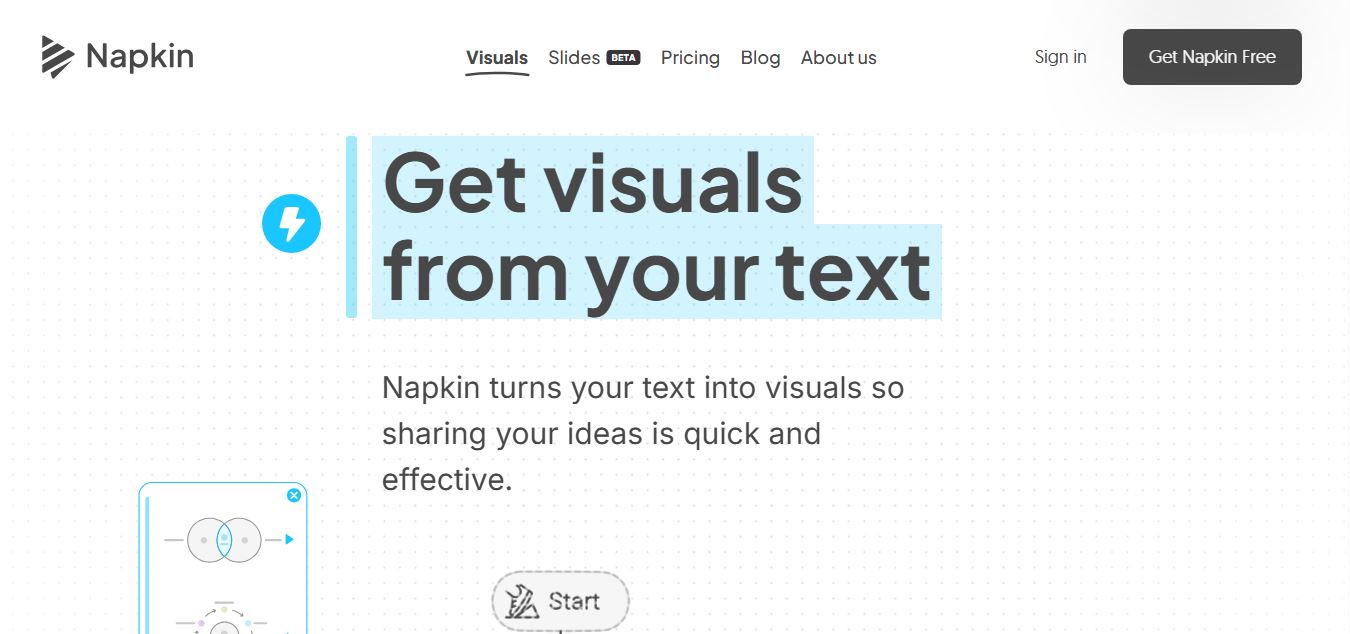
Napkin AI transforms written ideas into editable diagrams, charts, flowcharts, and visual stories, helping teams communicate complex information faster and more clearly.
Useful details for evaluating Napkin AI
Primary Category
Productivity
Pricing Model
Free
Related Topics
productivity
Last Updated
Aug 8, 2026
What is Napkin AI?
Napkin AI is a modern AI-powered visual creation tool designed to turn simple text into engaging diagrams, infographics, and presentations within seconds. Built for speed and ease of use, it helps users quickly communicate ideas without requiring design skills. With support for multiple languages, export formats, and visual styles, Napkin AI is ideal for professionals, marketers, educators, and creators. Its intuitive interface and rapid generation capabilities make it a powerful solution for simplifying visual storytelling and content creation workflows.
Napkin AI is an AI-powered visual generation tool that converts text into diagrams, infographics, and presentations in under 30 seconds, making it one of the fastest tools in this category. It has grown to 5M+ users globally, highlighting strong adoption among non-designers and businesses. The platform supports 60+ languages and offers 15+ built-in visual styles with up to 4 variations per request. Pricing starts at $0 (Free plan) with 500 AI credits/week, scaling to 30,000 credits/month in Pro plans. Users can export visuals in 4+ formats (PNG, SVG, PPT, PDF), making it highly versatile for content, presentations, and documentation workflows.
- Founder: Pramod Sharma and Jerome Scholler
- Launch: Napkin AI emerged from stealth in August 2024.
- Use Cases: Business presentations, marketing content, educational materials, process documentation, technical explanations, social media content, reports, diagrams, and visual storytelling.
- Technology: Napkin AI combines large language models with AI-powered visual generation to understand written content and create appropriate visual structures.
- Target Users: Marketers, content creators, consultants, educators, engineers, business professionals, product teams, and founders.
- Acquisition: Napkin AI has not been reported as acquired. The company raised 10 million dollars in funding from Accel and CRV.

Napkin AI at a Glance
| Attribute | Details |
|---|---|
| Product Name | Napkin AI |
| Category | AI Visual Generation Tool |
| Platform | Web (Desktop-first) |
| Core Function | Text → Visuals |
| Export Formats | PNG, SVG, PPT, PDF |
| Collaboration | Yes |
| Custom Branding | Yes |
| Best For | Presentations, blogs, docs |
Napkin AI Key Features
Napkin AI key features are
- Text-to-Visual Generation: Converts written content into relevant diagrams, charts, flowcharts, scenes, and other visuals without requiring users to create complex prompts.
- Custom Generation: Allows users to specify the visual type, orientation, depth, and relationship between the generated visual and original content.
- Editable Visuals: Generated visuals can be edited after creation, allowing users to change colors, icons, layouts, text, and individual elements.
- Flowcharts: Provides multiple flowchart styles and layouts that can be customized for different business and technical processes.
- Visual Effects: Allows users to transform visuals into different aesthetics and presentation styles.
- Elastic Designs: Automatically adjusts layouts when content changes, helping maintain consistency between text and visuals.
- Brand Customization: Users can customize colors, fonts, brand styles, and other visual elements.
- Multiple Export Formats: Supports exports such as PNG, SVG, PPT, and PDF depending on the subscription plan.
- Teamspace: Paid plans provide team management and collaboration capabilities.
- Multilingual Content: Napkin AI can work with content written in multiple languages, making it useful for international teams.
Napkin AI Pricing
- Free Plan: 0 dollars. Includes 500 AI credits per week, unlimited visual editing, unlimited file imports, PNG and PDF exports, standard icons, and built-in styles and fonts. Free visuals include Napkin branding.
- Plus Plan: 9 dollars per person per month. Includes 10,000 AI credits monthly, unlimited PPT and SVG exports, three brand styles, advanced icons, branding removal, and team management.
- Pro Plan: 22 dollars per person per month. Includes 30,000 AI credits monthly, exclusive designs, unlimited custom branding, font uploads, team management, and optional credit top-ups.
- Annual Billing: Users can save 25 percent when choosing annual billing.
- Enterprise: Custom pricing is available for organizations requiring enterprise-level features and support.
Is Napkin AI Worth Paying For?
If your work involves explaining ideas visually, Napkin AI can save significant time. It removes the need for manual diagram creation and makes visual communication accessible even to non-designers.
Disclaimer: For the latest and most accurate pricing information, please visit the official Napkin AI website.
Who is Using Napkin AI?
A diverse range of users and organizations utilize Napkin AI
- Marketing teams creating visual campaign content
- Content creators converting articles into visual content
- Consultants explaining strategies and business processes
- Educators creating diagrams and learning materials
- Engineers documenting technical concepts
- Product teams explaining product workflows
- Business professionals creating reports and presentations
- Founders and executives communicating complex ideas
- Sales teams creating visual explanations for customers
- Trainers developing professional learning materials
What Are the Best Napkin AI Alternatives?
Some Napkin AI alternatives are
- Canva: Best for general graphic design, presentations, social media graphics, and marketing materials.
- Miro: Best for collaborative brainstorming, workflows, diagrams, and team planning.
- Lucidchart: Best for structured flowcharts, process maps, organizational charts, and technical diagrams.
- Visme: Best for business presentations, infographics, reports, and branded content.
- Whimsical: Best for simple flowcharts, wireframes, mind maps, and diagrams.
Pros and Cons
Pros
- Converts text into visuals quickly
- Simple text-first workflow
- Does not require advanced design skills
- Generated visuals remain editable
- Strong diagram and flowchart capabilities
- Supports professional export formats
- Useful for business storytelling
- Free plan available
- Supports brand customization
- Custom generation provides additional control
Cons
- Advanced export features require a paid plan
- Free visuals contain Napkin branding
- AI credits limit generation volume
- Highly specific designs may require manual editing
- It is more specialized than general-purpose design platforms
- Some users may prefer traditional drag-and-drop design tools
Why Choose Napkin AI?
- Text-First Workflow: Users can start with existing written content instead of designing from a blank canvas.
- Fast Visual Creation: Napkin AI can transform ideas and paragraphs into visuals within a short time.
- Editable Results: Instead of accepting a fixed AI-generated image, users can modify the visuals that are generated.
- Business-Focused Design: The platform is specifically designed for communicating information, processes, and ideas.
- Easy Customization: Users can adjust colors, layouts, icons, fonts, and branding.
- Multiple Export Options: Users can export visuals for presentations, documents, reports, and other business materials.
- Beginner-Friendly: The simple workflow makes it accessible to people without professional graphic design experience.
- Free Entry Plan: Users can test the platform without paying for a subscription.
Napkin AI vs. Competitors
The main difference between Napkin AI, Canva, Miro, Lucidchart, and Visme is that Napkin focuses on transforming existing text into editable visuals, while the other platforms cover broader design, collaboration, diagramming, or presentation workflows. Napkin is particularly useful when written information is the starting point and the goal is to communicate that information visually without manually designing every element from scratch.
| Tool | Primary Strength | Best For | AI Visual Generation | Ease of Use |
|---|---|---|---|---|
| Napkin AI | Text-to-visual generation | Business storytelling | Strong | Very Easy |
| Canva | Graphic design | General visual content | Strong | Easy |
| Miro | Visual collaboration | Team brainstorming | Strong | Easy |
| Lucidchart | Diagramming | Technical diagrams and processes | Strong | Moderate |
| Visme | Business visuals | Presentations and infographics | Strong | Easy |
How Do We Rate Napkin AI?
| Rating Category | Score Out of 5 |
|---|---|
| Creative Accuracy | 4.5 |
| User Experience | 4.7 |
| Tools and Capabilities | 4.5 |
| Speed and Efficiency | 4.6 |
| Creative Freedom | 4.4 |
| Trust and Transparency | 4.3 |
| Help and Community | 4.2 |
| Value for Money | 4.5 |
| Ecosystem Fit | 4.3 |
| Overall Score | 4.5 |
Napkin AI Review
Napkin AI stands out because it approaches visual creation differently from traditional design software. Instead of asking users to start with a blank canvas, it starts with something they already have: text.
This makes the platform particularly useful for marketers, writers, consultants, educators, and business professionals who understand their subject but may not have advanced design skills. The ability to generate diagrams and then edit individual elements gives users more control than a typical AI image generator.
Its biggest advantage is simplicity. Users can add their content, generate a visual, select a suitable design, and refine it. The free plan also provides a convenient way to test the platform before upgrading.
However, users who need advanced graphic design, extensive templates, or sophisticated collaborative whiteboarding may prefer alternatives such as Canva or Miro. Napkin AI is strongest when the main requirement is turning written information into understandable and professional visuals.
Conclusion
Napkin AI stands out as a fast and simple visual creation tool that streamlines the process of transforming text into compelling graphics. It is ideal for professionals, marketers, and content creators, as it includes features such as multiple export formats, collaboration, and custom branding. Its ability to generate high-quality diagrams and presentations without requiring design abilities makes it extremely efficient. Overall, Napkin AI is a useful tool for boosting communication, increasing efficiency, and speeding visual content production for presentations, blogs, and documents.
FAQ
What is Napkin AI used for?
Napkin AI is used to turn written content into diagrams, flowcharts, charts, infographics, and other visual formats. It is mainly designed for business communication and visual storytelling.
Is Napkin AI free?
Yes. Napkin AI offers a free plan with 500 AI credits per week, unlimited visual editing, file imports, and PNG and PDF exports.
How much does Napkin AI cost?
Napkin AI offers a free plan. Its Plus plan costs 9 dollars per person per month, while the Pro plan costs 22 dollars per person per month.
Can Napkin AI create flowcharts?
Yes. Napkin AI can generate flowcharts from written content and provides different layouts, styles, icons, and customization options.
Can I edit Napkin AI visuals?
Yes. Users can edit generated visuals, including text, colors, icons, layouts, and other individual elements.
Can Napkin AI create diagrams automatically?
Yes, Napkin AI can automatically generate diagrams based on the text you provide. It analyzes the structure and meaning of the content and converts it into visual formats like flowcharts, mind maps, and concept diagrams.
Is Napkin AI better than Canva?
Napkin AI and Canva serve different purposes. Napkin focuses on automation and text-to-visual conversion, while Canva provides advanced design tools and templates. The better choice depends on whether you prioritize speed or design flexibility.
Is Napkin AI good for presentations?
Yes, Napkin AI is excellent for presentations as it quickly converts ideas into visual diagrams and slides that improve clarity and engagement.
What are the best Napkin AI alternatives?
Some popular alternatives include Canva, Miro, Whimsical, Lucidchart, Creately, and Draw.io. Each tool offers different strengths depending on design, collaboration, or diagram complexity.
User Reviews
No reviews yet for Napkin AI.
Featured Tools
Featured AI tools from TechShark

Fashion Diffusion AI
Fashion Diffusion is an AI-powered fashion design platform that helps brands and designers create clothing designs, virtual try-ons, AI models, product photos, and marketing visuals faster and cost-effectively.
Paid
Veo 4
Veo 4 AI is an AI video creation platform that generates dramatic videos from text, images, audio, and video prompts using realistic motion and synchronized sound.
Paid
Happy Horse
HappyHorse AI is an AI-powered video generator that creates cinematic videos with synchronized audio from text, images, and prompts instantly.
Paid
Seedance 2
Seedance 2.0 is an AI-powered video generation platform that transforms text, images, audio, and video into cinematic, multi-shot content with advanced motion control, reference-based consistency, and synchronized sound production.
Freemium
Alternatives
Alternatives to Napkin AI
The best Napkin AI alternatives include Canva, Miro, Lucidchart, Visme, and Whimsical. Canva is ideal for broad graphic design, Miro works well for collaborative visual thinking, Lucidchart specializes in structured diagrams, Visme focuses on presentations and infographics, while Whimsical provides lightweight diagramming and mind-mapping tools. The best alternative ultimately depends on whether your priority is design flexibility, collaboration, technical diagrams, presentations, or simple visual planning.
 4.6
4.6Things Translate
Translator
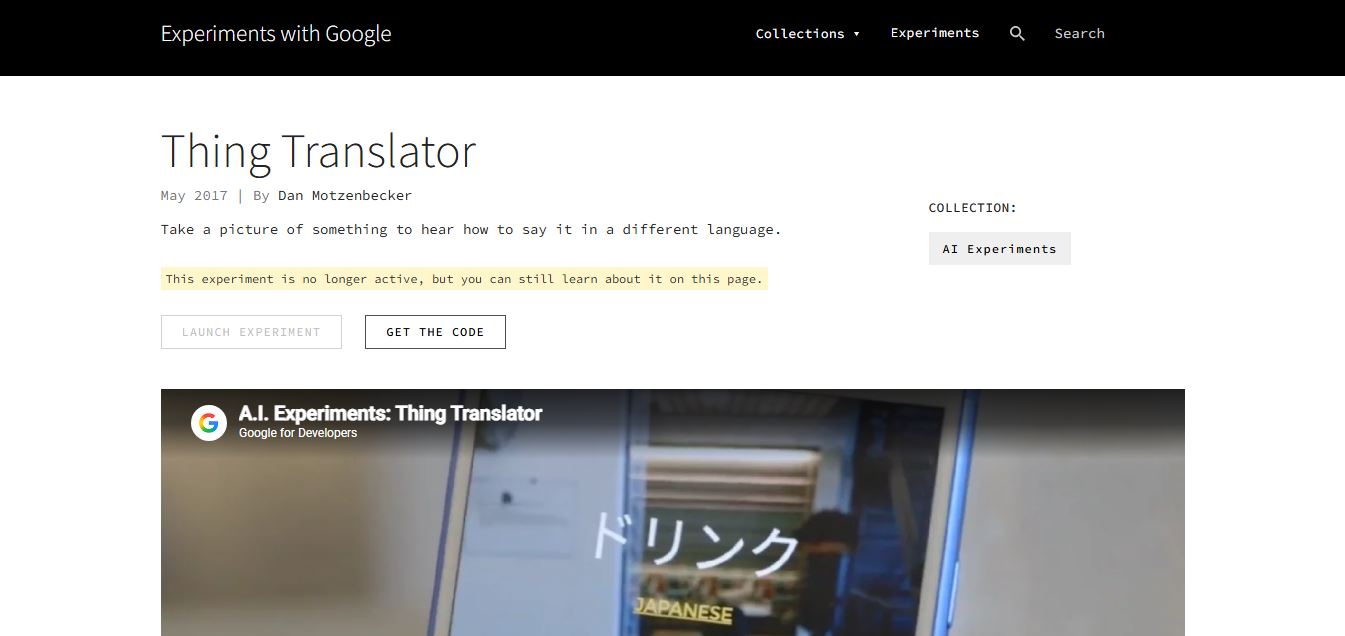
Thing Translator is a free Google AI experiment that recognizes objects using your camera and instantly translates their names into another language.
 4.5
4.5Vercept
Productivity
Vercept is an AI computer interface company that developed Vy, a desktop AI assistant capable of understanding screen context, executing natural language commands, and automating workflows to boost productivity across applications.
 4.7
4.7VoxDeck
Presentation
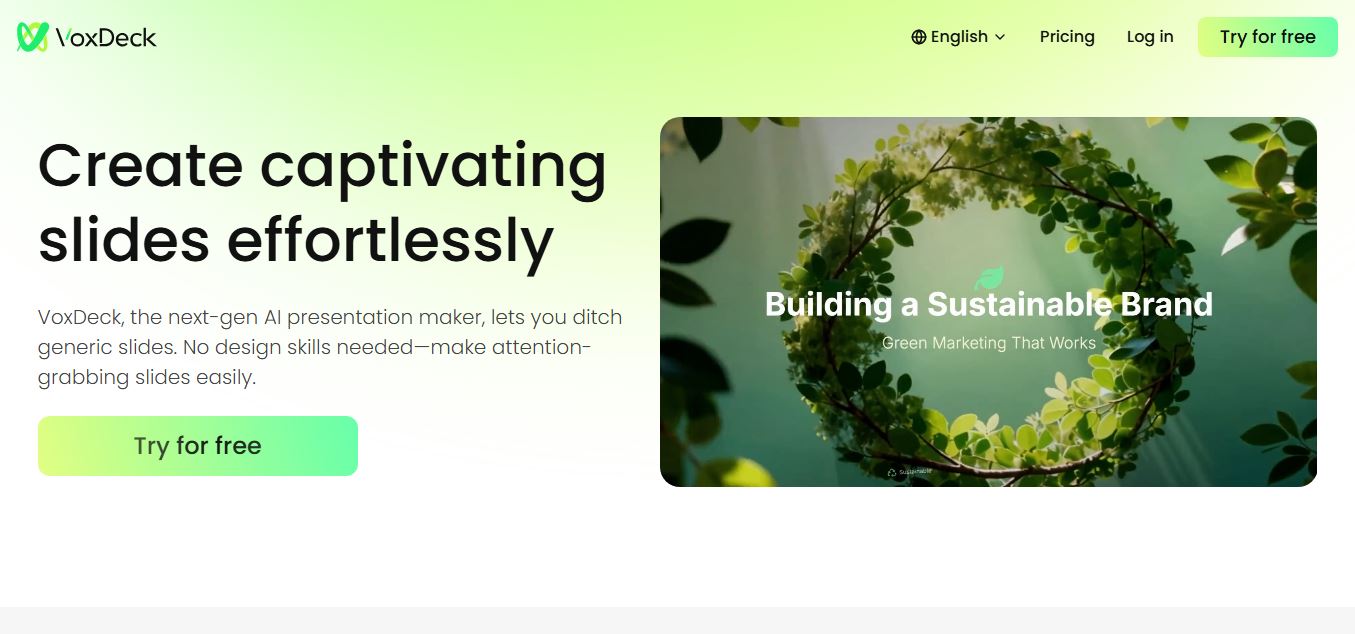
VoxDeck is an AI-powered presentation tool that helps users create engaging, professional, and animated slides in minutes without requiring advanced design skills.
 4.6
4.6Grug Notes
Productivity
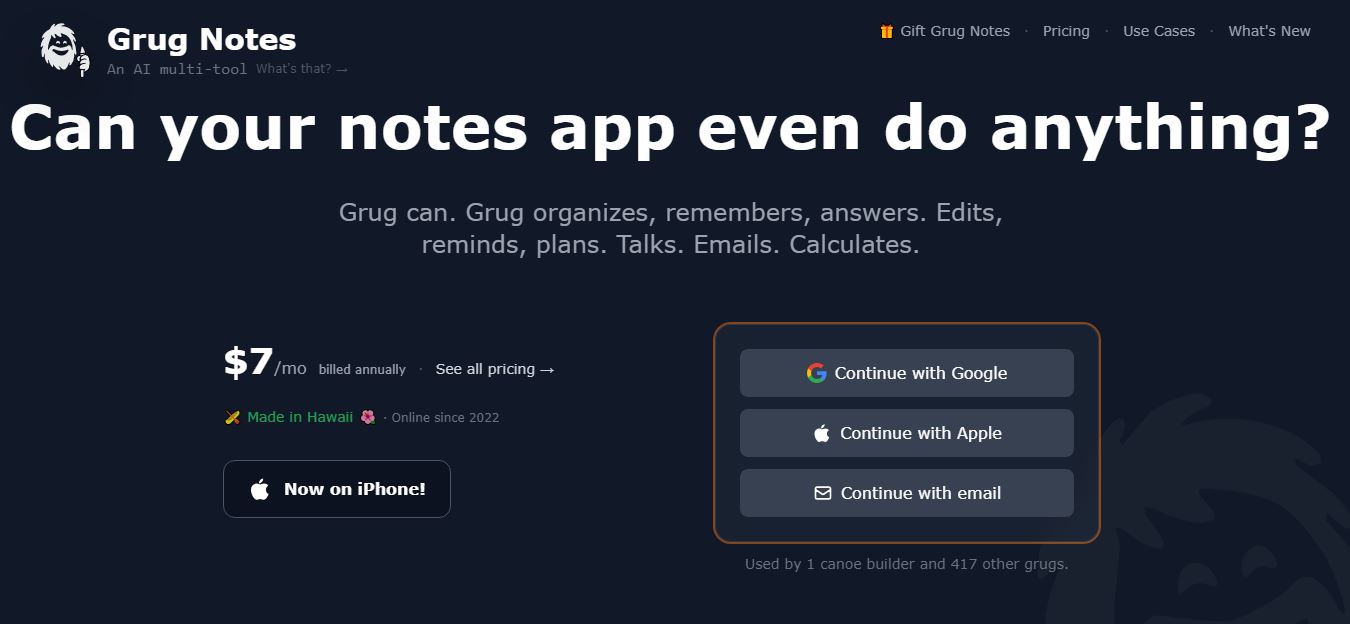
Grug Notes is an AI-powered note-taking app that organizes information, remembers context, transcribes audio, plans tasks, and connects notes with AI.
 4.6
4.6Cora Email
Productivity
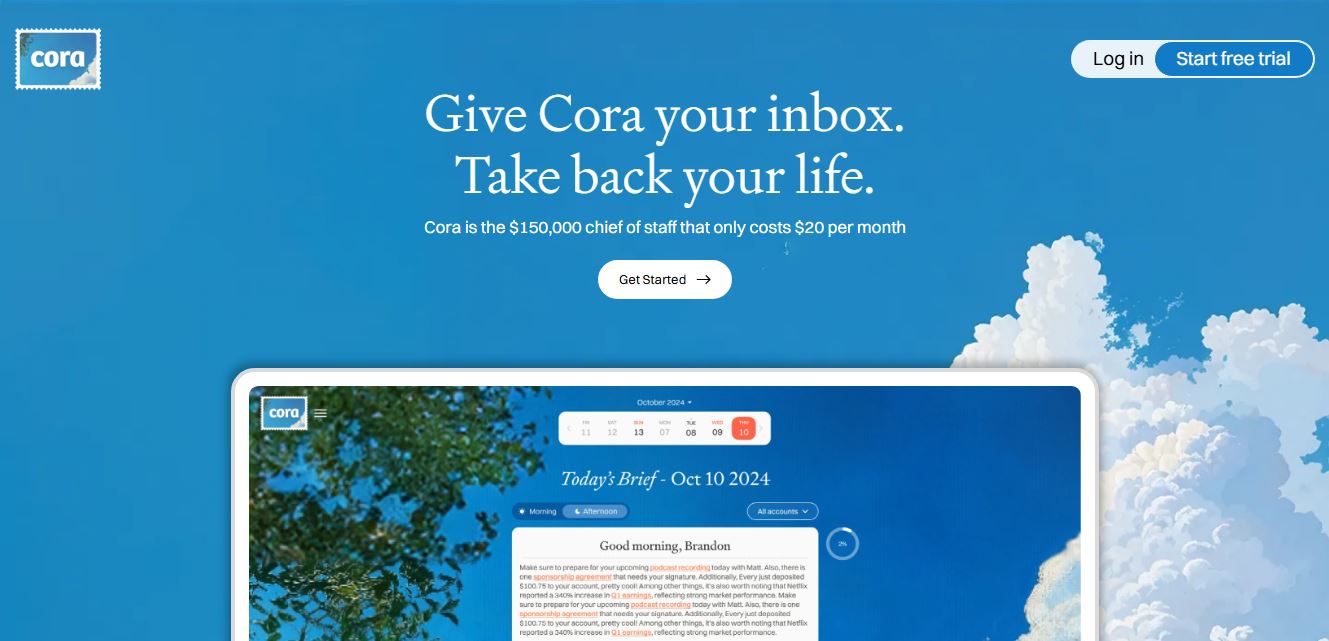
Cora is an AI-powered computer assistant designed to help users automate tasks, manage information, and interact with their computer using natural language
 7.3
7.3TinyWow
Productivity
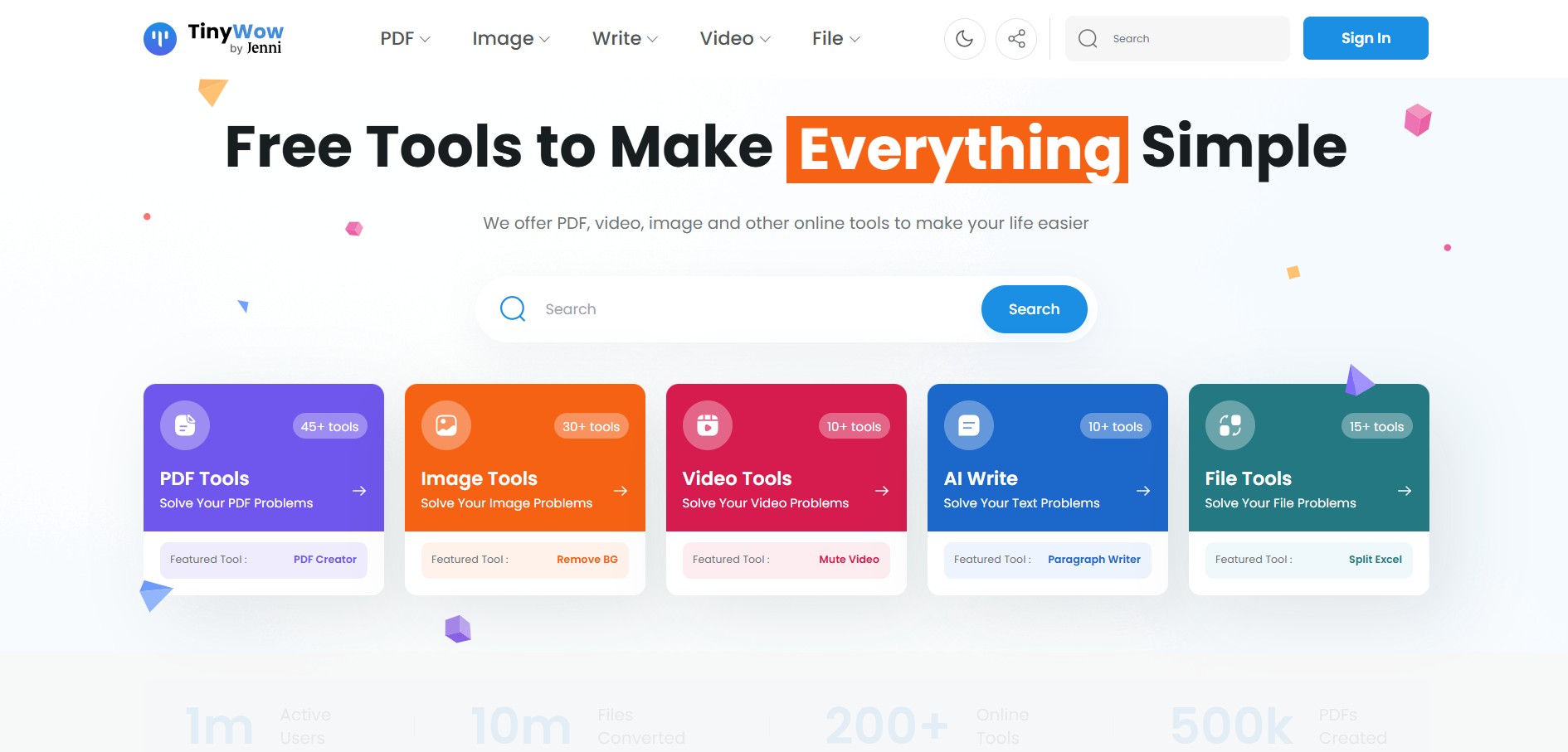
TinyWow is a free AI-powered productivity platform offering PDF, image, video, writing, and file conversion tools. It helps users complete everyday digital tasks quickly without complicated software.
 4.6
4.6Summarize.ing
Productivity
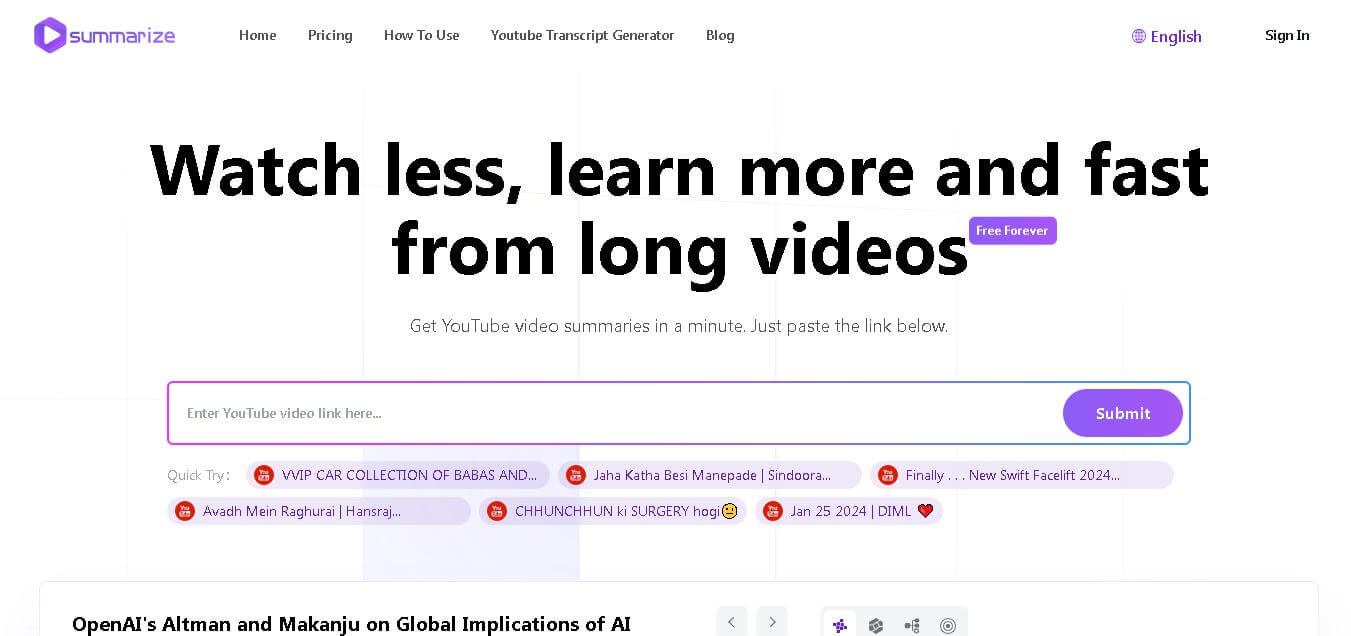
Summarize.ing is an AI-powered YouTube video summarizer that converts lengthy videos into concise, readable summaries, helping students, professionals, and researchers save time while learning faster.
 4.8
4.8Slack
Productivity
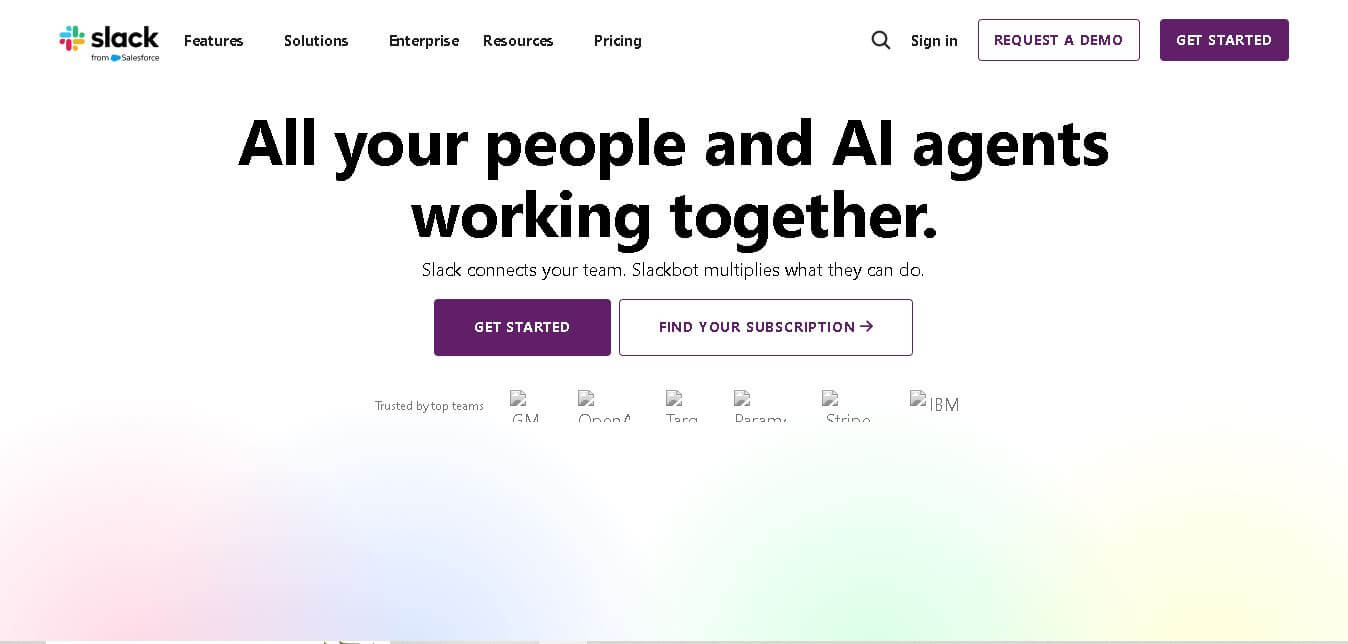
Slack is a team collaboration platform that brings messaging, file sharing, video meetings, and app integrations into one workspace, helping teams communicate, organize projects, and boost productivity across devices.
 4.5
4.5Albato
Workflow
Albato is an AI-powered workflow automation platform that connects apps, automates repetitive tasks, synchronizes business data, and helps teams build no-code integrations to improve productivity and efficiency.