
Wisecut
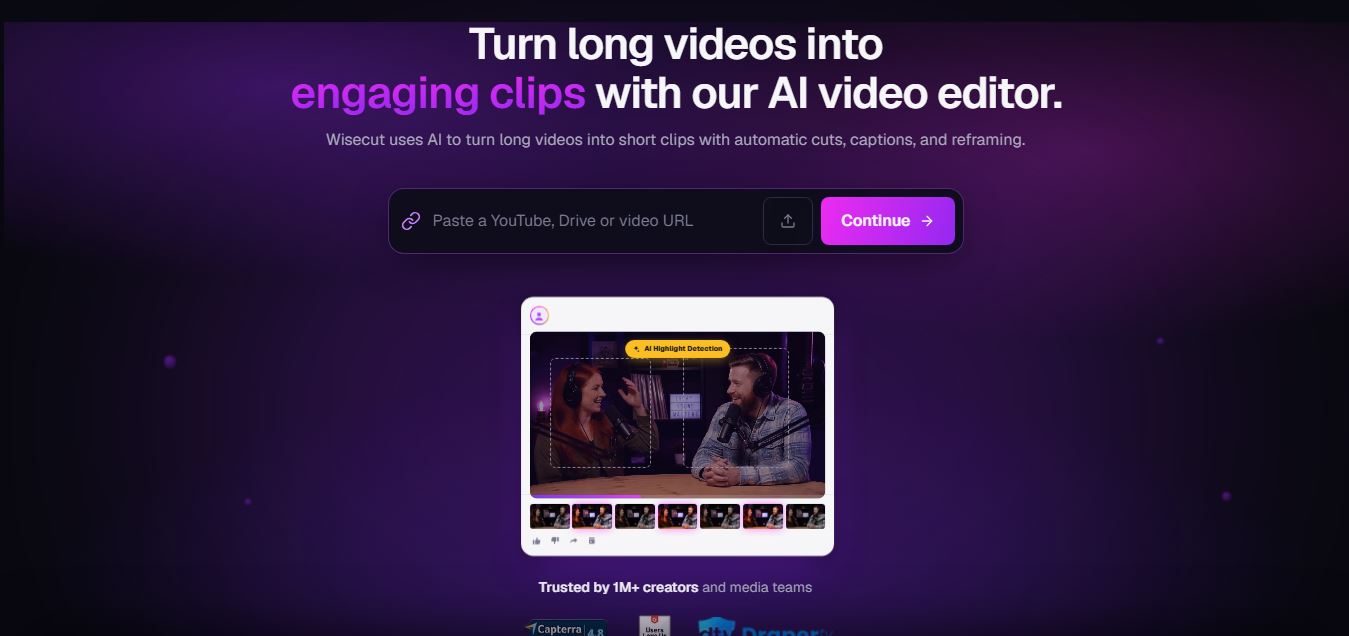
WiseCut AI is an AI-powered video editing platform that automatically transforms long videos into engaging, professional-quality content within minutes.
Useful details for evaluating Wisecut
Primary Category
Video Editing
Pricing Model
Free
Related Topics
video-editing
Last Updated
Aug 6, 2026
What is Wisecut AI?
WiseCut AI is an AI-powered video editing platform that kind of automates the most time-consuming pieces of video production. It assists creators to turn long recordings into clean, finished videos by getting rid of awkward silences, producing subtitles, removing background music, and setting up automatic jump cuts, plus adjusting the whole thing so it fits multiple social media platforms. In practice, the platform leans on artificial intelligence to accelerate the editing process without requiring professional editing know-how. So, no matter if you’re a YouTuber, marketer, educator, podcaster, or even a business owner, WiseCut AI helps you ship high-quality videos with very little manual effort, and it really cuts down the time you spend editing while also leveling up the overall quality of what you publish.
WiseCut AI was launched in 2021 and has become a popular AI video editing solution for content creators worldwide. The platform supports automatic subtitle generation in more than 100 languages, helping users reach global audiences. It offers AI-powered silence removal, auto background music, and instant social media clip creation. Thousands of creators and businesses use WiseCut AI to reduce editing time by up to 90 percent while producing engaging videos for YouTube, TikTok, Instagram, and other platforms.
- Founder: Victor Azevedo
- Launch Date: 2021
- Use Cases:
- YouTube video editing
- Podcast editing
- Online course creation
- Social media video creation
- Marketing videos
- Business presentations
- Technology:
- Artificial Intelligence
- Machine Learning
- Speech Recognition
- Natural Language Processing
- Computer Vision
- Target Users:
- Content creators
- YouTubers
- Social media managers
- Digital marketers
- Businesses
- Educators
- Agencies
- Acquisition:
- No publicly announced acquisition.
In this review, we'll explore Wisecut's features, pricing, AI capabilities, real-world use cases, advantages, and disadvantages and compare it with leading AI video editing platforms such as VEED. io, Descript, CapCut, and InVideo.

Wisecut AI at a Glance
| Attribute | Details |
|---|---|
| Product Name | Wisecut AI |
| Developer | Wisecut |
| Category | AI Video Editor |
| Platform | Web |
| Free Plan | Yes |
| Paid Plans | Starter, Starter+, Professional, Professional+, Enterprise |
| AI Video Editing | Yes |
| Auto Subtitle Generator | Yes |
| AI Silence Removal | Yes |
| AI Background Music | Yes |
| AI Highlight Detection | Yes |
| Best For | YouTube Videos, Podcasts, Tutorials, Social Media Content |
Wisecut AI is designed to automate one of the most time-consuming aspects of video production: editing. Rather than depending on manual cuts and timeline modifications, the platform analyzes speech patterns to automatically remove pauses, sync background music, generate subtitles, and create smoother video transitions.
Because the platform operates purely in the browser, creators need not require powerful hardware or complex desktop software. This makes Wisecut especially appealing to content creators, educators, podcasters, and enterprises who create videos on a regular basis. Support for Full HD and 4K exports on higher-tier plans makes it ideal for professional publishing activities.
WiseCutAI Key Features
Wisecut AI key features are
- AI Silence Removal: Automatically detects and removes silent pauses from videos, creating smooth, engaging content without manual editing.
- Auto Jump Cuts: Instantly creates professional jump cuts by eliminating unnecessary gaps and keeping viewers engaged.
- Automatic Subtitles: Generates accurate AI-powered subtitles in over 100 languages to improve accessibility and audience reach.
- AI Background Music: Adds royalty-free background music automatically and adjusts audio levels to match speech naturally.
- Storyboard Editing: Lets users edit videos through a simple storyboard interface instead of a complex timeline.
- Smart Audio Balancing: Automatically balances voice and background music for clear, professional-quality sound.
- Auto Zoom Effects: Applies intelligent zoom and focus effects to make videos more dynamic and visually appealing.
- Social Media Optimization: Converts videos into vertical, square, or landscape formats for YouTube, TikTok, Instagram Reels, and other platforms.
- AI Highlight Detection: Identifies key moments in long videos and turns them into short, shareable clips.
- Voice Recognition: Detects speakers and aligns edits accurately for interviews, podcasts, and presentations.
WiseCut AI Pricing
WiseCut AI offers various pricing plans
| Plan | Price | Best For | Key Features |
|---|---|---|---|
| Free | Free | Beginners | Limited editing minutes, AI silence removal, basic subtitles, watermark on exports |
| Starter | Around $10 to $15 per month | Individual creators | More editing minutes, watermark-free exports, HD video exports, automatic subtitles |
| Pro | Around $30 to $60 per month | Professional creators | Higher monthly editing limits, faster processing, premium AI editing features, priority support |
| Enterprise | Custom Pricing | Businesses and teams | Custom usage limits, team collaboration, dedicated support, enterprise security, custom integrations |
Is Wisecut Worth Paying For?
If you regularly edit YouTube videos, podcasts, webinars, or online courses, Wisecut's paid plans can significantly reduce editing time. Features such as automatic silence removal, subtitles, jump cuts, and highlight detection often save hours of manual work each week, making the platform a worthwhile investment for frequent content creators.
Disclaimer: For the latest and most accurate pricing information, please visit the official Wisecut AI website.
Who is Using WiseCut AI?
A diverse range of users and organizations utilize WiseCut AI
- YouTubers
- Podcasters
- Video editors
- Digital marketers
- Social media influencers
- Online educators
- Small businesses
- Marketing agencies
- Freelancers
- Corporate communication teams
What are the best WiseCut AI alternatives?
Some Wisecut AI alternatives are
- Descript
- Opus Clip
- VEED.io
- Kapwing
- Pictory
- InVideo AI
- Runway
- Filmora AI
- Adobe Premiere Pro
- Canva Video Editor
Pros and Cons
Pros
- Beginner-friendly interface
- Fast AI-powered editing
- Automatic subtitle generation
- Supports multiple languages
- Cloud-based platform
- Saves significant editing time
- Excellent for social media videos
- No advanced editing skills required
Cons
- Limited manual editing controls
- Some premium features require paid plans
- Internet connection required
- AI-generated edits may need minor adjustments
- Less suitable for complex cinematic projects
Why Has Wisecut AI Become Popular?
- AI-Powered Automatic Editing: Wisecut automatically removes silent moments, awkward pauses, and unnecessary gaps, significantly reducing manual editing time.
- Automatic Jump Cuts: Instead of manually cutting footage, the AI detects speaking segments and creates natural jump cuts that improve pacing and viewer engagement.
- AI Subtitle Generation: The platform automatically generates captions, making videos more accessible and improving engagement across YouTube, TikTok, Instagram, and Facebook.
- Smart Background Music: Wisecut intelligently adjusts background music volume based on speech, allowing creators to add music without manually keyframing audio levels.
- Browser-Based Editing: Since Wisecut runs entirely in the cloud, users can edit videos from virtually any computer without downloading or installing software.
Why Choose WiseCut AI?
WiseCut AI is ideal for anyone looking to produce professional-quality videos quickly without learning advanced editing software. Its automation reduces repetitive editing tasks while improving productivity.
Reasons to choose WiseCut AI:
- Saves hours of editing time
- AI automates repetitive editing
- Generates subtitles automatically
- Optimized for social media
- Easy for beginners
- Cloud-based workflow
- Supports multilingual content
- Improves viewer engagement
- Affordable compared to traditional editing software
WiseCut AI vs. Competitors
The main difference between WiseCut AI, Descript, Opus Clip, and VEED.io is that WiseCut AI focuses on fully automated editing with silence removal, AI music, and storyboard editing, while Descript emphasizes transcript editing, Opus Clip specializes in viral short clips, and VEED.io offers a broader online editing suite with more manual editing capabilities.
| Feature | WiseCut AI | Descript | Opus Clip | VEED.io |
|---|---|---|---|---|
| AI Silence Removal | Yes | Yes | Limited | Yes |
| Automatic Subtitles | Yes | Yes | Yes | Yes |
| Storyboard Editing | Yes | Yes | No | No |
| AI Background Music | Yes | No | No | Limited |
| Social Media Clips | Yes | Yes | Excellent | Yes |
| Browser-Based | Yes | Yes | Yes | Yes |
| Best For | Automated Editing | Podcast Editing | Short Clips | Online Editing |
How Do We Rate WiseCut AI?
| Category | Rating out of 5 |
|---|---|
| AI Features | 4.8 |
| Ease of Use | 4.9 |
| Editing Speed | 4.8 |
| Subtitle Accuracy | 4.7 |
| User Interface | 4.8 |
| Value for Money | 4.6 |
| Collaboration | 4.3 |
| Customer Support | 4.4 |
| Integrations | 4.4 |
| Overall Rating | 4.7 |
WiseCut AI Review
Wisecut AI stands out by automating many of the repetitive tasks that traditionally consume the most editing time. Features such as silence removal, automatic jump cuts, AI subtitles, smart background music, and highlight detection allow creators to produce polished videos much faster than with manual editing.
Although it doesn't aim to replace advanced editors like Adobe Premiere Pro or DaVinci Resolve, Wisecut is an excellent productivity tool for creators producing educational videos, podcasts, webinars, interviews, and social media content on a regular basis. For teams that prioritize speed and efficiency over complex visual effects, it delivers a strong balance of automation and ease of use.
Conclusion
WiseCut AI is a strong AI video editor platform that assists creators in making cleaner videos with not much effort. It brings automated editing tools, subtitle creation, AI music options, and social media optimization, which feels like a nice combo for different people. Like creators, educators, businesses, marketers, etc. Either way, if you want to speed up your YouTube production or make short-form clips that are actually attention grabbing, WiseCut AI gives you a smoother editing flow that is easy to use, and it saves time too, while also upping the video quality.
People are also reading
FAQ
What is WiseCut AI?
WiseCut AI is an AI-powered video editing platform that automatically edits videos by removing silences, generating subtitles, adding music, and creating social-ready content.
Is WiseCut AI free?
Yes. WiseCut AI offers a free plan with limited features alongside premium subscription plans.
Who should use WiseCut AI?
It is suitable for YouTubers, marketers, educators, podcasters, agencies, businesses, and content creators.
Does WiseCut AI generate subtitles?
Yes. It automatically generates subtitles in over 100 languages.
Can WiseCut AI create YouTube Shorts?
Yes. The platform automatically converts long videos into short, shareable clips for YouTube Shorts, TikTok, and Instagram Reels.
User Reviews
No reviews yet for Wisecut.
Featured Tools
Featured AI tools from TechShark

Fashion Diffusion AI
Fashion Diffusion is an AI-powered fashion design platform that helps brands and designers create clothing designs, virtual try-ons, AI models, product photos, and marketing visuals faster and cost-effectively.
Paid
Veo 4
Veo 4 AI is an AI video creation platform that generates dramatic videos from text, images, audio, and video prompts using realistic motion and synchronized sound.
Paid
Happy Horse
HappyHorse AI is an AI-powered video generator that creates cinematic videos with synchronized audio from text, images, and prompts instantly.
Paid
Seedance 2
Seedance 2.0 is an AI-powered video generation platform that transforms text, images, audio, and video into cinematic, multi-shot content with advanced motion control, reference-based consistency, and synchronized sound production.
Freemium
Alternatives
Alternatives to Wisecut
The best WiseCut AI alternatives include Descript, Opus Clip, VEED.io, Kapwing, Pictory, InVideo AI, Runway, Filmora AI, Canva Video Editor, and Adobe Premiere Pro. These tools offer features such as AI video editing, subtitle generation, transcript-based editing, automatic clip creation, collaborative editing, and social media optimization. Each platform serves different creator needs, from beginners seeking simple automation to professionals requiring advanced editing workflows.
 4.6
4.6Unboring AI
Video Editing
Unboring AI is a creative AI platform that lets users swap faces, animate photos, and transform videos with different visual styles.
 4.3
4.3Media.io
Video Editing
Media.io is an AI-powered online multimedia platform that helps users edit videos, enhance audio, convert files, generate AI content, remove backgrounds, and create professional-quality media with ease.
 4.5
4.5WayinVideo
Video Editing
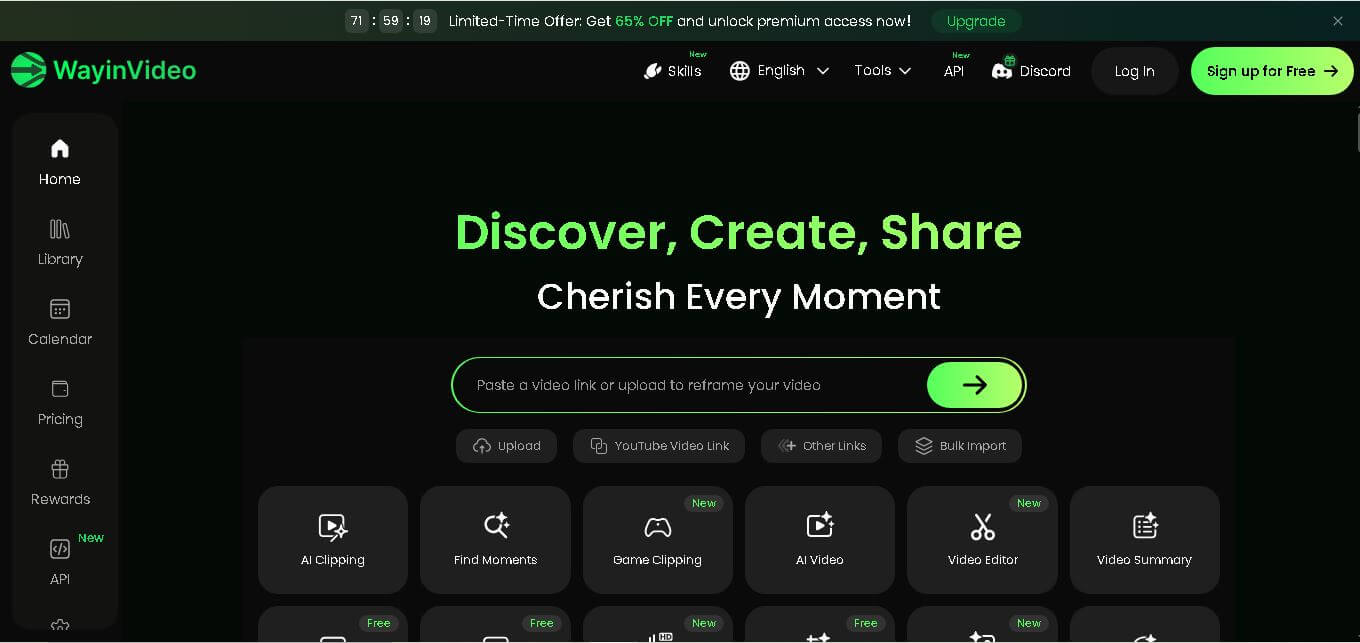
WayinVideo is an AI-powered video editing platform that automatically creates short clips, captions, summaries, transcripts, and social-ready videos from long-form content in minutes.
 4.5
4.5Velo
Video Editing
Velo is an AI-powered video creation platform that transforms documents, prompts, and screen recordings into professional business videos with voice cloning, multilingual support, avatars, analytics, and collaboration.
 4.5
4.5EbSynth
Video Editing
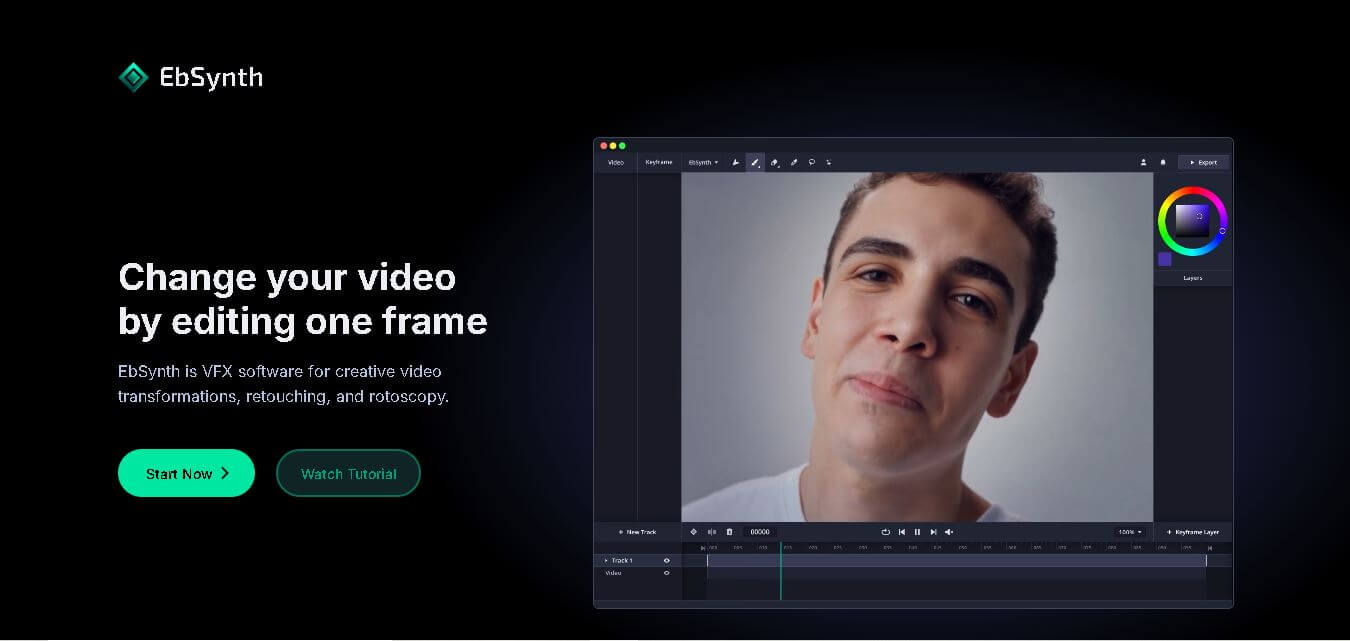
EbSynth is an AI-powered video stylization tool that transforms edited keyframes into complete video sequences, enabling artists and creators to produce stunning animations, visual effects, and artistic videos faster.
 4.5
4.5Twelve Labs
Video Editing
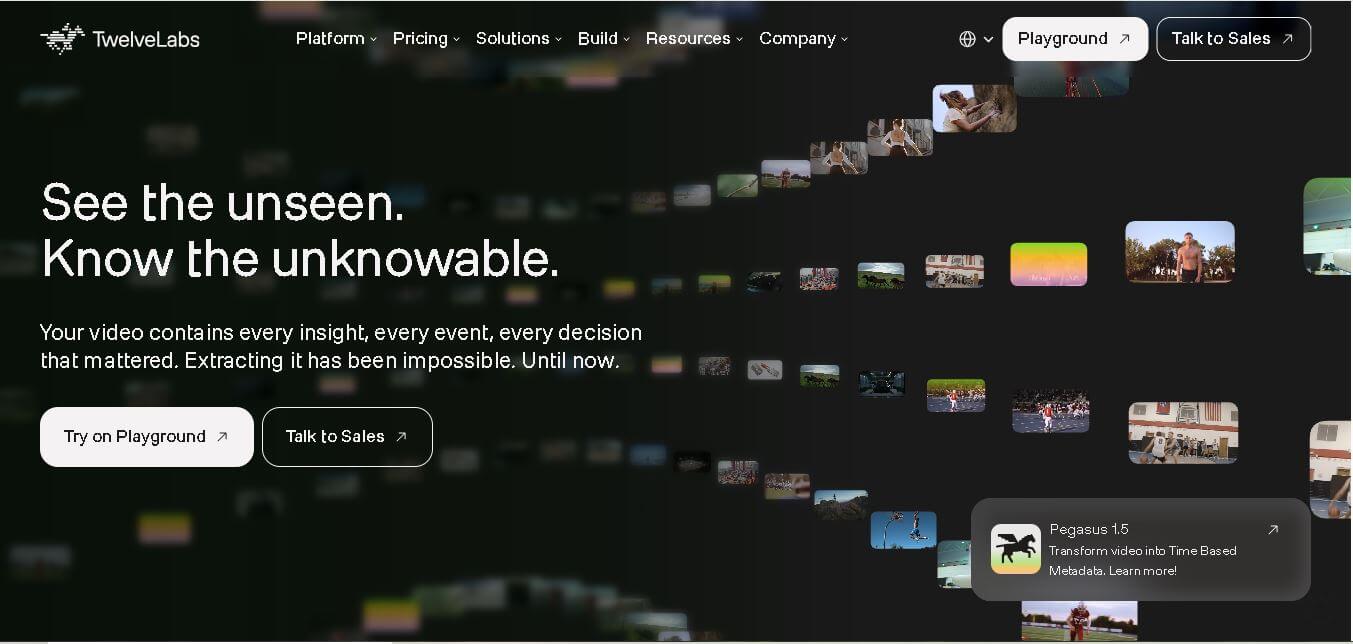
Twelve Labs is an AI-powered video understanding platform that helps developers search, analyze, summarize, and extract insights from videos using advanced multimodal artificial intelligence models.
 4.6
4.6NeuBird
Video Editing
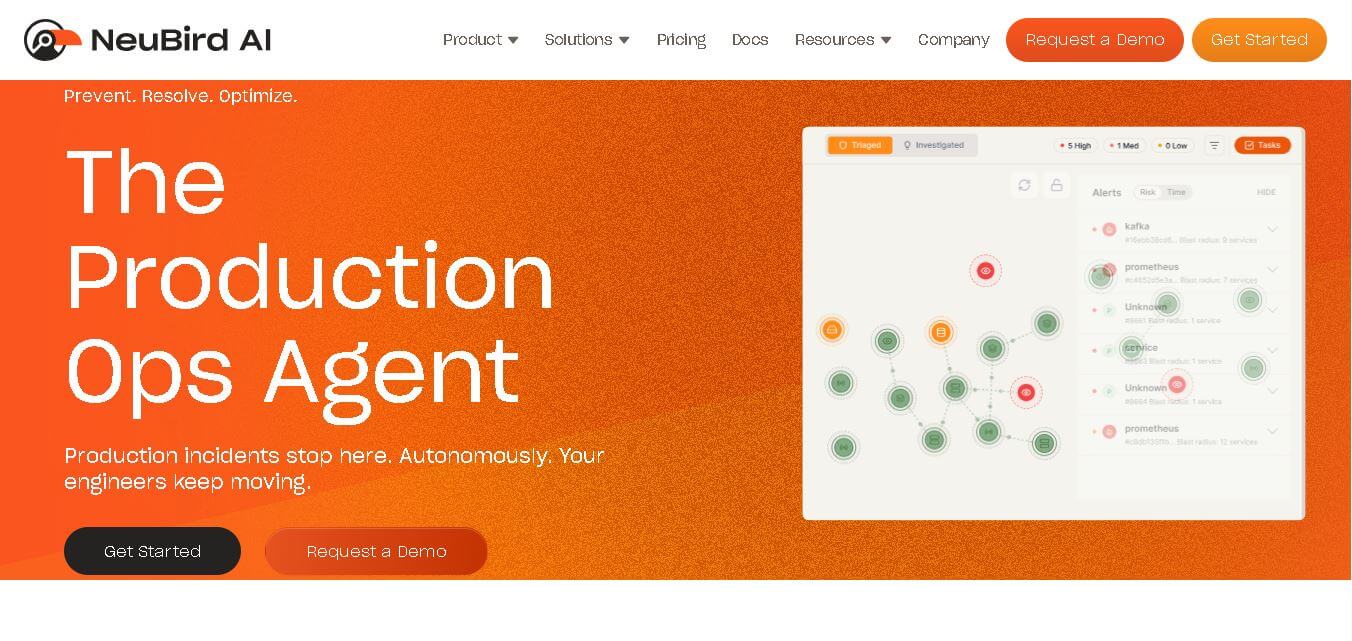
NeuBird AI is an AI-powered production operations platform that helps enterprises automate incident detection, root cause analysis, and IT troubleshooting across cloud-native and hybrid infrastructure environments.
 4.5
4.5quso.ai
Social Media
Quso AI is an AI-powered content creation platform that transforms long videos into engaging short clips, captions, and social media posts automatically.
4.4Veo 4
Video Editing
Veo 4 AI is an AI video creation platform that generates dramatic videos from text, images, audio, and video prompts using realistic motion and synchronized sound.