
Zoom AI Companion
Zoom AI Companion is an AI powered platform that assistant built into Zoom’s workspace, transforming meetings, chats, and documents into actionable insights that enhance productivity and collaboration effortlessly.
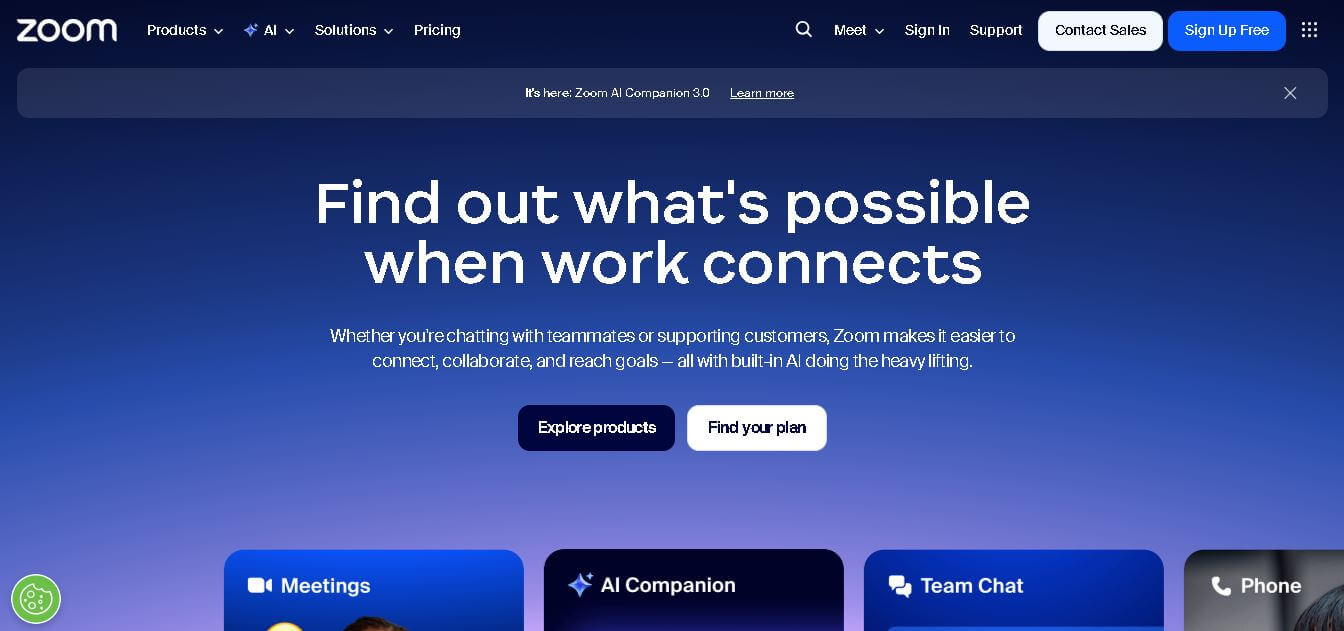
Useful details for evaluating Zoom AI Companion
Primary Category
Summarizer
Pricing Model
Freemium
Related Topics
Personal Assistant, Presentation
Last Updated
Jun 30, 2026
What is Zoom AI Companion?
- Founder: Eric S. Yuan, founder and CEO of Zoom Communications, Inc.
- Launch: Introduced in 2023 as part of Zoom’s evolution toward an AI-first collaboration platform.
-
Use Cases:
-
The system is utilized for summarizing meetings and generating detailed notes.
-
Automatically identifying tasks and follow-ups.
-
I am responsible for producing content for both documents and whiteboards.
-
The system assists educators and students with summaries and brainstorming.
-
Enhancing hybrid and remote team productivity.
-
-
Technology:
-
Built on generative AI and contextual machine learning.
-
Processes data securely without using customer content for AI training.
-
Offers multilingual transcription, smart automation, and real-time assistance.
-
Zoom AI Companion is an AI-powered summarizer platform that application embedded throughout the Zoom Workplace environment that helps users boost productivity and collaboration with AI assistance. It collects context from meetings, chats, documents, and other everyday activities to produce summaries, insights, and actionable items. Intelligent automation and generative AI help teams shift their energy from tasks that can feel repetitive to the meaningful work they were hired to do. Zoom AI Companion supports increases in productivity and workplace/organizational efficiency for individuals and organizations. Specifically designed for both individuals and organizations, Zoom AI Companion is a new way to engage, inform, collaborate, and be productive all in the workplace and enhances the ability to work smarter, faster, and more efficiently
Key Features
Zoom AI key features are
- Meeting Summaries: Automatically records and summarizes meetings, noting significant points and decisions.
- Action Items Tracking: Recognizes and organizes any actions resulting from meetings and chat.
- AI Writing Assistant: Drafts written text, brainstorms ideas, and improves writing skills.
- Smart Chat & Contextual Search: Understands conversation context and offers relevant answers and insights.
- Multilingual Capabilities: Provides real-time transcriptions and captions in several languages.
- Custom AI Companion: Allows organizations to customize and set the AI's behavior and vocabulary for their business needs.
- Privacy & Security: All users' data is kept private and secure, protected to enterprise-grade specifications.
Pricing
- Free basic plan
- Pro paid plan
- Business tier
- Enterprise custom plan
Disclaimer: For the latest and most accurate pricing information, please visit the official Zoom AI website.
Who is using?
A wide range of users and organizations are using Zoom AI
- Remote work teams
- Corporate businesses
- Educators and students
- Event organizers
- Healthcare professionals
Alternatives
Some Zoom AI alternatives are
- Microsoft Teams
- Google Meet
- Cisco Webex
- Skype
- GoToMeeting
Conclusion
Zoom AI Companion provides a full-featured AI solution built for the modern collaboration experience. By using generative AI, understanding the context, and making workflows easier, Zoom AI Companion turns everyday conversations into useful actions. Whether you are a team leader, educator, or trying to manage multiple stakeholders in a complicated project, Zoom AI Companion provides smarter meetings, quicker decisions, and more engaged participants—all while relying on the highest level of privacy and control for the user. This marks the next step toward a truly intelligent workplace experience.
People are also reading
FAQ
What is Zoom AI Companion?
Zoom AI Companion is an intelligent assistant within Zoom Workplace that helps summarize meetings, generate content, and manage tasks using AI technology.
How do I activate Zoom AI Companion?
It can be enabled in the Zoom settings under the AI Companion section for eligible paid plans.
Does Zoom use my data to train AI models?
No. Zoom does not use customer audio, video, chat, or screen-sharing data to train its AI models.
Is Zoom AI Companion free?
Yes, it is included at no extra cost with eligible paid Zoom Workplace plans.
Can Zoom AI Companion work with other meeting tools?
Yes, it supports integration and summarization for other platforms such as Google Meet and Microsoft Teams.
User Reviews
No reviews yet for Zoom AI Companion.
Featured Tools
Featured AI tools from TechShark

Fashion Diffusion AI
Fashion Diffusion is an AI-powered fashion design platform that helps brands and designers create clothing designs, virtual try-ons, AI models, product photos, and marketing visuals faster and cost-effectively.
Paid
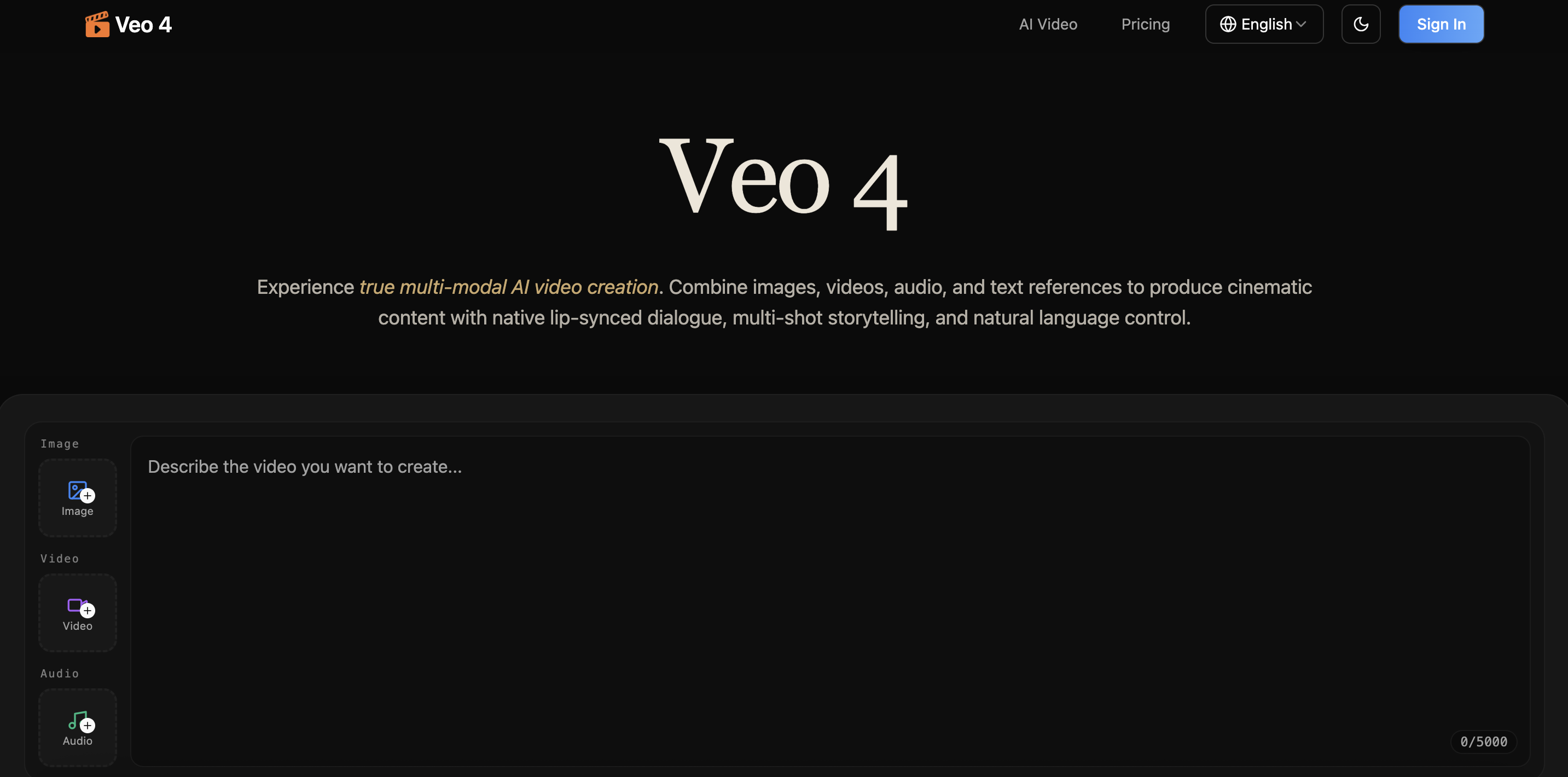
Veo 4
Veo 4 AI is an AI video creation platform that generates dramatic videos from text, images, audio, and video prompts using realistic motion and synchronized sound.
Paid
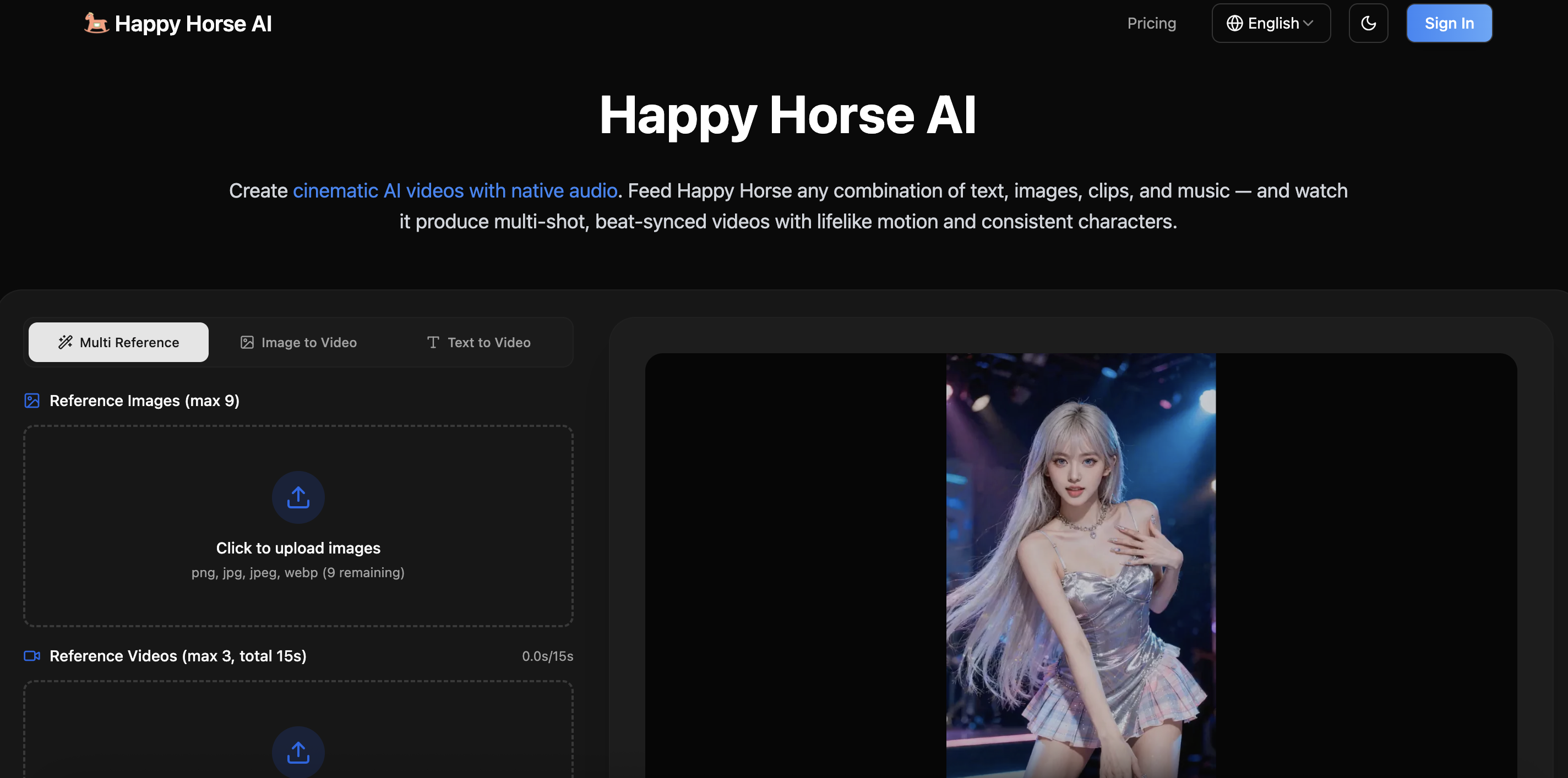
Happy Horse
HappyHorse AI is an AI-powered video generator that creates cinematic videos with synchronized audio from text, images, and prompts instantly.
Paid
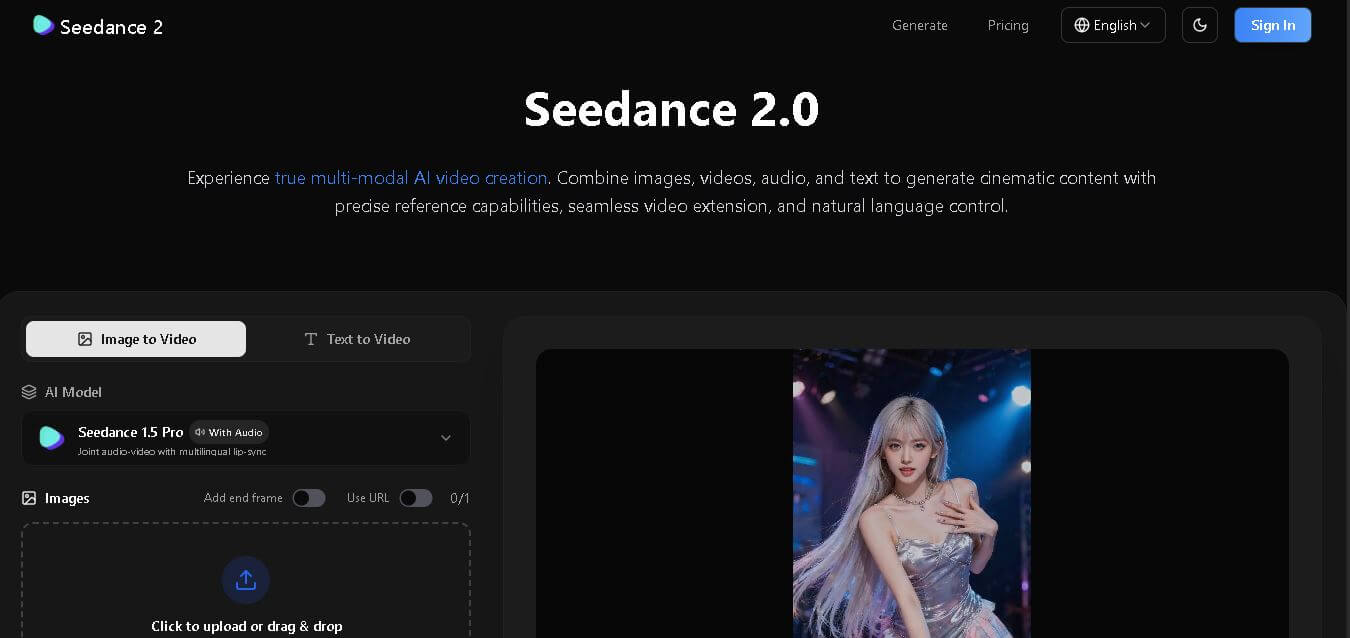
Seedance 2
Seedance 2.0 is an AI-powered video generation platform that transforms text, images, audio, and video into cinematic, multi-shot content with advanced motion control, reference-based consistency, and synchronized sound production.
Freemium
Alternatives
Alternatives to Zoom AI Companion
Zoom AI Companion is an AI powered platform that helps teams work smarter by summarizing meetings, generating content, capturing tasks, and providing intelligent assistance across Zoom’s unified communication tools—empowering users with AI-driven efficiency, security, and seamless collaboration experiences.
 4.3
4.3Dokie AI
Presentation
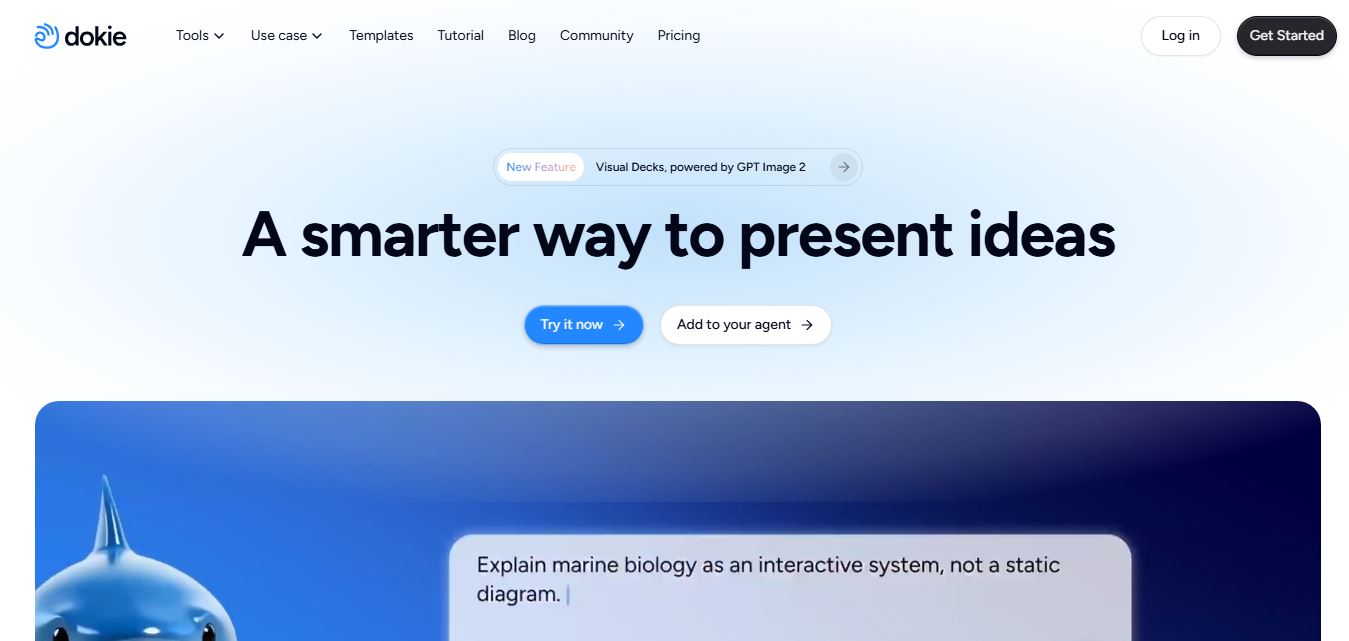
Dokie AI is an AI presentation maker that turns ideas, documents, and outlines into polished PowerPoint presentations with automated design, editing, and speaker notes.
 4.7
4.7VoxDeck
Presentation
VoxDeck is an AI-powered presentation tool that helps users create engaging, professional, and animated slides in minutes without requiring advanced design skills.
 4.4
4.4Tome AI
Presentation
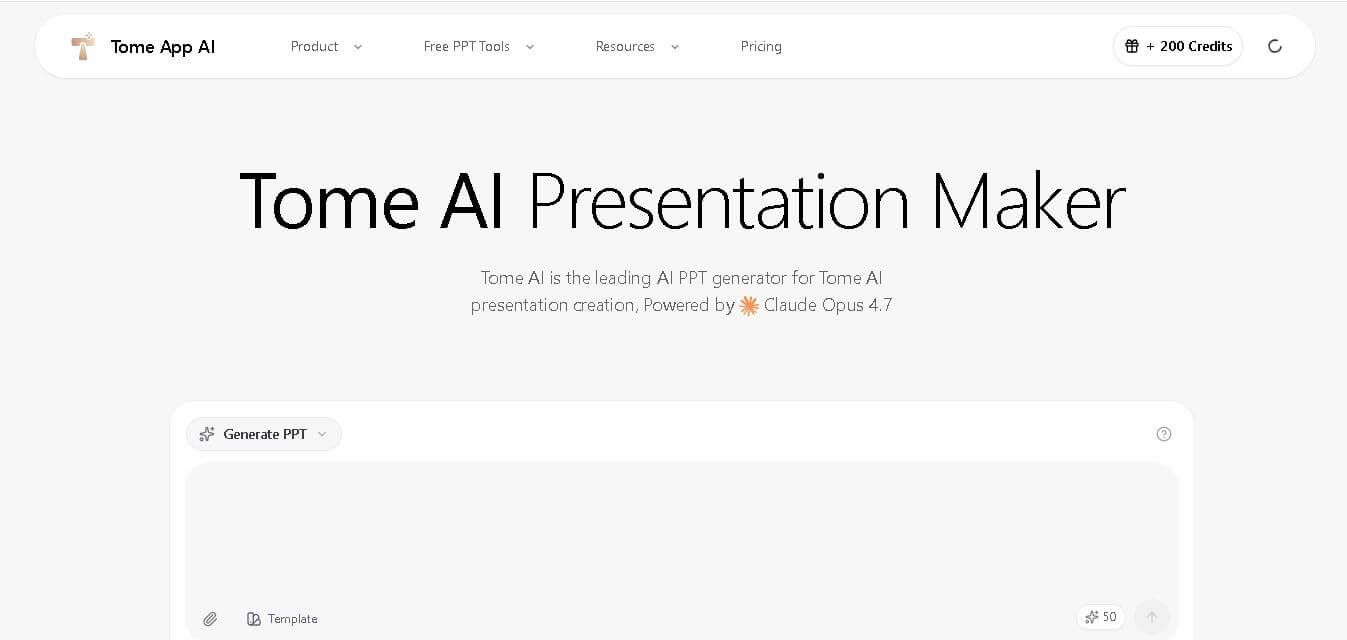
Tome AI is an AI-powered presentation and storytelling platform that transforms prompts into visually engaging presentations, reports, proposals, and business narratives using generative AI and collaborative design.
 4.5
4.5MaestroLabs
Email Assistant
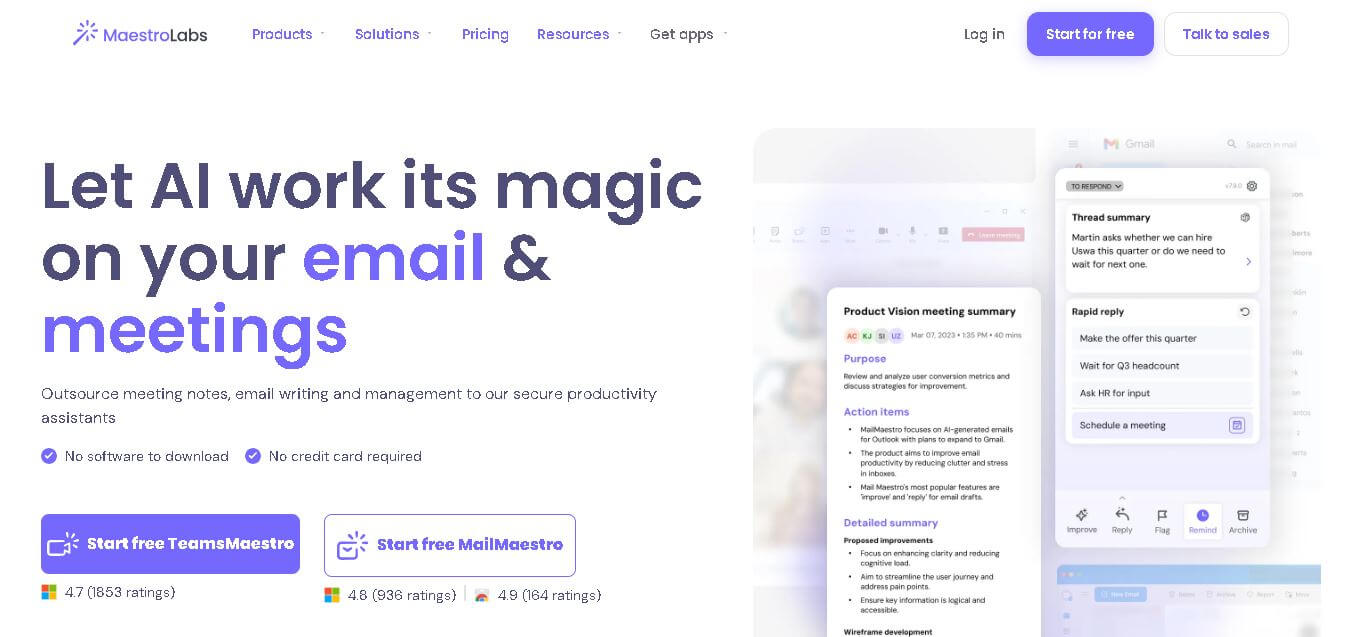
Maestro Labs is an AI-powered productivity platform that streamlines email writing, meeting notes, scheduling, and inbox management for Outlook, Gmail, and Microsoft Teams, helping professionals save valuable time.
 4.5
4.5Wellpin
Personal Assistant
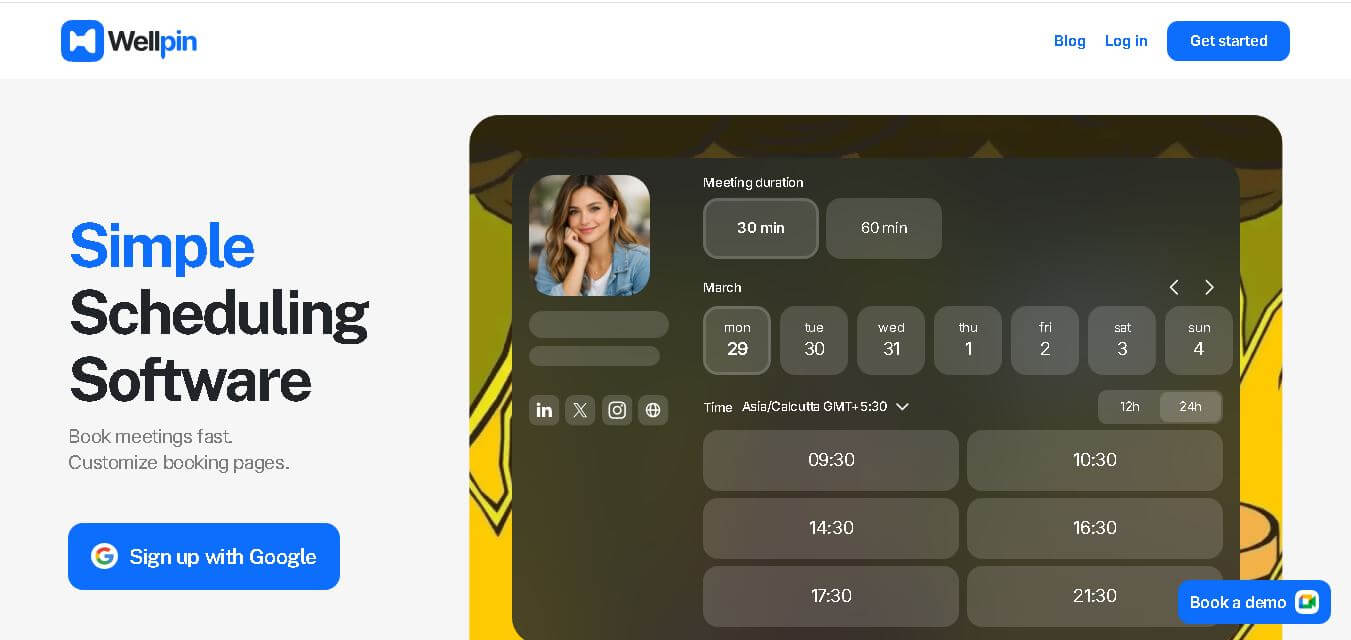
Wellpin is an AI-powered scheduling platform that simplifies appointment booking with smart calendar synchronization, automated reminders, customizable booking pages, and team scheduling for businesses, freelancers, and professionals.
 4.3
4.3Supermanage AI
HR
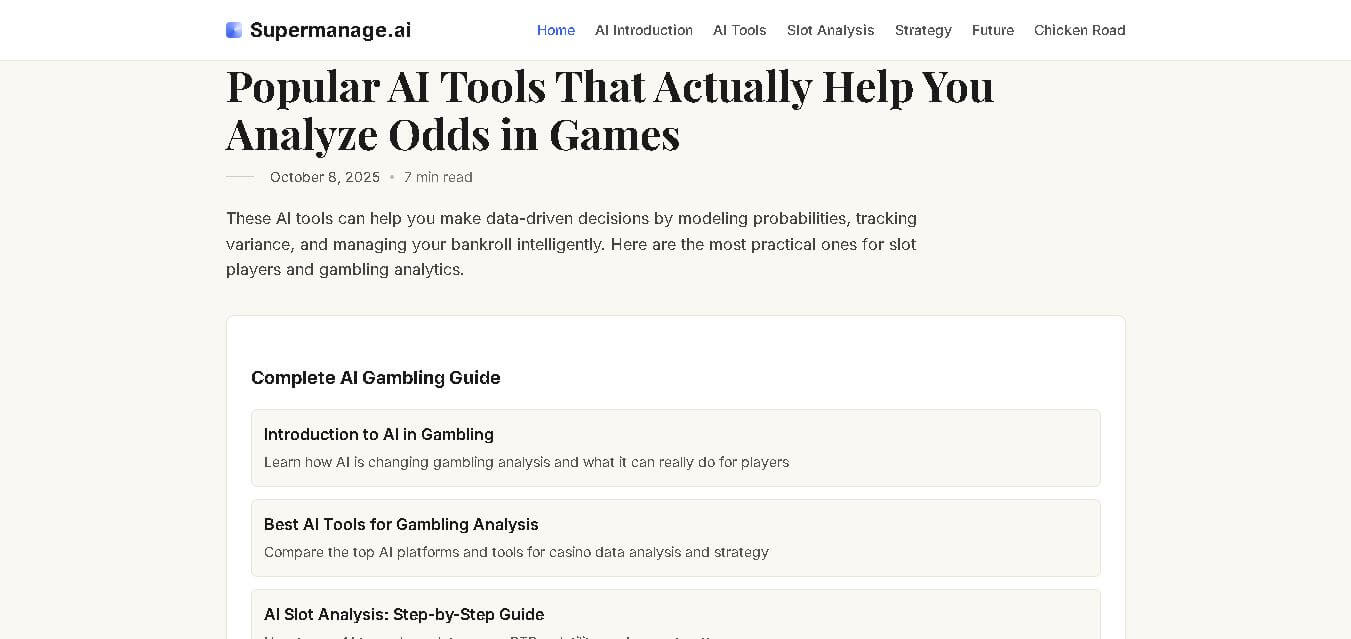
SuperManage AI is an AI-powered management assistant that helps teams prepare better meetings, analyze communication insights, and improve employee interactions using intelligent summaries and data-driven recommendations.
 4.5
4.5Thunderbit
Low-code/No-code
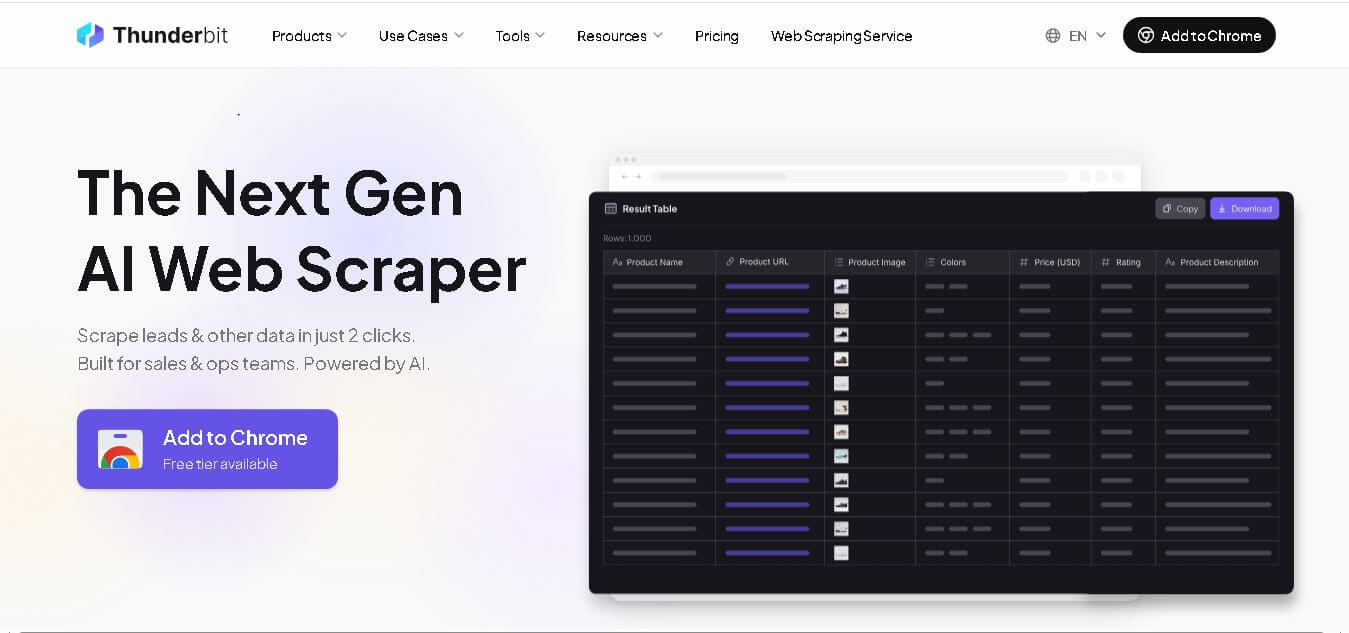
Thunderbit is an AI-powered no-code automation platform that helps users extract web data, automate repetitive tasks, and create smart workflows. It improves productivity by simplifying complex digital processes.
Eesel App
Project Management
eesel AI is an AI-powered support automation platform that creates intelligent AI agents trained on company knowledge, documents, and helpdesk data to deliver faster customer responses and improve team productivity.
 4.4
4.4TypingMind
Personal Assistant
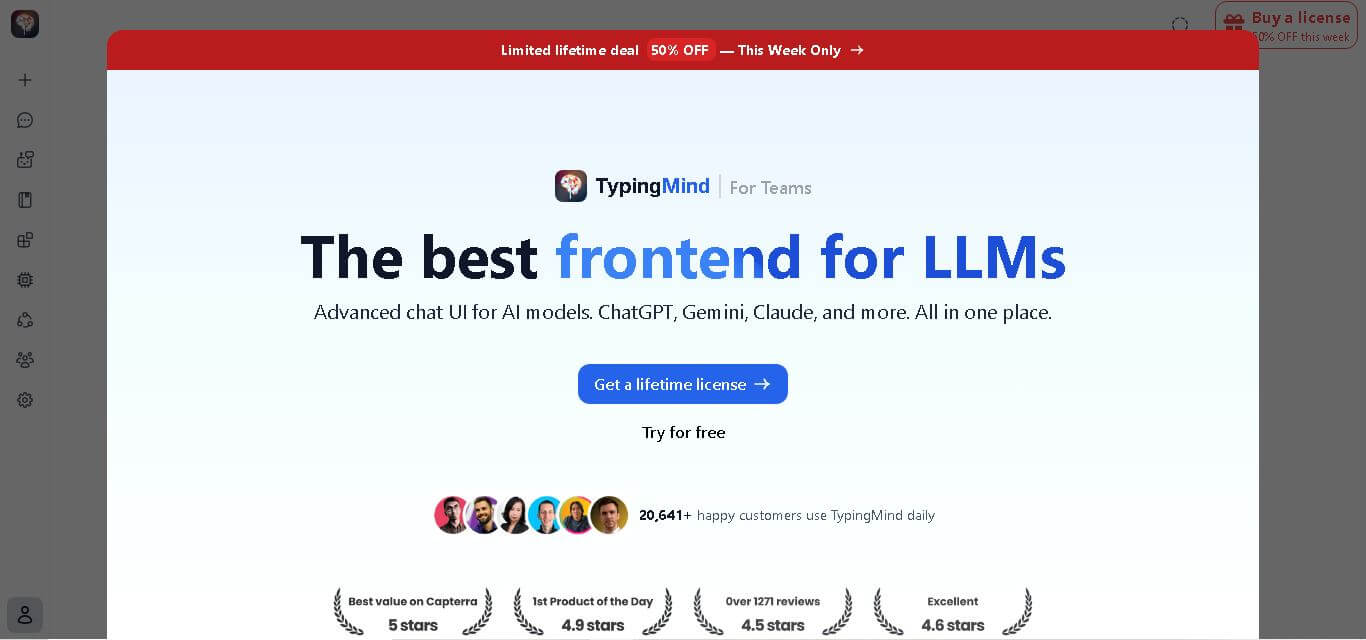
TypingMind is an AI-powered LLM workspace that allows users to access multiple AI models like ChatGPT, Claude, and Gemini through one customizable, privacy-focused interface.