
Columns
Columns AI is a powerful data storytelling platform that transforms raw data into interactive visual dashboards, charts, and reports using artificial intelligence and customizable design tools.
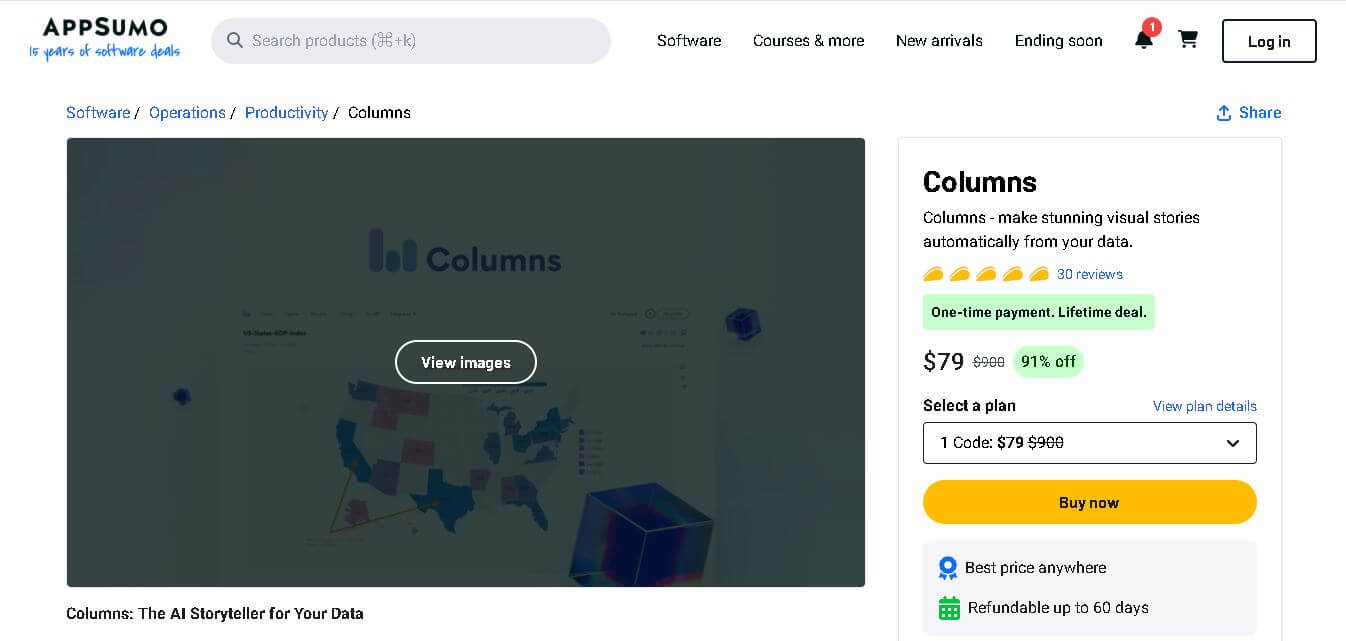
Useful details for evaluating Columns
Primary Category
Spreadsheets
Pricing Model
Freemium
Related Topics
Presentation
Last Updated
Mar 17, 2026
What is Columns AI?
Founder
-
Shawn Cao
Launch
-
Development started around 2021 as a cloud-based data storytelling platform.
Use Cases
- Data analysis and reporting
- Business intelligence dashboards
- Marketing performance visualization
- Academic research and data presentations
- Product analytics and growth tracking
- Data storytelling for presentations and reports
Technology
- Artificial intelligence for data insights
- Cloud-based data processing
- Natural language interaction for queries
- Data visualization and analytics engine
- Integration with structured data sources like spreadsheets and APIs
Columns AI is an AI-powered spreadsheet platform that enables users to transform their raw data into visual stories that include dashboards and charts. Users can save time, which they would have spent on spreadsheet analysis, by using data connectors to let the system create automatic insights. The tool uses artificial intelligence together with data visualization and teamwork functions to make analytics easier for businesses and researchers and data experts. The platform lets users look for trends and create interactive reports while sharing their results by connecting to different data sources, like spreadsheets (files that arrange data in rows and columns), APIs (tools that help different software talk to each other), and databases (organized groups of data). The system allows users of all skill levels to create visual displays of complicated data thanks to its easy-to-use design and AI-powered suggestion tool.
Key Features
Columns AI key features are
-
AI-Powered Data Storytelling
Columns AI automatically converts raw datasets into meaningful visual stories. Instead of manually building charts, the AI analyzes data patterns and suggests visualizations that highlight key insights. -
Interactive Data Visualization
Users can create various charts such as bar charts, line graphs, scatter plots, and dashboards. These visuals help teams understand trends, patterns, and relationships within data quickly. -
Multiple Data Source Integration
The platform connects with sources like Google Sheets, Airtable, Notion, CSV files, SQL databases, and APIs, allowing users to analyze data from multiple systems in one place. -
Customizable Design Canvas
Columns AI provides a design canvas where users can customize every element of their visual story, including colors, layout, icons, and annotations. -
AI Chat for Data Insights
Users can interact with their data using natural language queries. The AI interprets questions and generates relevant charts or insights instantly. -
Real-Time Data Updates
Data stories can automatically update whenever the connected data source changes, ensuring dashboards always show the latest information. -
Embeddable Dashboards
Users can share visualizations via public links or embed them into websites, applications, and presentations. -
Collaboration Features
Teams can collaborate on data analysis and storytelling in real time, enabling better communication of insights.
Pricing
Pricing Plans
- Plan 1 – $79 (one-time payment)
- Plan 2 – $158
- Plan 3 – $237
- Plan 4 – $316
- Plan 5 – $395
Includes
- Lifetime access
- AI-powered data storytelling
- Unlimited dashboards and visual stories
- Data integrations
- Publishing and embedding features
- Scheduled automatic updates
Disclaimer: For the latest and most accurate pricing information, please visit the official Columns AI website.
Who is using Columns AI
A diverse range of users and organizations utilize Columns AI
- Data analysts
- Business intelligence teams
- Marketing professionals
- Startup founders
- Product managers
- Researchers and students
- SaaS companies
- Data-driven organizations
Alternatives
Some alternatives to Columns AI include:
- Tableau
- Power BI
- Looker Studio
- Chartio
- Metabase
- Zoho Analytics
- Google Data Studio
Conclusion
The Columns AI data storytelling platform enables users to build basic visual displays that show their results from complex data analysis work. Users can build interactive dashboards and extract insights from their unprocessed data through the combination of artificial intelligence and advanced visualization capabilities. The platform provides essential business functions through its ability to combine multiple data sources while generating automatic visual content and enabling team members to collaborate on work. Users can use Columns AI to transform their data insights into visual content through efficient communication methods, which apply to marketing reports, business dashboards, and research presentations. The solution from Columns AI provides teams with the most effective way to create data stories, which need to be presented without using complicated software tools.
People are also reading
FAQ
What is Columns AI?
Columns AI is a data storytelling and visualization platform that uses artificial intelligence to transform raw datasets into interactive charts, dashboards, and visual reports.
What types of data sources does Columns AI support?
It supports multiple sources including spreadsheets, databases, APIs, Google Sheets, Airtable, Notion, and CSV files.
Can beginners use Columns AI?
Yes. The platform is designed with an intuitive interface and AI-powered suggestions, making it accessible even for non-technical users.
Does Columns AI support collaboration?
Yes. Teams can collaborate on data analysis, dashboards, and storytelling projects in real time.
Can I embed dashboards created with Columns AI?
Yes. Users can share dashboards via links or embed them into websites and applications.
Is Columns AI suitable for businesses?
Yes. Businesses use it for analytics, performance reporting, marketing insights, and decision-making dashboards.
User Reviews
No reviews yet for Columns.
Featured Tools
Featured AI tools from TechShark

Fashion Diffusion AI
Fashion Diffusion is an AI-powered fashion design platform that helps brands and designers create clothing designs, virtual try-ons, AI models, product photos, and marketing visuals faster and cost-effectively.
Paid
Veo 4
Veo 4 AI is an AI video creation platform that generates dramatic videos from text, images, audio, and video prompts using realistic motion and synchronized sound.
Paid

Happy Horse
HappyHorse AI is an AI-powered video generator that creates cinematic videos with synchronized audio from text, images, and prompts instantly.
Paid
Seedance 2
Seedance 2.0 is an AI-powered video generation platform that transforms text, images, audio, and video into cinematic, multi-shot content with advanced motion control, reference-based consistency, and synchronized sound production.
Freemium
Alternatives
Alternatives to Columns
Columns AI helps users convert complex datasets into engaging visual stories using AI-driven analytics and customizable dashboards. It supports multiple data sources, enabling teams to analyze, visualize, and share insights through interactive charts and collaborative presentations.
 4.3
4.3Dokie AI
Presentation
Dokie AI is an AI presentation maker that turns ideas, documents, and outlines into polished PowerPoint presentations with automated design, editing, and speaker notes.
 4.7
4.7VoxDeck
Presentation
VoxDeck is an AI-powered presentation tool that helps users create engaging, professional, and animated slides in minutes without requiring advanced design skills.
 4.4
4.4Tome AI
Presentation
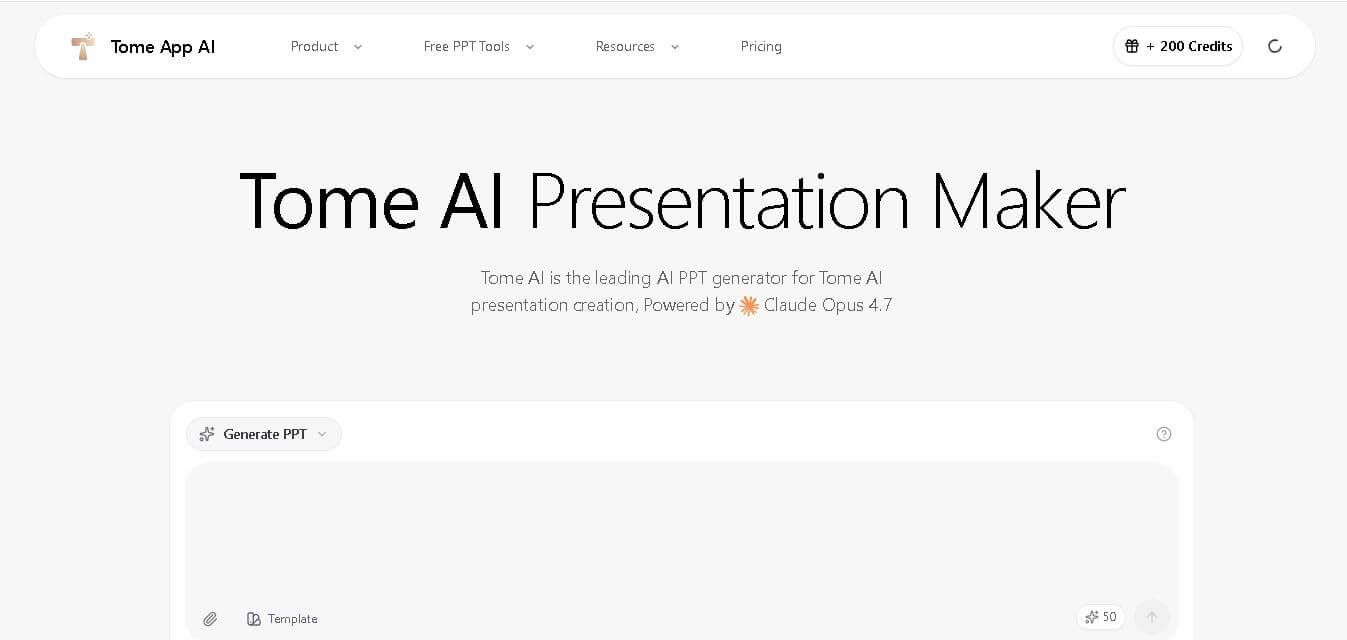
Tome AI is an AI-powered presentation and storytelling platform that transforms prompts into visually engaging presentations, reports, proposals, and business narratives using generative AI and collaborative design.
 4.4
4.4MyReport
Research
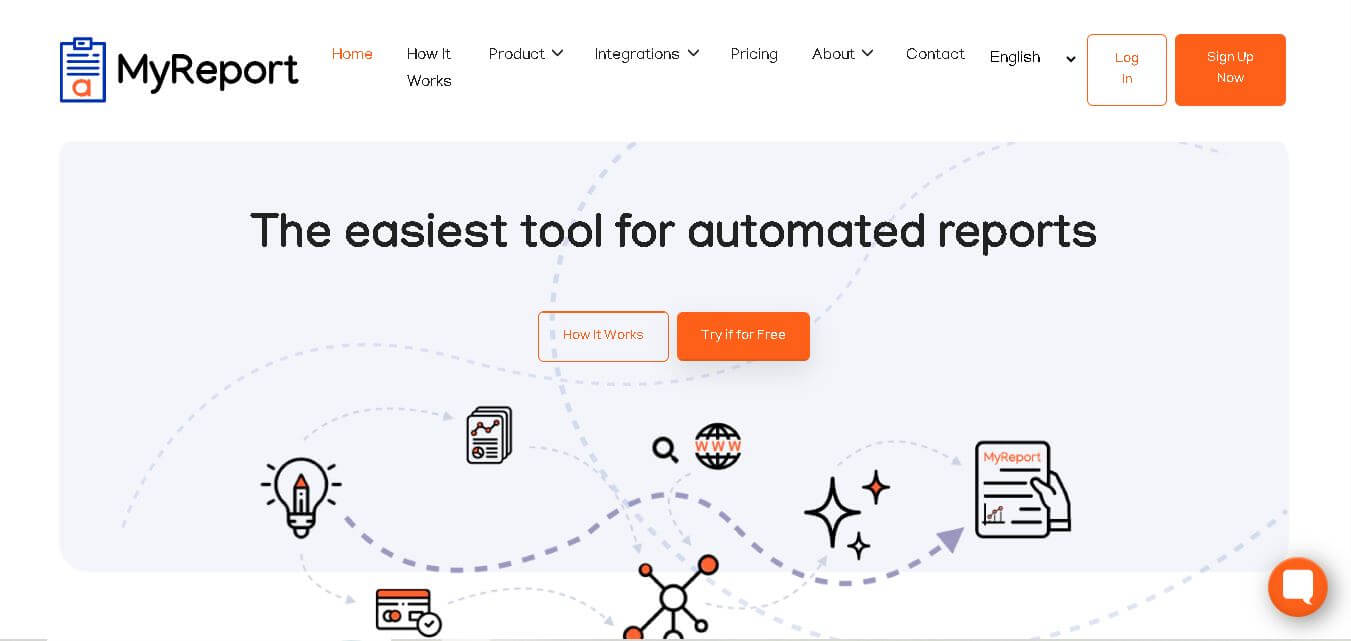
Alaba AI MyReport is an AI-powered report generation platform that automates research, document creation, and professional reporting workflows for businesses, students, and professionals.
 4.7
4.7SlidesAI
Presentation
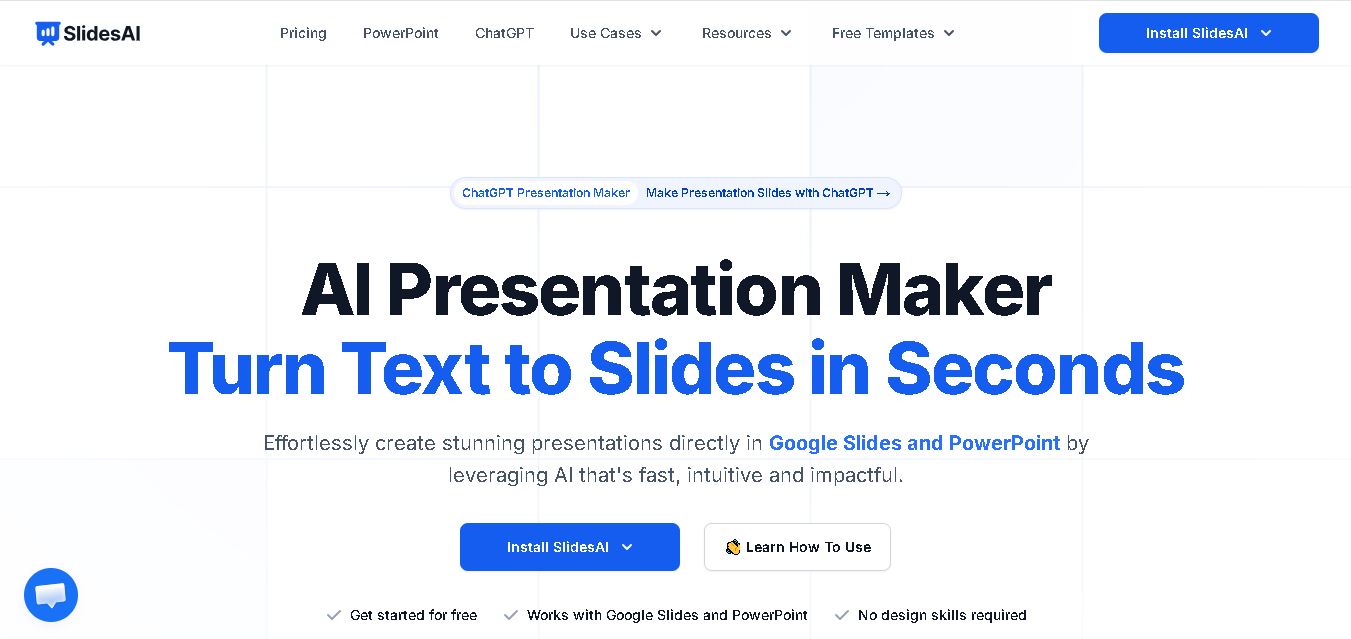
SlidesAI is an AI presentation maker that converts text into professional slides for Google Slides and PowerPoint, saving time with smart automation.
 4.6
4.6Decktopus AI
Presentation
Decktopus is an AI-powered presentation maker that helps users create stunning, interactive slides quickly with smart templates, automation, and design assistance for professionals and businesses.
 4.5
4.5PitchBob.io
Presentation
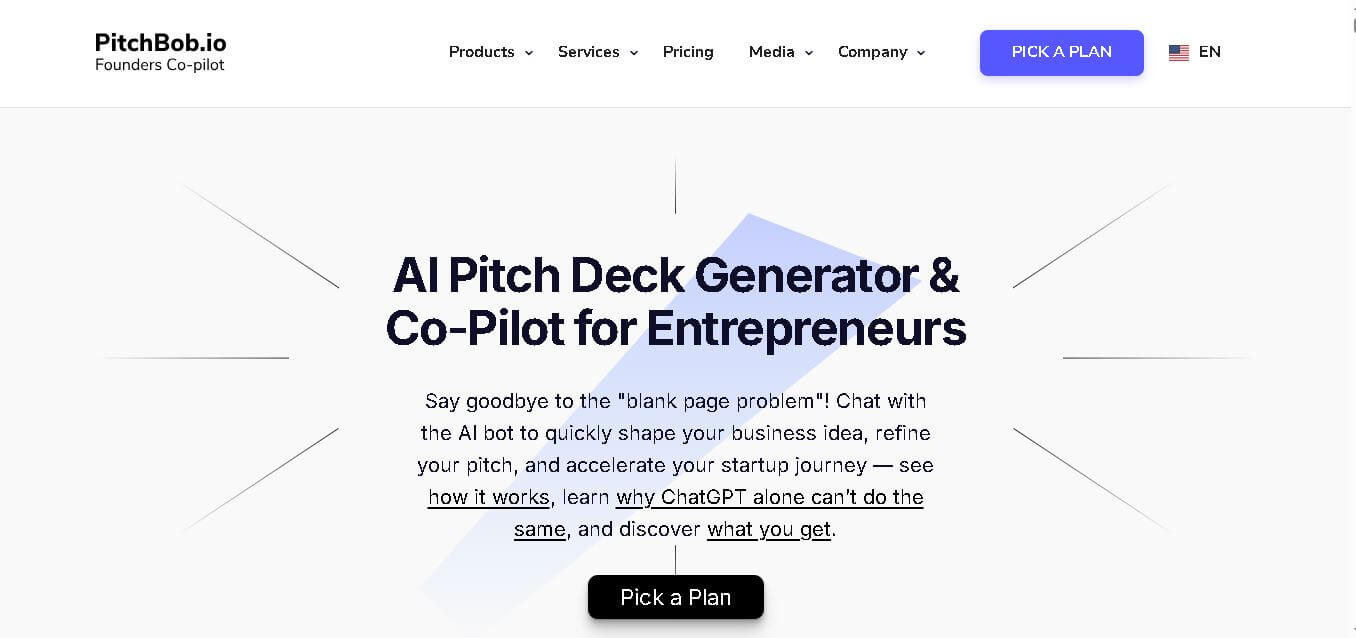
PitchBob.io is an AI-powered pitch deck generator that helps founders quickly create investor-ready presentations, business plans, and startup narratives with structured guidance.
 4.6
4.6Claude in PowerPoint
Presentation
Claude in PowerPoint is an AI-powered assistant powered by Anthropic’s Claude models that helps draft, refine, and style presentation slides using natural language prompts.
 4.4
4.4Prezi
Presentation
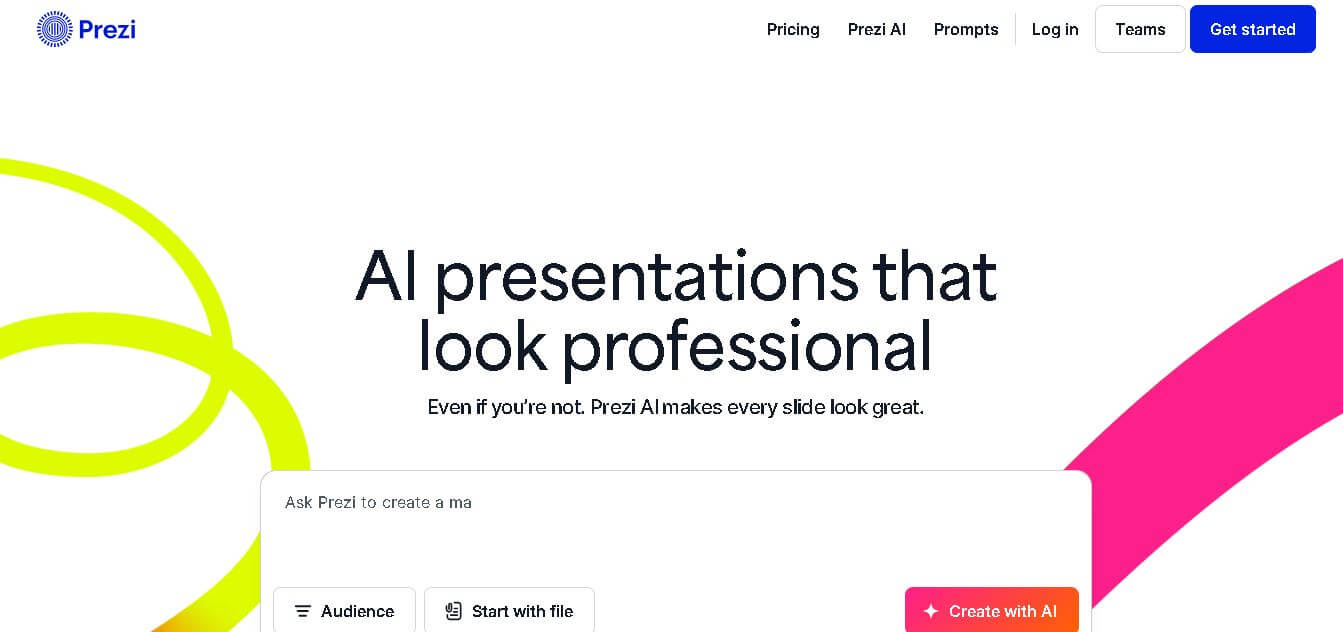
Prezi is a dynamic presentation platform that uses motion, visuals, and AI-powered design tools to help teams create engaging, non-linear presentations that stand out.