
Fineshare FineCam
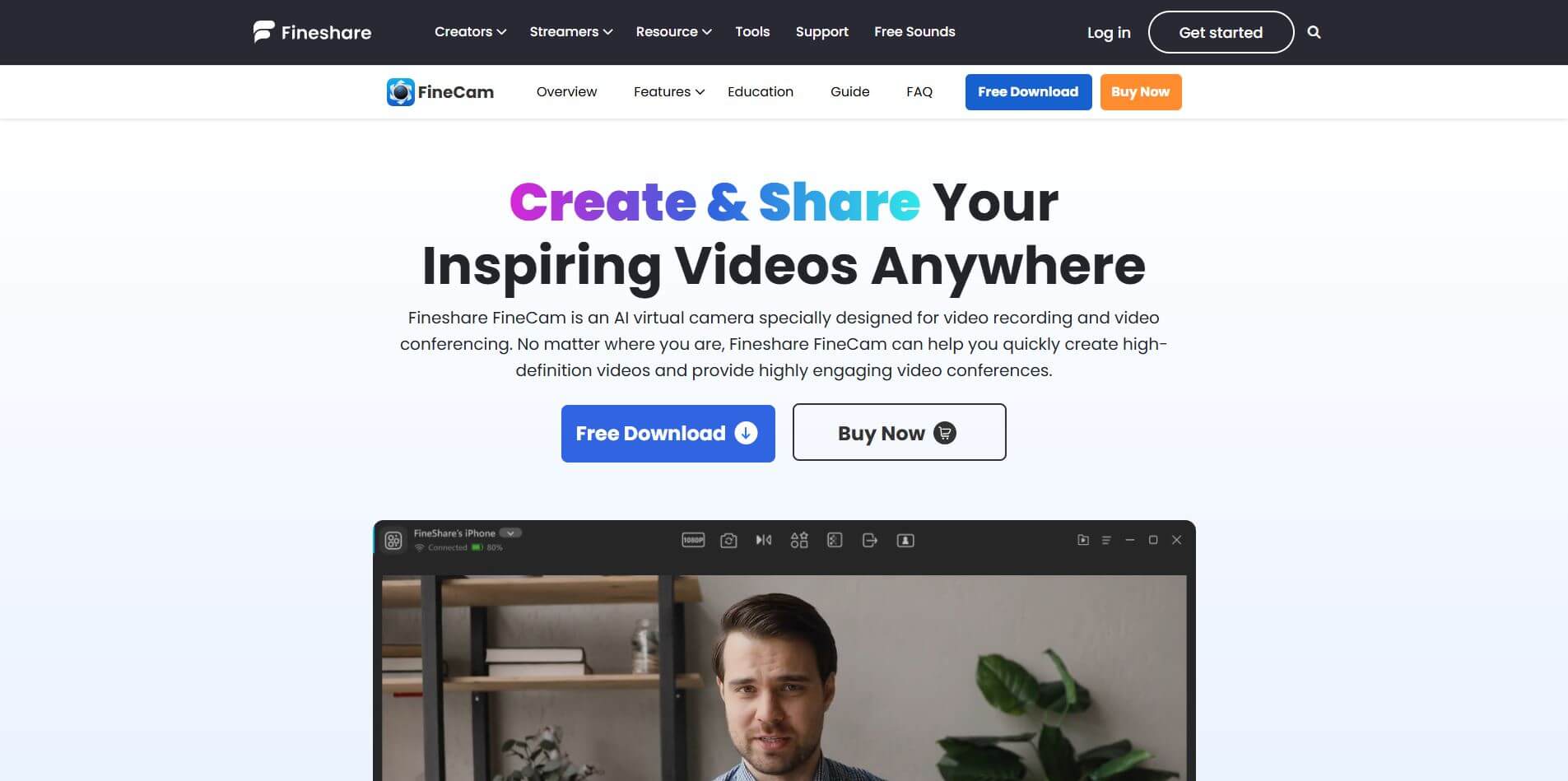
FineCam is an AI-powered virtual camera platform that enhances video quality for meetings, streams, and recordings.
Useful details for evaluating Fineshare FineCam
Primary Category
Productivity
Pricing Model
Freemium
Related Topics
Text-to-Video, Video Editing, Video Enhancer
Last Updated
Jun 29, 2026
What is Fineshare FineCam?
- Founder: FineShare Team
- Launch: 2022
- Use Cases: Online meetings, content creation, live streaming, teaching, and professional video calls
- Technology: AI-powered video enhancement, background removal, and camera integration
Fineshare's FineCam is an AI-powered virtual camera platform that instantly turns your mobile phone or connected device into a high-quality webcam for video calls, online classes, streaming, or content creation. It connects with your device through wireless or USB connections and gives you maximum control over your video quality (resolution, brightness), zoom, and orientation to deliver sharp, clear video. FineCam features smart AI tools such as real-time background removal or replacement options and portrait mode for a professional blurred effect. In addition, it allows for AI-generated virtual backgrounds without the need for a green screen.
It provides the versatility of switching between multiple cameras (front and back) and capturing your screen, app windows, slides, or video during live sessions. The quick-fix nature of FineCam makes it great for both work projects and creative play and fun. FineCam provides filters, overlays, and automatic video/audio enhancements that give you the ability to deliver professional-quality content without needing expensive equipment. With its easy setup, user-friendly design, and powerful AI tools, FineCam is for anyone who wants to create great visuals and sound in any online setting.
Fineshare FineCam Video/Demo
People are also reading
FAQ
What is FineCam used for?
FineCam is used for enhancing webcam video quality, adding virtual backgrounds, and improving online meetings, live streams, and recordings.
Can I use my phone as a webcam with FineCam?
Yes, FineCam allows you to connect your smartphone and use it as a high-definition webcam.
Does FineCam work with Zoom and Teams?
Absolutely, FineCam integrates smoothly with Zoom, Microsoft Teams, Google Meet, OBS, and other popular platforms.
Do I need a green screen for virtual backgrounds?
No, FineCam uses AI background removal, so you can enjoy professional virtual backgrounds without a green screen.
Who can benefit from FineCam?
FineCam is perfect for content creators, teachers, business professionals, live streamers, and anyone who wants to look professional online.
User Reviews
No reviews yet for Fineshare FineCam.
Featured Tools
Featured AI tools from TechShark

Fashion Diffusion AI
Fashion Diffusion is an AI-powered fashion design platform that helps brands and designers create clothing designs, virtual try-ons, AI models, product photos, and marketing visuals faster and cost-effectively.
Paid
Veo 4
Veo 4 AI is an AI video creation platform that generates dramatic videos from text, images, audio, and video prompts using realistic motion and synchronized sound.
Paid
Happy Horse
HappyHorse AI is an AI-powered video generator that creates cinematic videos with synchronized audio from text, images, and prompts instantly.
Paid
Seedance 2
Seedance 2.0 is an AI-powered video generation platform that transforms text, images, audio, and video into cinematic, multi-shot content with advanced motion control, reference-based consistency, and synchronized sound production.
Freemium
Alternatives
Alternatives to Fineshare FineCam
FineCam is an AI-powered virtual camera platform that helps creators, professionals, and educators improve webcam video quality with AI features, virtual backgrounds, and seamless integration across platforms.
 4.7
4.7Wisecut
Video Editing
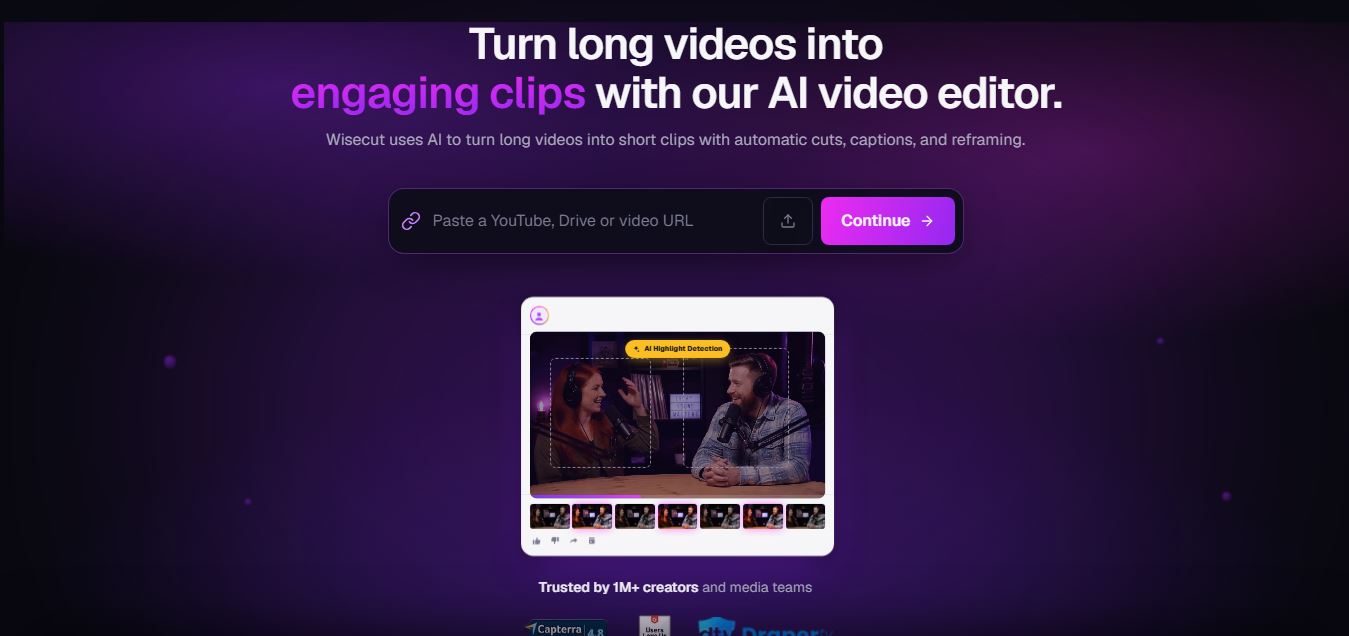
WiseCut AI is an AI-powered video editing platform that automatically transforms long videos into engaging, professional-quality content within minutes.
 4.5
4.5character gpt
Video Enhancer
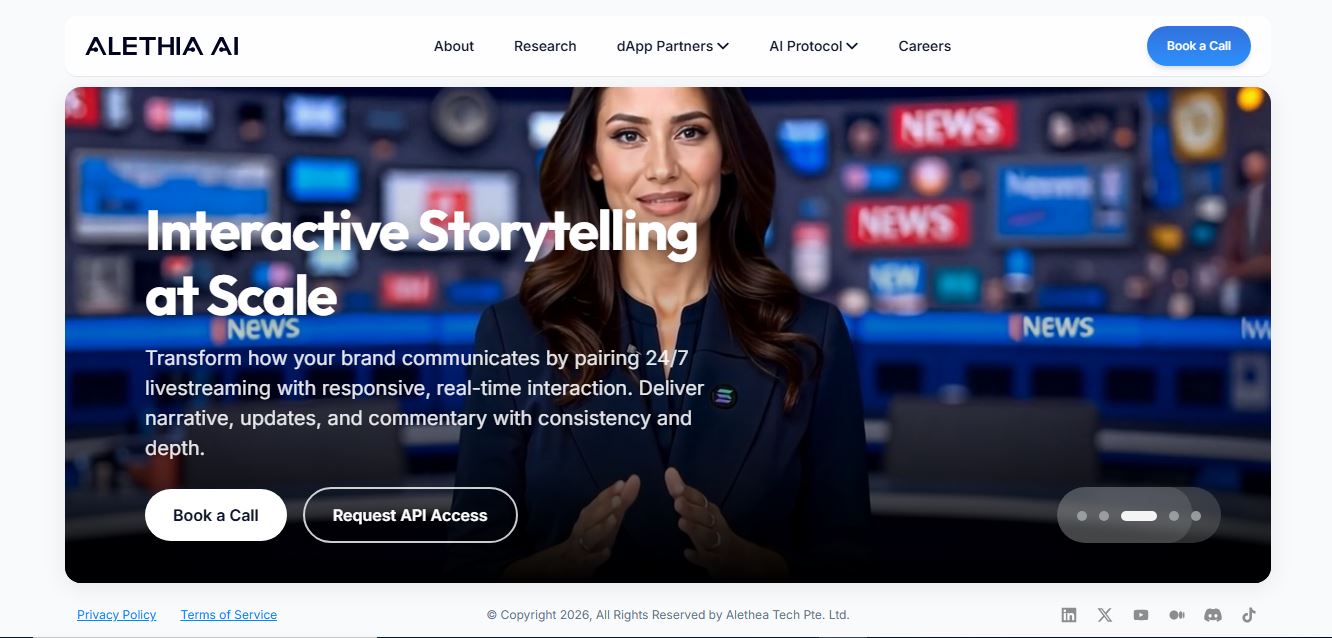
CharacterGPT is an AI platform that creates interactive digital characters with unique personalities, appearances, and identities using natural-language descriptions and generative AI.
 4.6
4.6Unboring AI
Video Editing
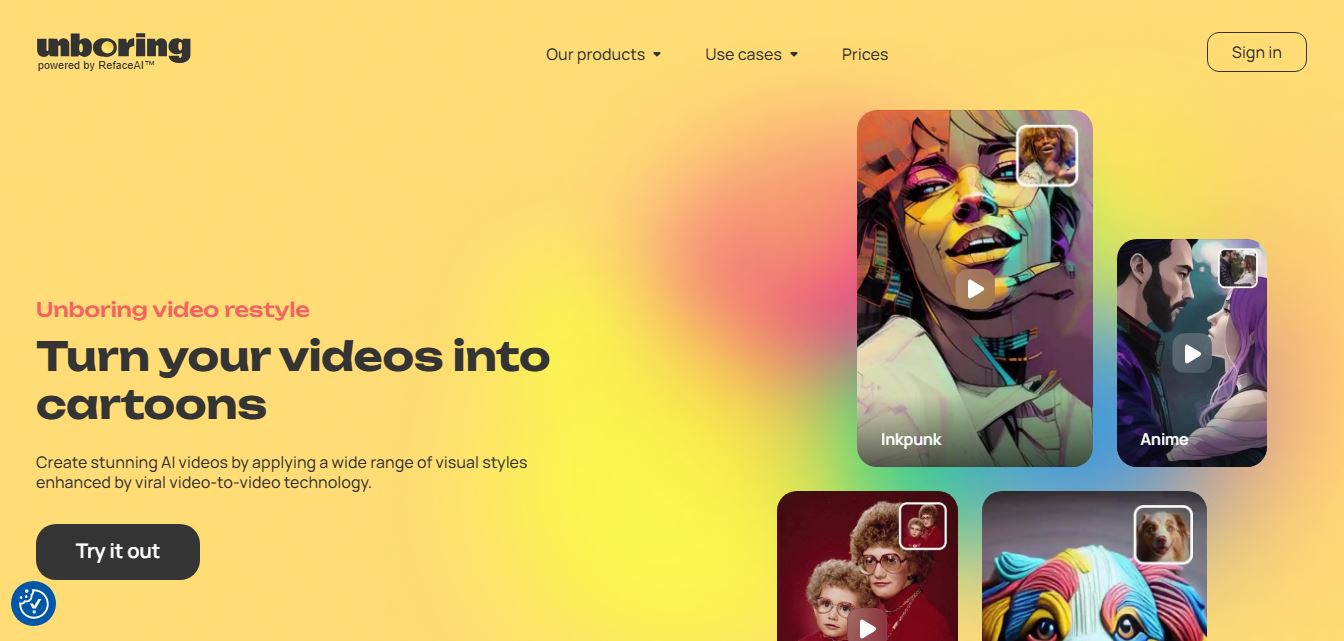
Unboring AI is a creative AI platform that lets users swap faces, animate photos, and transform videos with different visual styles.
 4.3
4.3Media.io
Video Editing
Media.io is an AI-powered online multimedia platform that helps users edit videos, enhance audio, convert files, generate AI content, remove backgrounds, and create professional-quality media with ease.
 4.5
4.5WayinVideo
Video Editing
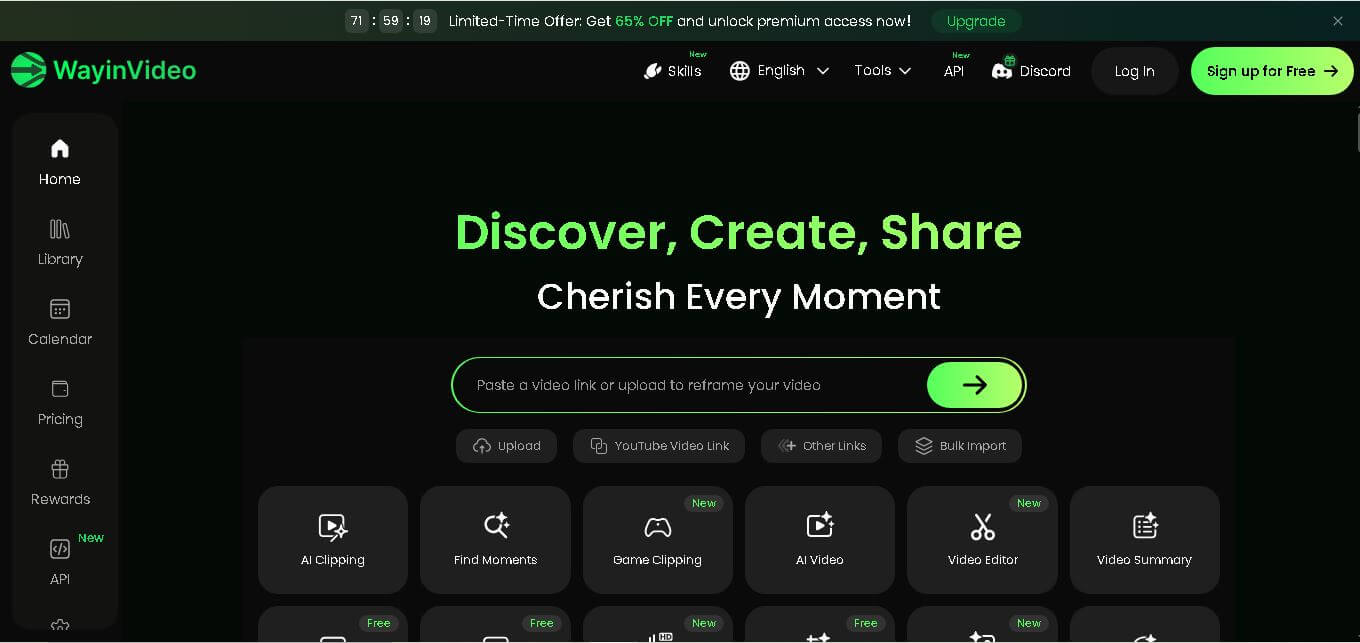
WayinVideo is an AI-powered video editing platform that automatically creates short clips, captions, summaries, transcripts, and social-ready videos from long-form content in minutes.
 4.5
4.5Velo
Video Editing
Velo is an AI-powered video creation platform that transforms documents, prompts, and screen recordings into professional business videos with voice cloning, multilingual support, avatars, analytics, and collaboration.
 4.5
4.5EbSynth
Video Editing
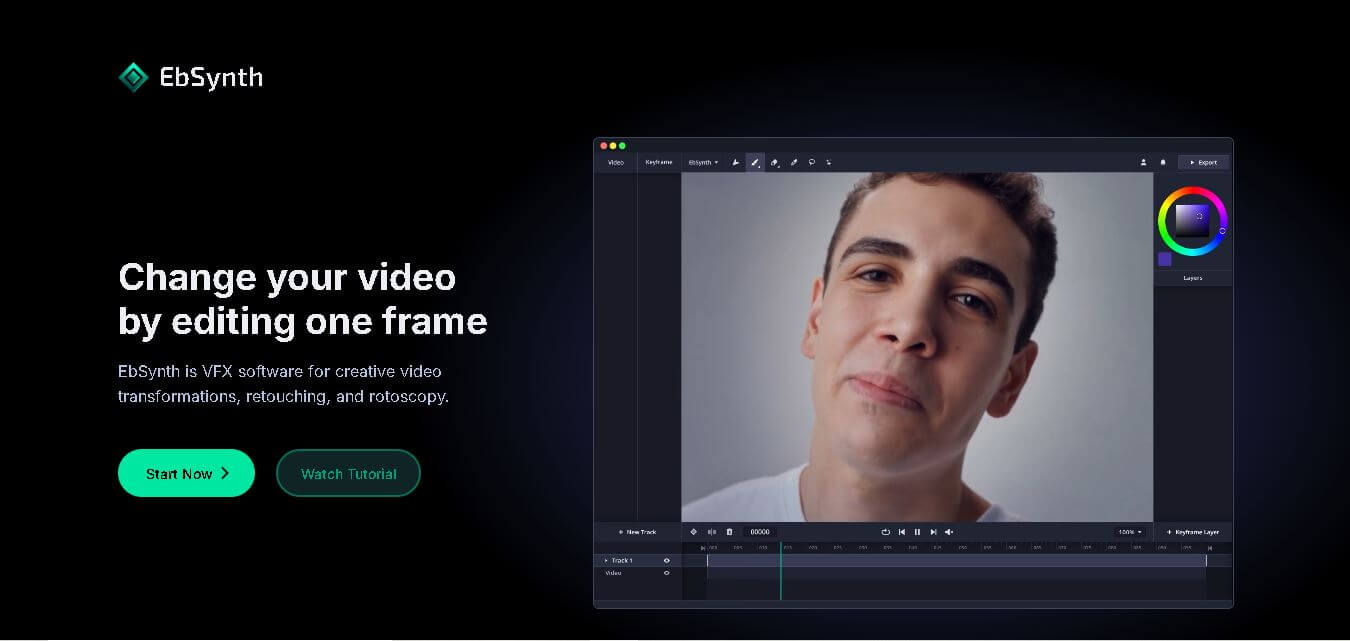
EbSynth is an AI-powered video stylization tool that transforms edited keyframes into complete video sequences, enabling artists and creators to produce stunning animations, visual effects, and artistic videos faster.
 4.5
4.5Vidiofy
Text-to-Video
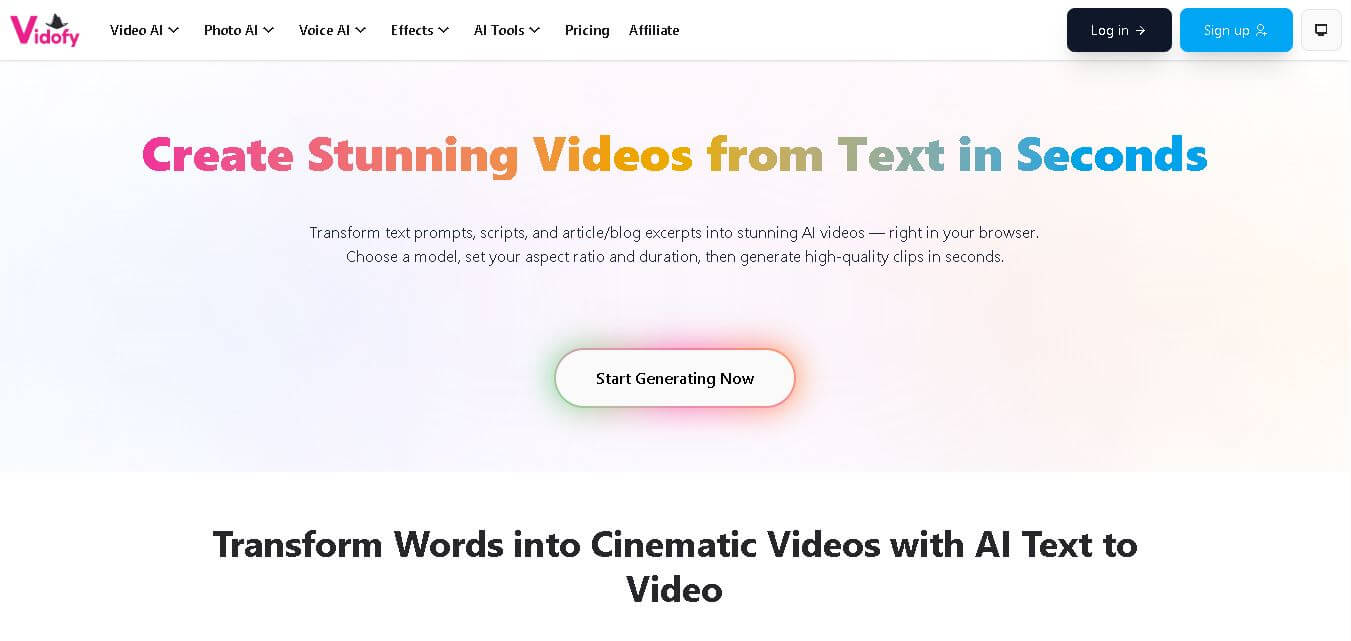
Vidofy AI is an AI-powered content creation platform that transforms text into engaging videos, images, and audio. It helps creators and businesses generate professional content quickly and efficiently.
 4.5
4.5Immersive Fox
Text-to-Video
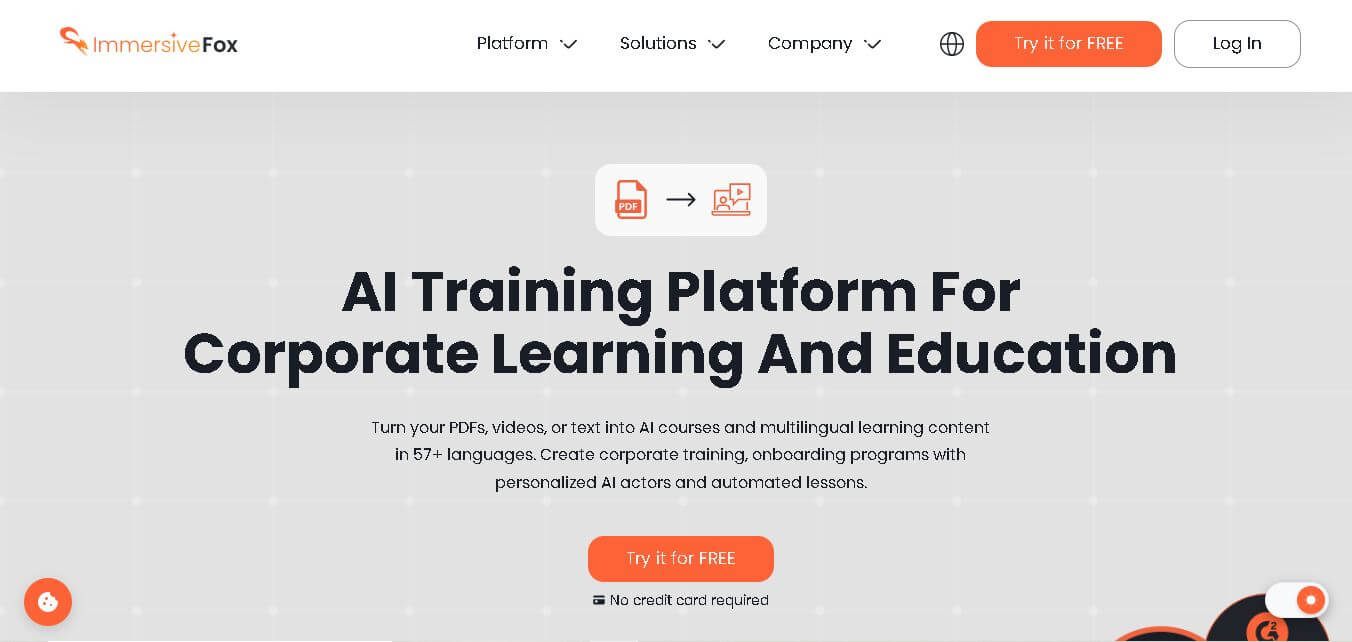
Immersive Fox is an AI-powered platform that transforms documents, presentations, and text into engaging video courses, multilingual training content, AI-generated lessons, quizzes, and interactive learning experiences.