
HitPaw
HitPaw Video Editing is a user-friendly video editing software.

Useful details for evaluating HitPaw
Primary Category
Video Editing
Pricing Model
Freemium
Related Topics
video-enhencer, video-editing, video
Last Updated
Jun 27, 2026
What is HitPaw?
HitPaw is a complete multimedia solutions provider that offers a wide range of audio and video editing tools. The video enhancer helps to improve the video quality by enhancing resolution, sharpening details, and reducing noise. This is useful for all types of video editors and helps to improve the quality of old low-resolution videos.
Key Features
HitPaw key features are:
- Video Solutions: HitPaw's video utilities include a video converter for multiple formats, a video enhancer for better video quality, and a video compressor for smaller file sizes without sacrificing quality.
- Ease of Use: HitPaw provides simple, intuitive interfaces accessible to anyone without sophisticated technical understanding. This emphasis on user-friendliness is an important part of their services.
- Online Tools: HitPaw also provides tools that allow you to quickly fix typical editing jobs like watermark removal, background removal, and more without downloading software.
- Motion graphics: Create animated titles, intros, and outros using HitPaw Video Editing's motion graphics templates.
Pricing
HitPaw offers both free and paid offers:
- One-month plan: $19.95
- One-year plan: $49.95
Disclaimer: For the latest and most accurate pricing information, please visit the official HitPaw website.
Who is Using HitPaw?
- Content Creators: Social media influencers, YouTubers, and vloggers use HitPaw to improve video quality.
- Video Editors: Video editors and professionals are used to create high-quality videos.
- Marketers use it to create high-quality promotional content and video content.
- Educational Content Producers: Educators use HitPaw to create high-quality online courses and instructional videos.
- Business: Use to improve the video content for transcription, presentation, and corporate communication.
HitPaw Video
Hitpaw Alternatives
Some of the alternatives are:
- Blender
- Final Cut Pro
- Wave Video
- Nuke
- Many Cam
Conclusion
HitPaw Video Editing is a user-friendly software suitable for new and experienced users. The free edition is a fantastic alternative for individuals just getting started with video editing, while the premium version includes additional tools and is better suited for more expert users.
Also Check:
User Reviews
No reviews yet for HitPaw.
Featured Tools
Featured AI tools from TechShark

Fashion Diffusion AI
Fashion Diffusion is an AI-powered fashion design platform that helps brands and designers create clothing designs, virtual try-ons, AI models, product photos, and marketing visuals faster and cost-effectively.
Paid
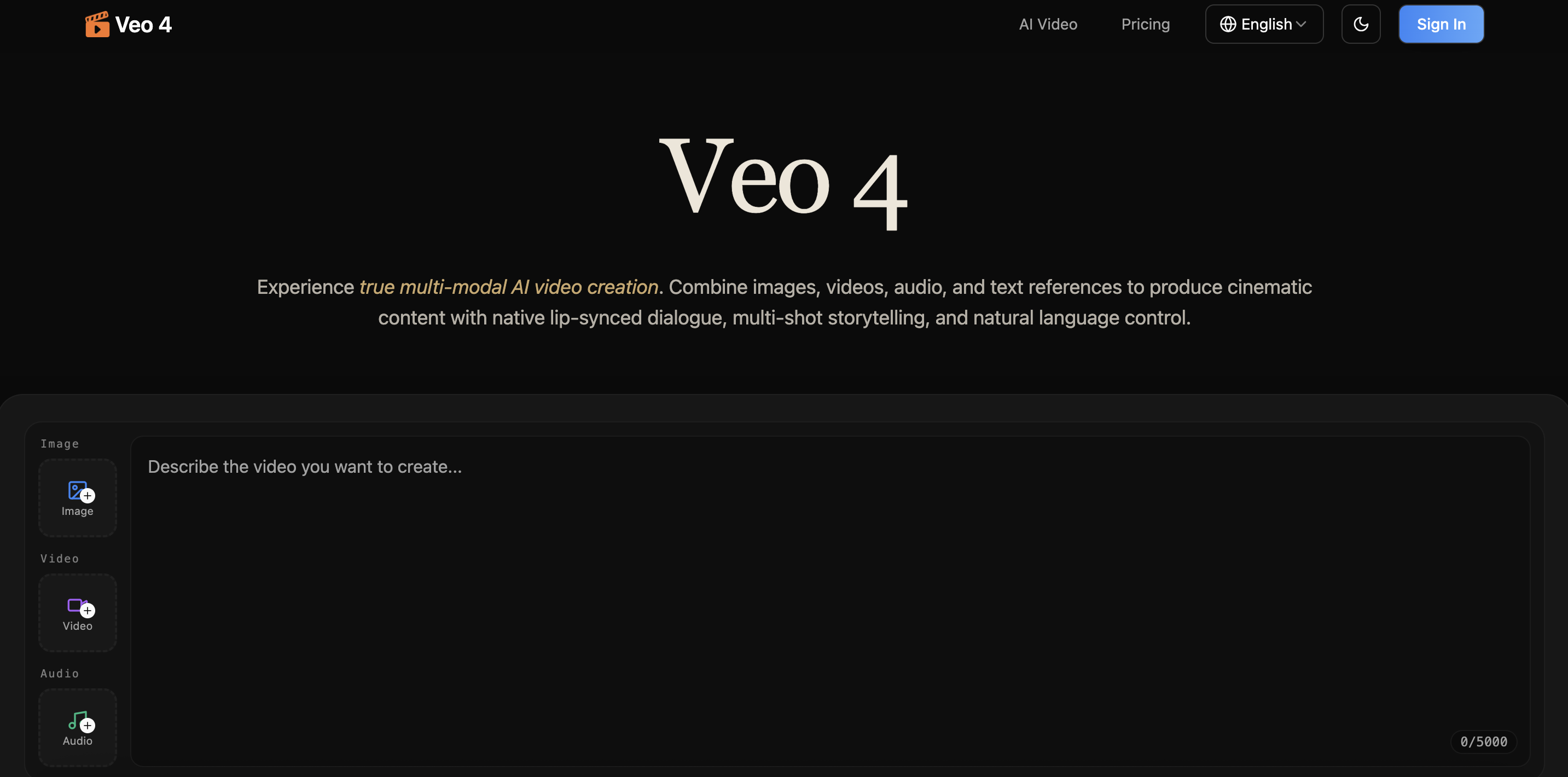
Veo 4
Veo 4 AI is an AI video creation platform that generates dramatic videos from text, images, audio, and video prompts using realistic motion and synchronized sound.
Paid
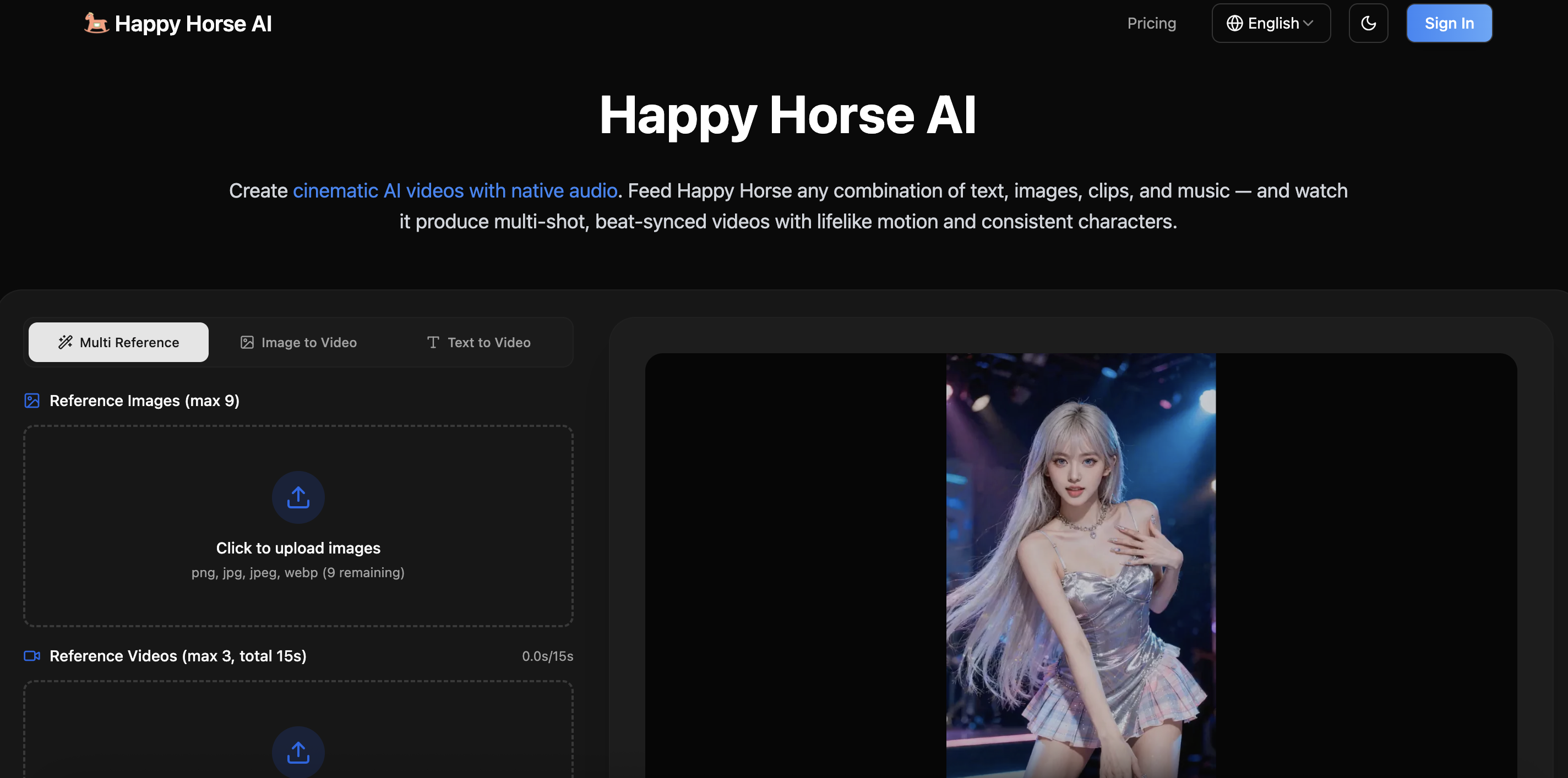
Happy Horse
HappyHorse AI is an AI-powered video generator that creates cinematic videos with synchronized audio from text, images, and prompts instantly.
Paid
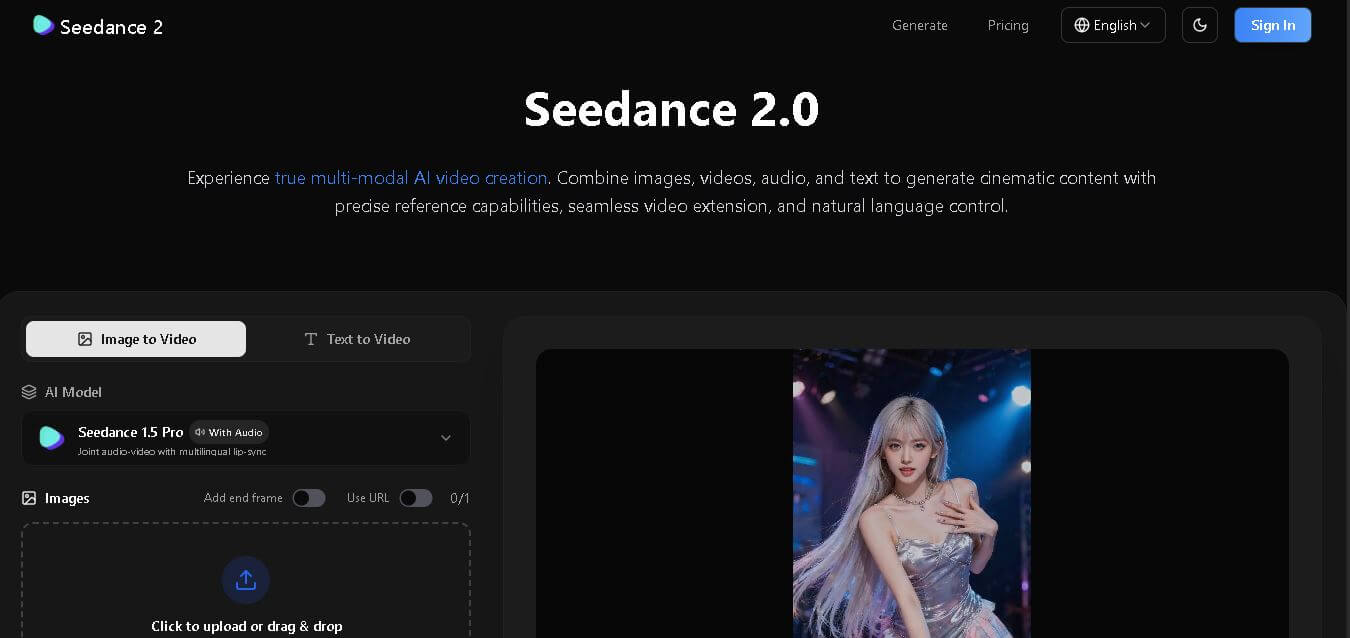
Seedance 2
Seedance 2.0 is an AI-powered video generation platform that transforms text, images, audio, and video into cinematic, multi-shot content with advanced motion control, reference-based consistency, and synchronized sound production.
Freemium
Alternatives
Alternatives to HitPaw
HitPaw is an all-in-one multimedia tool offering video enhancement, editing, conversion, and online utilities, helping creators, educators, and businesses produce high-quality, professional content effortlessly.
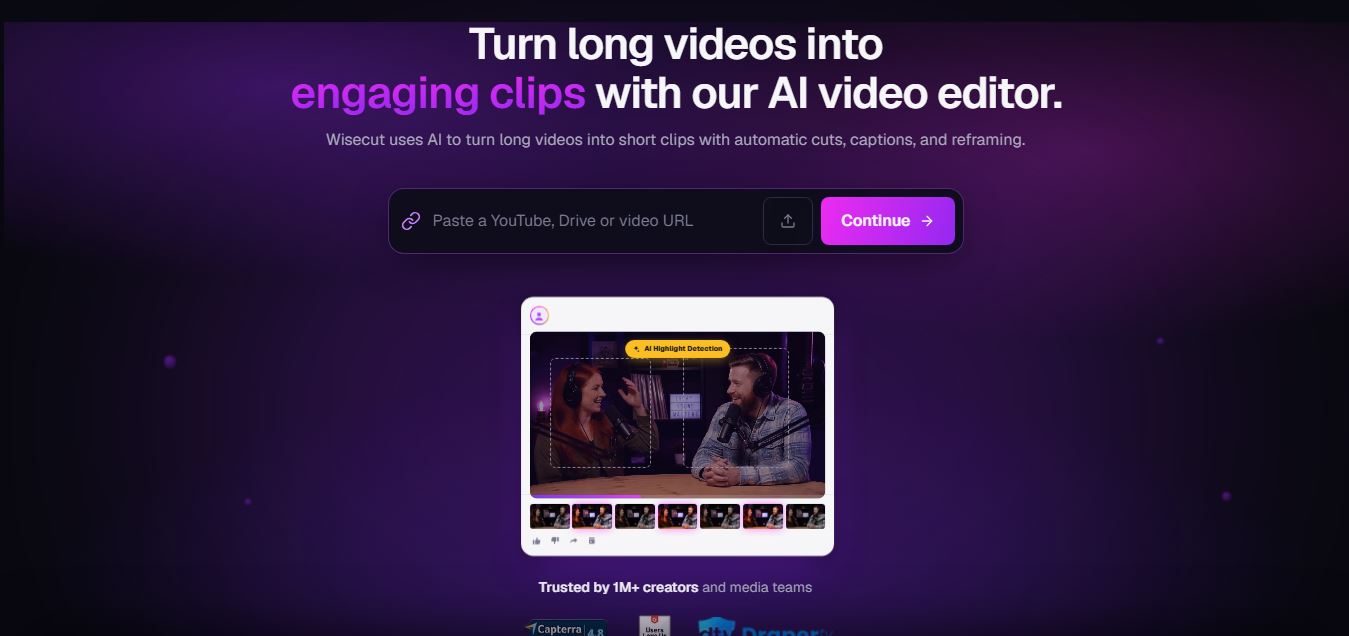 4.7
4.7Wisecut
Video Editing
WiseCut AI is an AI-powered video editing platform that automatically transforms long videos into engaging, professional-quality content within minutes.
 4.6
4.6Unboring AI
Video Editing
Unboring AI is a creative AI platform that lets users swap faces, animate photos, and transform videos with different visual styles.
 4.3
4.3Media.io
Video Editing
Media.io is an AI-powered online multimedia platform that helps users edit videos, enhance audio, convert files, generate AI content, remove backgrounds, and create professional-quality media with ease.
 4.5
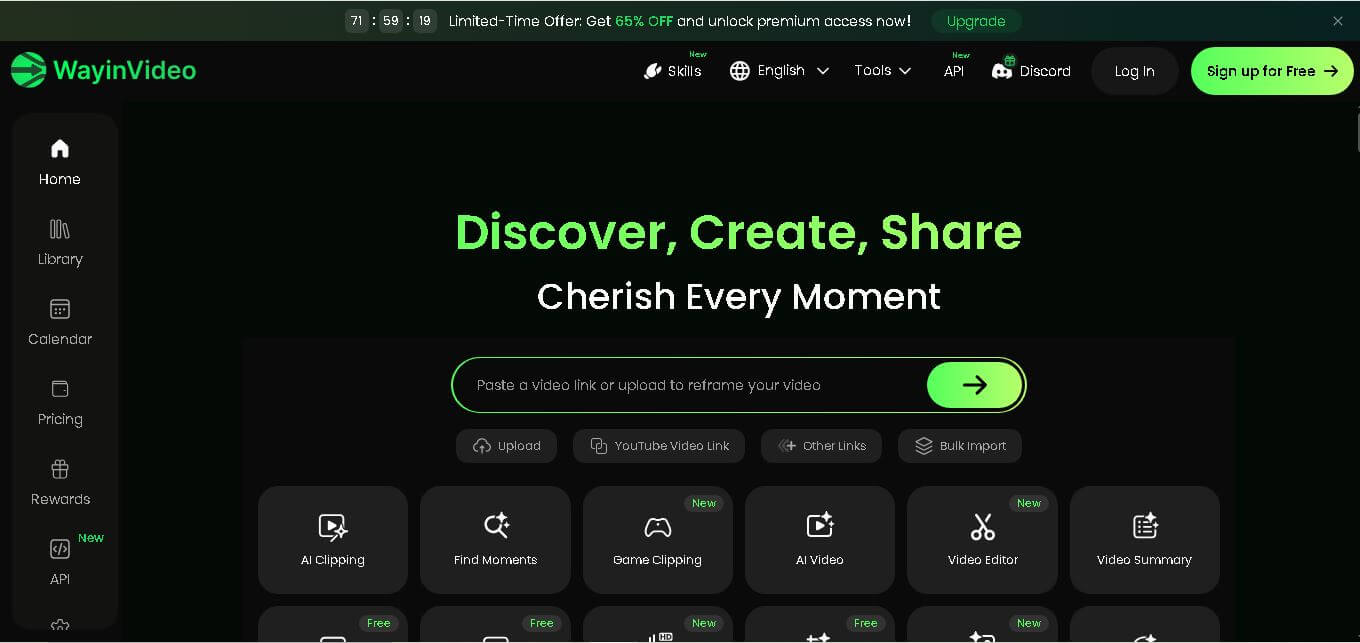
4.5WayinVideo
Video Editing
WayinVideo is an AI-powered video editing platform that automatically creates short clips, captions, summaries, transcripts, and social-ready videos from long-form content in minutes.
 4.5
4.5Velo
Video Editing
Velo is an AI-powered video creation platform that transforms documents, prompts, and screen recordings into professional business videos with voice cloning, multilingual support, avatars, analytics, and collaboration.
 4.5
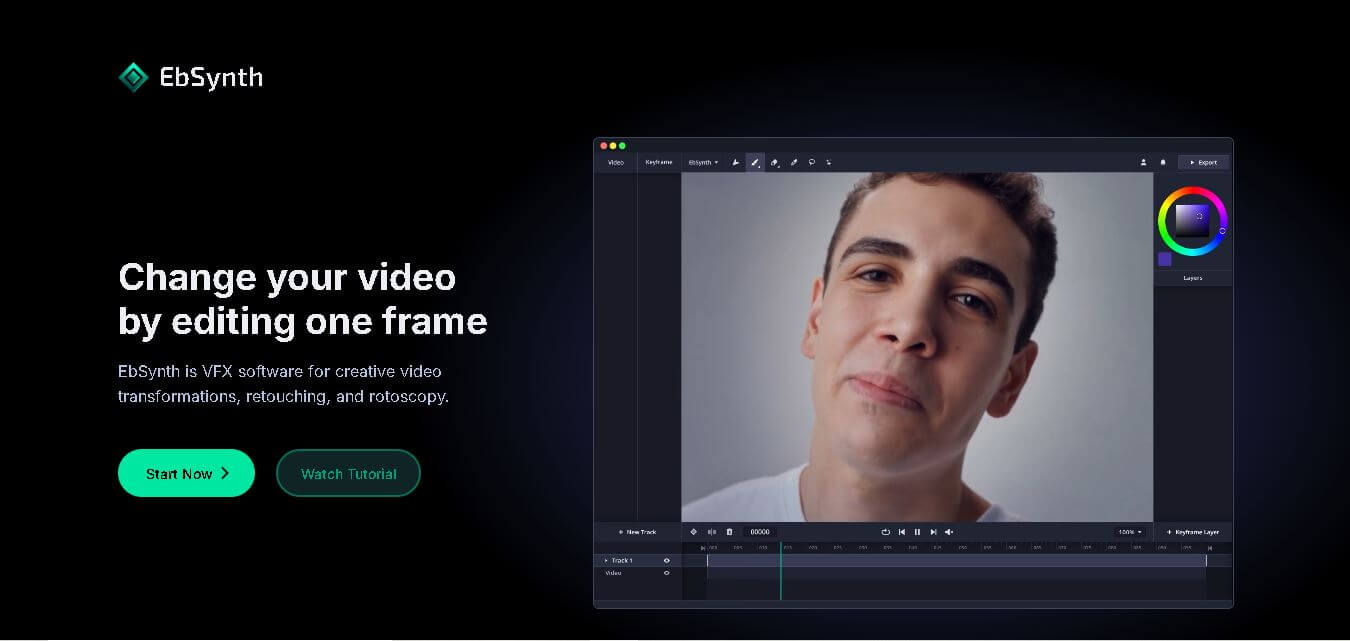
4.5EbSynth
Video Editing
EbSynth is an AI-powered video stylization tool that transforms edited keyframes into complete video sequences, enabling artists and creators to produce stunning animations, visual effects, and artistic videos faster.
 4.5
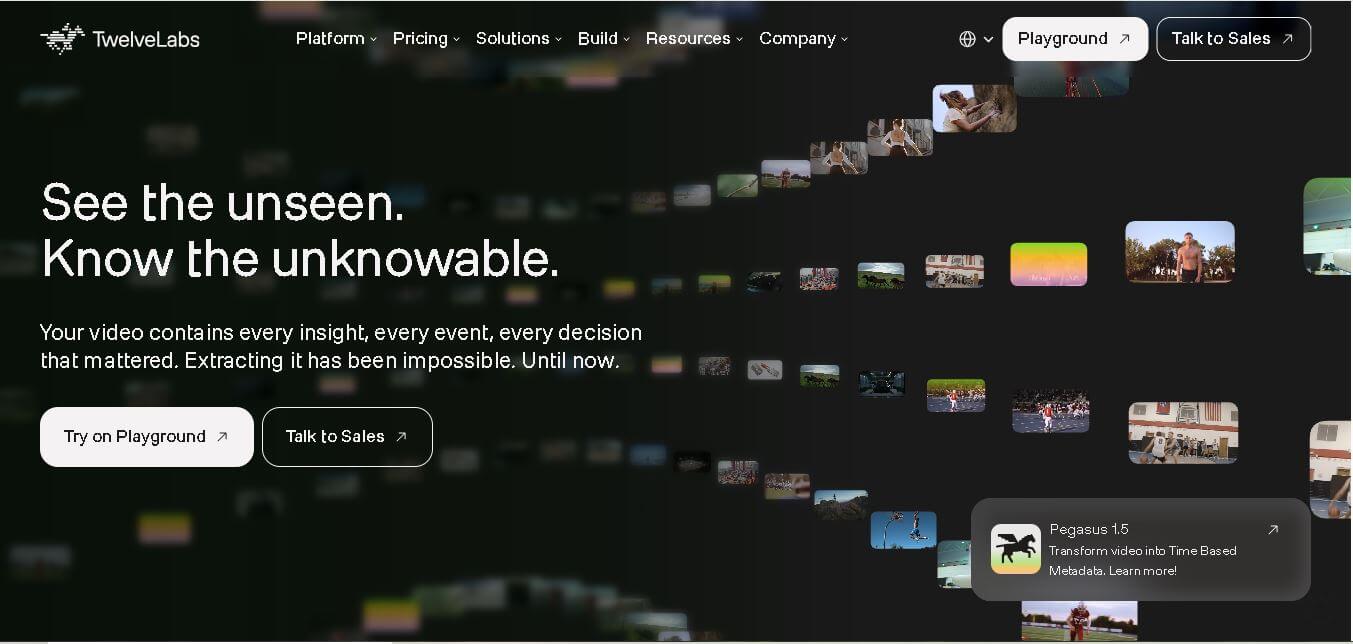
4.5Twelve Labs
Video Editing
Twelve Labs is an AI-powered video understanding platform that helps developers search, analyze, summarize, and extract insights from videos using advanced multimodal artificial intelligence models.
 4.6
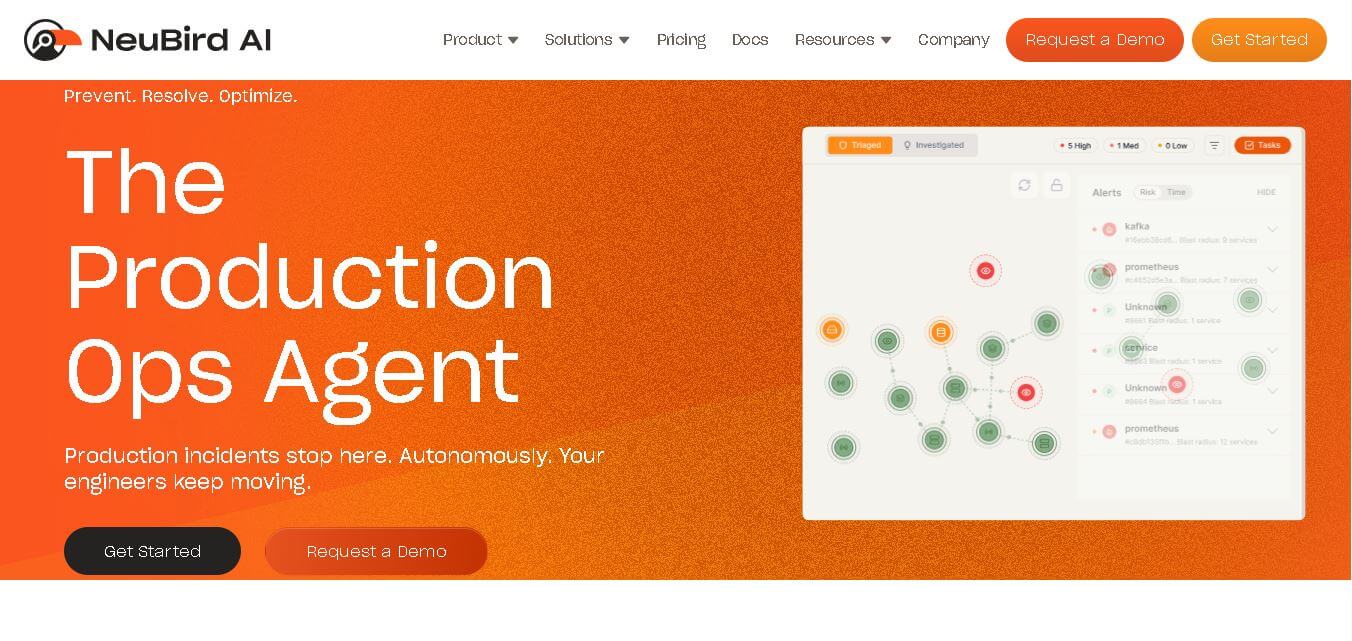
4.6NeuBird
Video Editing
NeuBird AI is an AI-powered production operations platform that helps enterprises automate incident detection, root cause analysis, and IT troubleshooting across cloud-native and hybrid infrastructure environments.
 4.5
4.5quso.ai
Social Media
Quso AI is an AI-powered content creation platform that transforms long videos into engaging short clips, captions, and social media posts automatically.