Spikes Studio
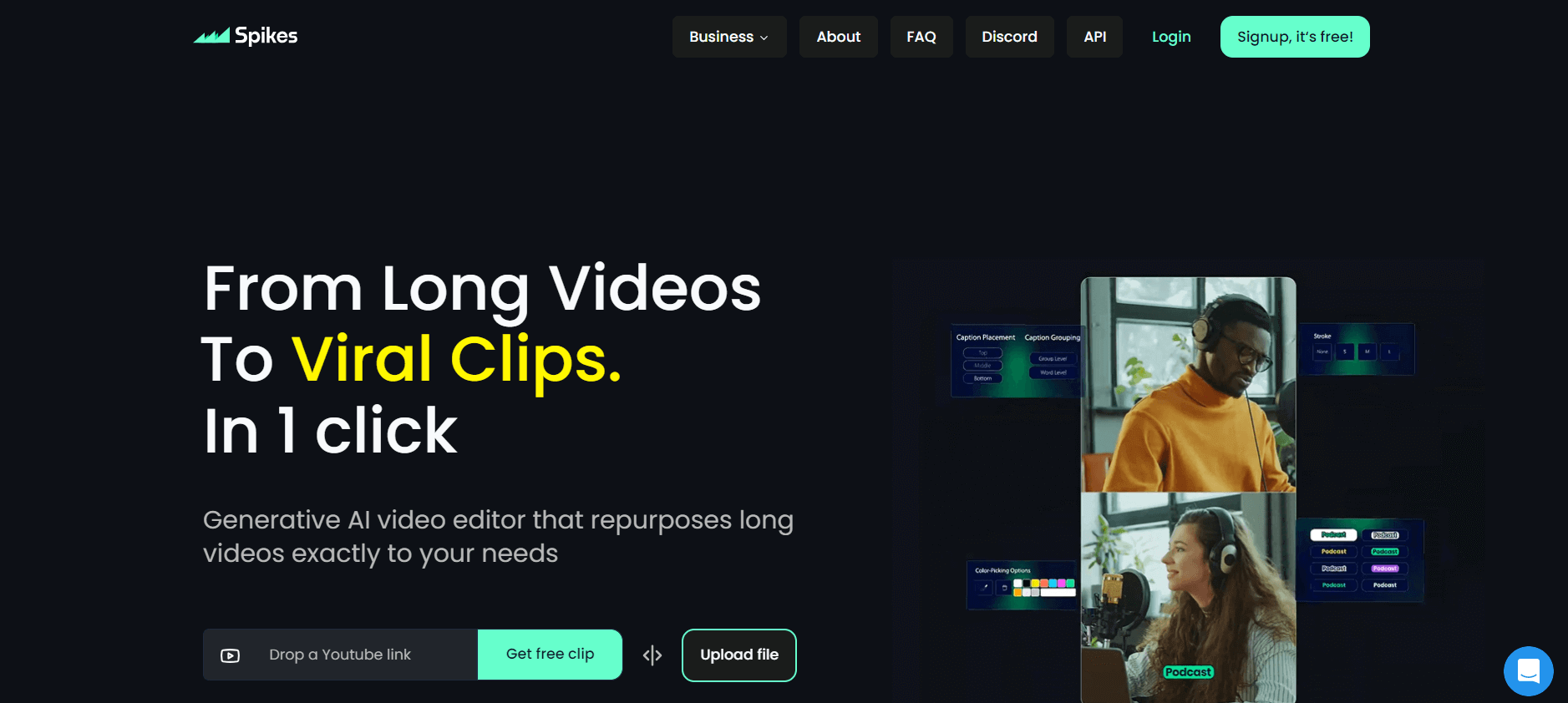
Generative AI video editor that repurposes long videos precisely for your requirements.
Useful details for evaluating Spikes Studio
Primary Category
Video Editing
Pricing Model
Freemium
Related Topics
video-editing, video-enhencer, video
Last Updated
Jun 27, 2026
What is Spikes Studio?
Spikes Studio is an AI-powered video editing tool focusing on video editing and content creation. It uses advanced AI and machine learning algorithms to automate and improve video creation, including editing, effects, and optimization. The tool converts long videos into viral clips with a few clicks for platforms such as Instagram reels, TikTok, YouTube shorts, Facebook, and others. The tool has a variety of functions such as auto captures, quick editing, and many more. The application can help content creators, marketers, and professionals streamline their video creation process and deliver high-quality results with less manual labor.
Key Features
Spike's key features are:
- Automated Editing: The tool automatically cuts video clips based on user-defined criteria.
- AI-Powered Editing: The tool automatically generates clips from the long video content, saving time and effort.
- Visual Effects: The tool Offers filters, transitions, and effects to enhance the visual appeal of videos.
- Audio Enhancement: Use AI to improve sound quality, reduce background noise, and balance audio levels.
- Content Analysis: Use AI and machine learning to analyze video content, suggest edits, highlight key moments, and optimize for different platforms.
Pricing
Spikes Studio offers a freemium plan, the paid plan starts at $2 per month
Who is Using Spikes Studio?
A diverse range of users and organizations utilize Spikes Studio.
- Content Creators: YouTubers, and social media influencers use to improve video quality
- Marketing Team: Create promotional videos, advertisements, and social media content.
- Educators: Create high-quality educational video content.
- Event Organizers: Create highlight reels, promotional videos, and recaps of events and conferences.
Spikes Studio Video
Spikes Studio Alternatives
Some of the alternatives are:
- Chip Maker
- Clips AI
- Vidyo AI
- 2Sort AI
- Clip Gen
Conclusion
Spikes Studio is a powerful AI tool that helps content creators to edit video content quickly and easily. The tool uses AI to streamline the video editing process and make it accessible to a wide range of users.
Also Check:
User Reviews
No reviews yet for Spikes Studio.
Featured Tools
Featured AI tools from TechShark

Fashion Diffusion AI
Fashion Diffusion is an AI-powered fashion design platform that helps brands and designers create clothing designs, virtual try-ons, AI models, product photos, and marketing visuals faster and cost-effectively.
Paid
Veo 4
Veo 4 AI is an AI video creation platform that generates dramatic videos from text, images, audio, and video prompts using realistic motion and synchronized sound.
Paid
Happy Horse
HappyHorse AI is an AI-powered video generator that creates cinematic videos with synchronized audio from text, images, and prompts instantly.
Paid
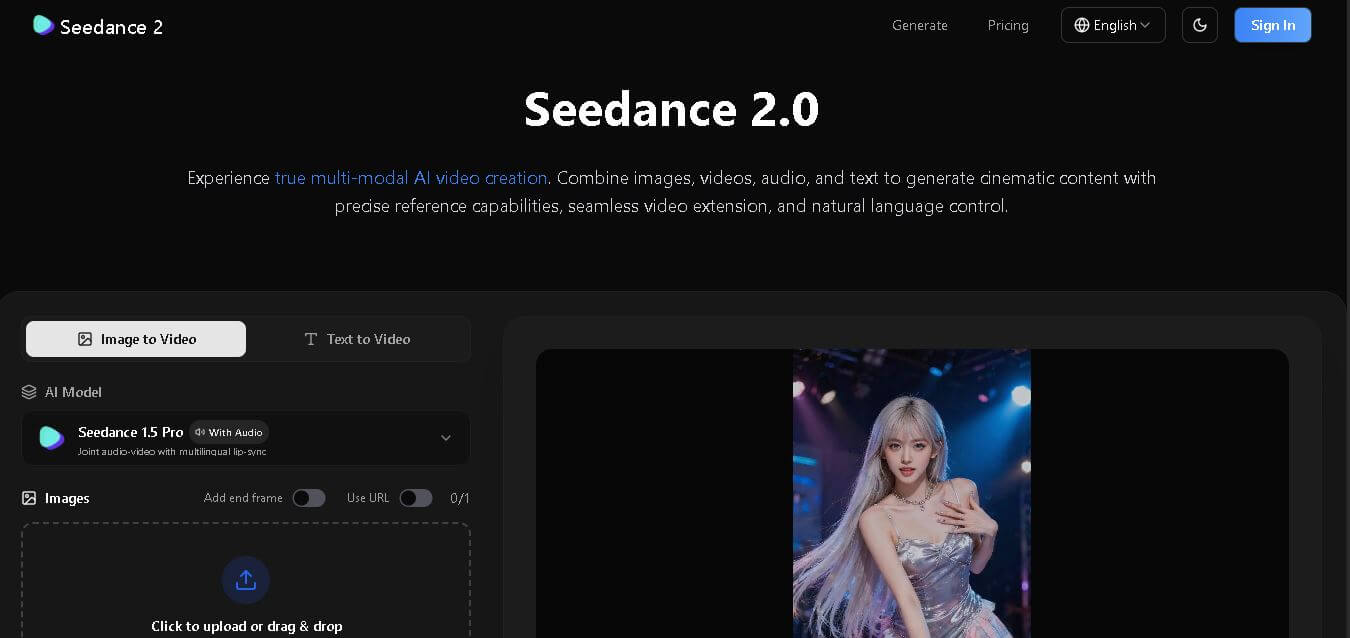
Seedance 2
Seedance 2.0 is an AI-powered video generation platform that transforms text, images, audio, and video into cinematic, multi-shot content with advanced motion control, reference-based consistency, and synchronized sound production.
Freemium
Alternatives
Alternatives to Spikes Studio
Spikes Studio is an AI-powered video editing tool that automates editing, effects, and optimization, transforming long videos into viral clips effortlessly for social media.
 4.7
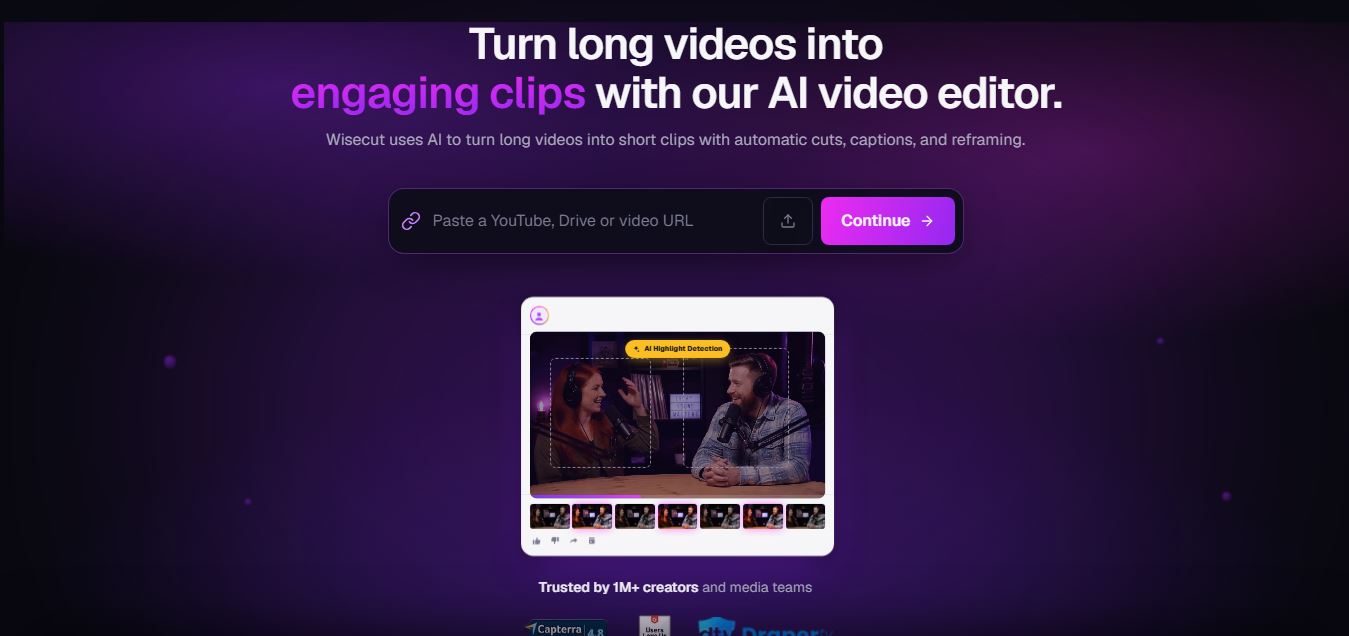
4.7Wisecut
Video Editing
WiseCut AI is an AI-powered video editing platform that automatically transforms long videos into engaging, professional-quality content within minutes.
 4.6
4.6Unboring AI
Video Editing
Unboring AI is a creative AI platform that lets users swap faces, animate photos, and transform videos with different visual styles.
 4.3
4.3Media.io
Video Editing
Media.io is an AI-powered online multimedia platform that helps users edit videos, enhance audio, convert files, generate AI content, remove backgrounds, and create professional-quality media with ease.
 4.5
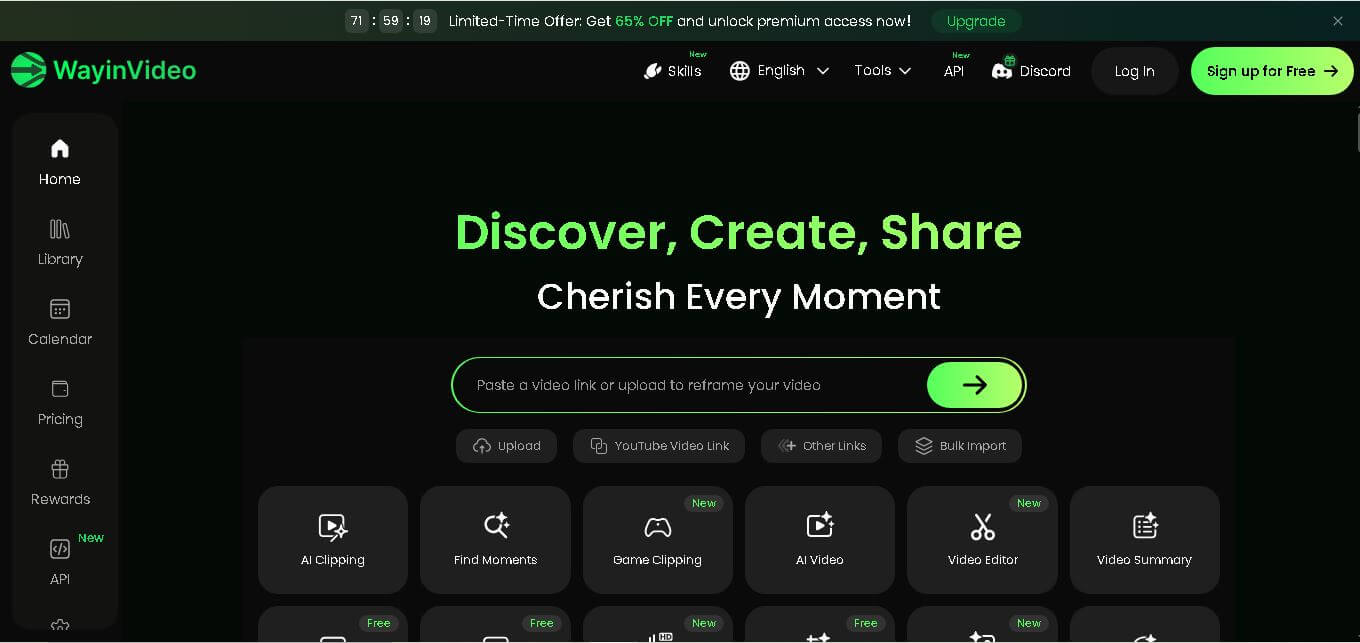
4.5WayinVideo
Video Editing
WayinVideo is an AI-powered video editing platform that automatically creates short clips, captions, summaries, transcripts, and social-ready videos from long-form content in minutes.
 4.5
4.5Velo
Video Editing
Velo is an AI-powered video creation platform that transforms documents, prompts, and screen recordings into professional business videos with voice cloning, multilingual support, avatars, analytics, and collaboration.
 4.5
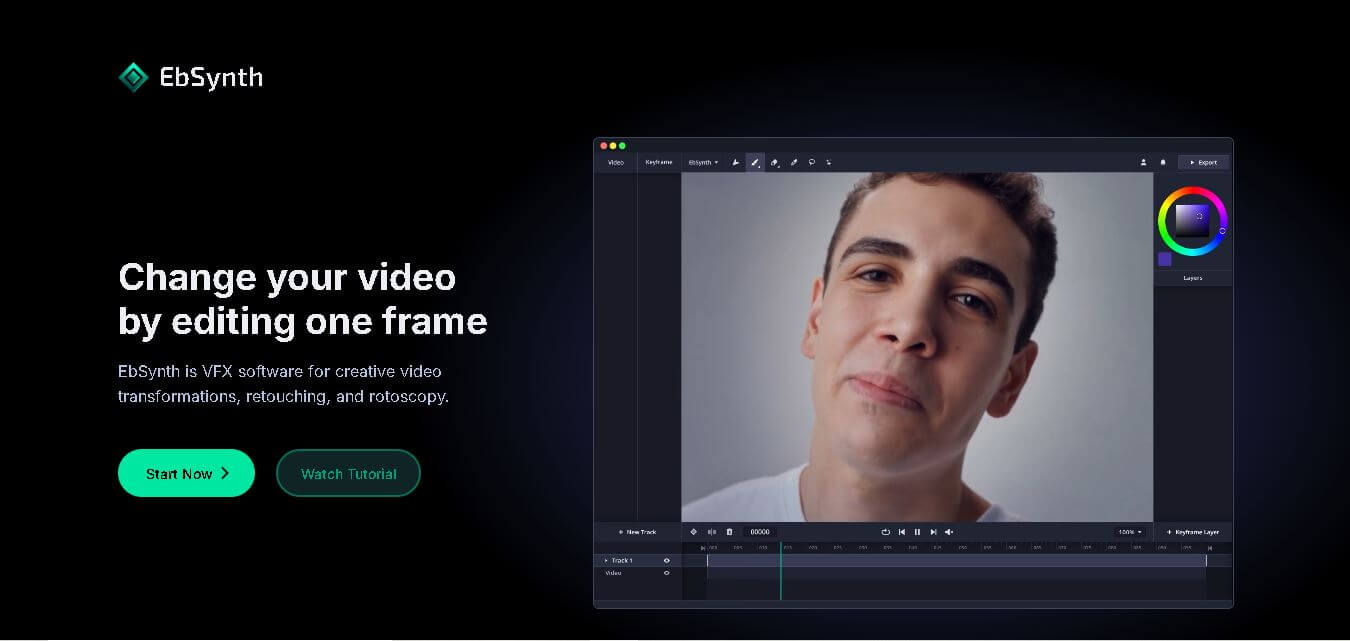
4.5EbSynth
Video Editing
EbSynth is an AI-powered video stylization tool that transforms edited keyframes into complete video sequences, enabling artists and creators to produce stunning animations, visual effects, and artistic videos faster.
 4.5
4.5Twelve Labs
Video Editing
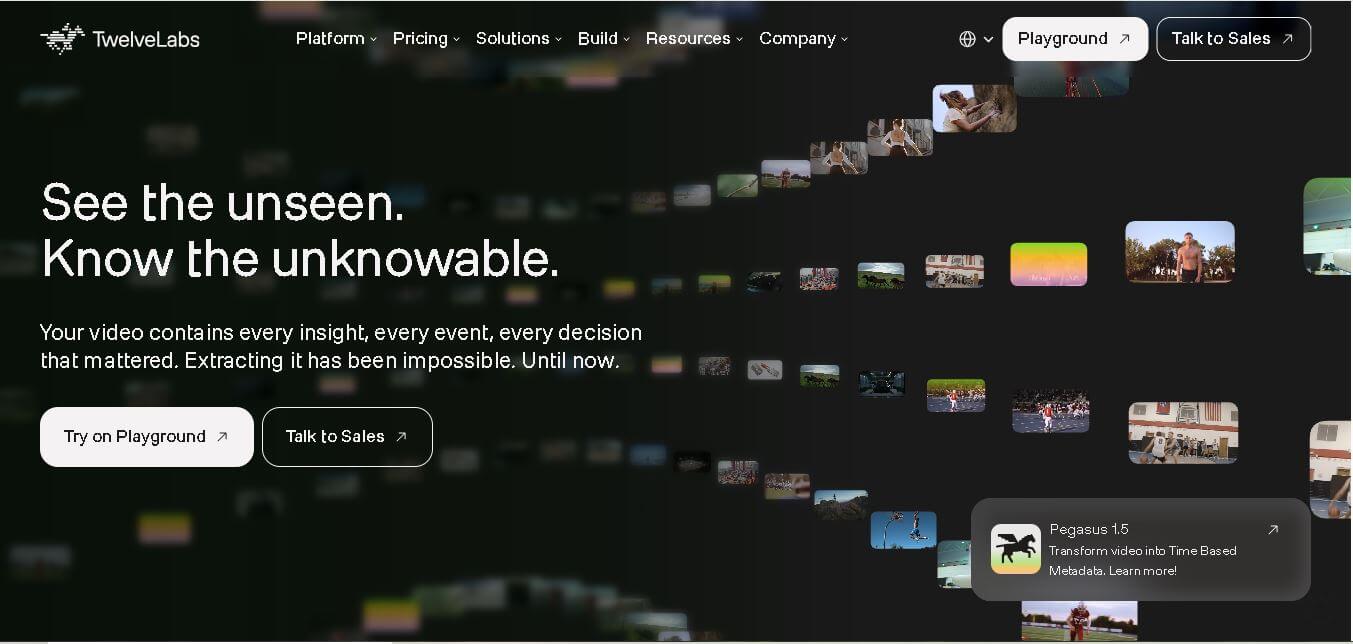
Twelve Labs is an AI-powered video understanding platform that helps developers search, analyze, summarize, and extract insights from videos using advanced multimodal artificial intelligence models.
 4.6
4.6NeuBird
Video Editing
NeuBird AI is an AI-powered production operations platform that helps enterprises automate incident detection, root cause analysis, and IT troubleshooting across cloud-native and hybrid infrastructure environments.
 4.5
4.5quso.ai
Social Media
Quso AI is an AI-powered content creation platform that transforms long videos into engaging short clips, captions, and social media posts automatically.