
Topaz Video AI
Topaz Video AI is a software tool created by Topaz Labs that use artificial intelligence to improve video quality.
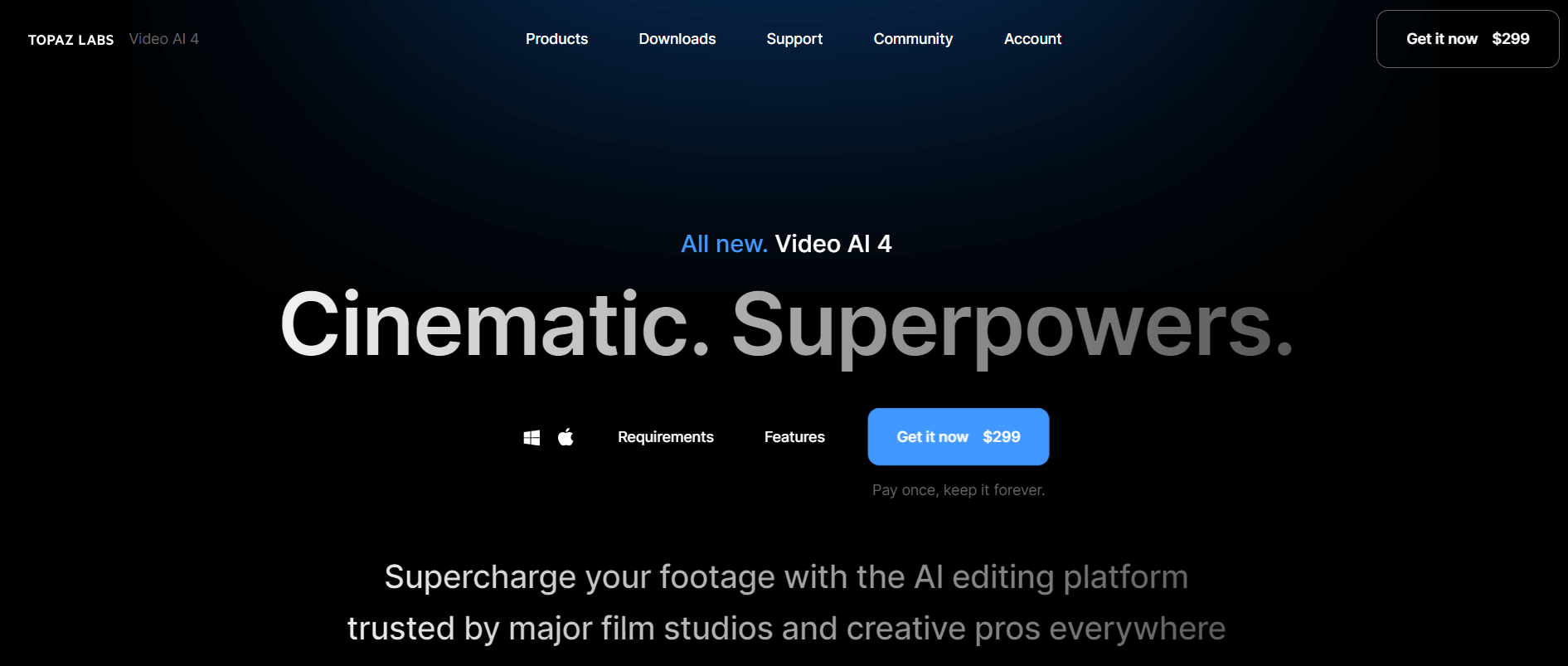
Useful details for evaluating Topaz Video AI
Primary Category
Video Enhancer
Pricing Model
Freemium
Related Topics
videoenhencer
Last Updated
Jun 27, 2026
What is Topaz?
Topaz Video AI is an AI-powered video enhancement tool created by Topaz Labs that uses artificial intelligence to improve video quality. It is designed for videographers, filmmakers, and anybody looking to enhance the quality of their video clips.
Key Features
Topaz Video's key features are:
- Noise Reduction: Removes noise and grain from videos to improve clarity and sharpness.
- Improved Video Quality: opaz Video AI can improve the quality of your video footage, making it appear clearer, cleaner, and more professional.
- Easy to Use: Topaz Video AI is easy to use, even for beginners. The interface is simple, and several tutorials are available to help you get started.
- User-friendly Interface: The program has a straightforward and easy-to-use interface, enabling users of all skill levels to enhance their video footage efficiently.
Pricing
Topaz Video AI offers a free trial and a paid plan at $299.
Who is Using Topaz?
- Videographers and Filmmakers: Topaz offers various features, including stabilization, slow motion, and upscaling to higher resolutions. It helps filmmakers enhance the video quality.
- Photographers: Professionals and beginners use it to enhance the quality of images, reduce noise, and sharpen details.
- Content Creators: YouTubers, social media influencers, and vloggers use Topaz to enhance the quality of the video content.
- Graphic Designer: Graphics designers use Topaz to enhance the quality of images and their overall visual appeal.
- Educational Institutions: Educators, schools, and university use to create high quality visual content.
Topaz Video
Topaz AI Alternatives
Some of the alternatives are:
- Adobe Photoshop
- Canva
- YouCam Enhance
- AI Marvels
- DVD Fab
Conclusion
Topaz Video AI is commonly used for purposes including recovering outdated film, boosting stock video quality, upgrading personal video projects, and preparing information for high-resolution screens. Its extensive AI-powered features make it an extremely useful tool for anybody wishing to drastically increase the quality of their movies.
Also Check:
User Reviews
No reviews yet for Topaz Video AI.
Featured Tools
Featured AI tools from TechShark

Fashion Diffusion AI
Fashion Diffusion is an AI-powered fashion design platform that helps brands and designers create clothing designs, virtual try-ons, AI models, product photos, and marketing visuals faster and cost-effectively.
Paid
Veo 4
Veo 4 AI is an AI video creation platform that generates dramatic videos from text, images, audio, and video prompts using realistic motion and synchronized sound.
Paid
Happy Horse
HappyHorse AI is an AI-powered video generator that creates cinematic videos with synchronized audio from text, images, and prompts instantly.
Paid
Seedance 2
Seedance 2.0 is an AI-powered video generation platform that transforms text, images, audio, and video into cinematic, multi-shot content with advanced motion control, reference-based consistency, and synchronized sound production.
Freemium
Alternatives
Alternatives to Topaz Video AI
Topaz Video AI is an AI-powered video enhancer tool that enhances video quality by upscaling resolution, reducing noise, and improving clarity. Alternatives include Runway, HitPaw Video Enhancer, Wondershare Filmora, Pika Labs, and AVCLabs Video Enhancer AI.
 4.5
4.5character gpt
Video Enhancer
CharacterGPT is an AI platform that creates interactive digital characters with unique personalities, appearances, and identities using natural-language descriptions and generative AI.
 4.3
4.3MokSa.AI
AI-Detection
MokSa.ai is an AI-powered video intelligence platform that helps businesses improve security, monitor operations, detect theft, and generate real-time surveillance analytics.
 4.7
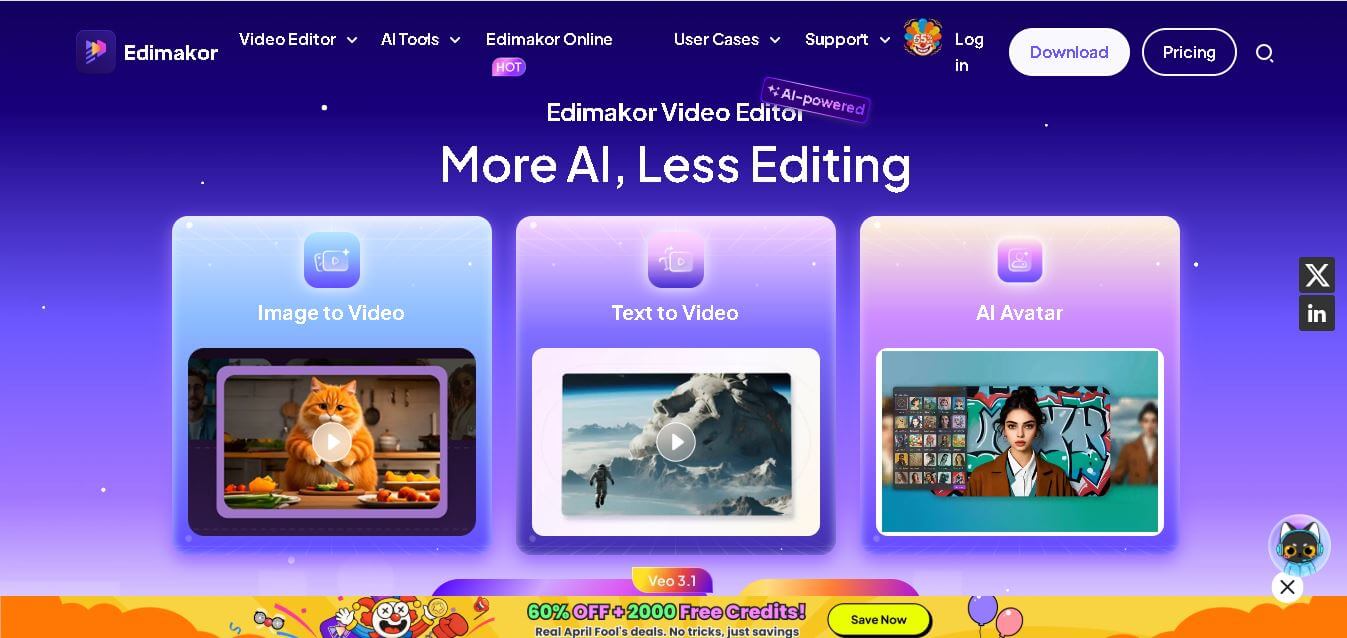
4.7HitPaw Edimakor
Video Editing
Edimakor is an AI-powered video editing tool that simplifies content creation with automated subtitles, voiceovers, and smart editing features for creators, marketers, and beginners. Sec 2: 35-word description
 4.5
4.5UniFab Video Enhancer
Video Enhancer
UniFab AI Video Enhancer improves video quality using AI, enhancing resolution, clarity, and detail to deliver sharper, professional-grade visuals from low-quality or old footage.
 4.5
4.5Prism Videos
Video Generator
Prism Videos is an AI-powered video platform that creates professional videos from scripts, templates, and prompts with automated captions, music, and editing tools for social creators and marketers.
 4.5
4.5PowerDirector
Video Editing
PowerDirector is an advanced video editing software by CyberLink that blends AI tools, creative effects, and professional features to create stunning videos effortlessly.
 4.6
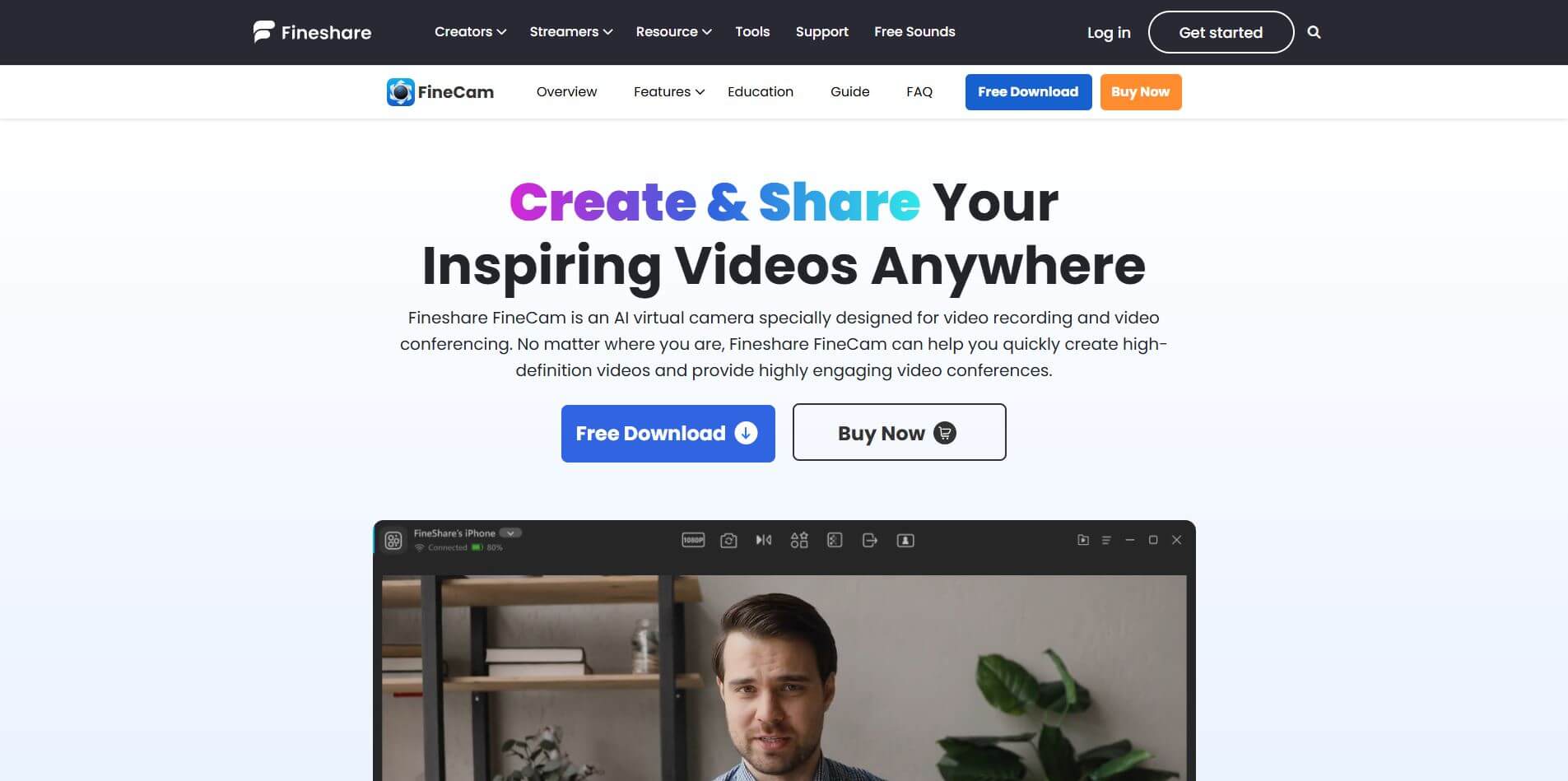
4.6Fineshare FineCam
Productivity
FineCam is an AI-powered virtual camera platform that enhances video quality for meetings, streams, and recordings.
 4.3
4.3Winxvideo AI
Video Enhancer
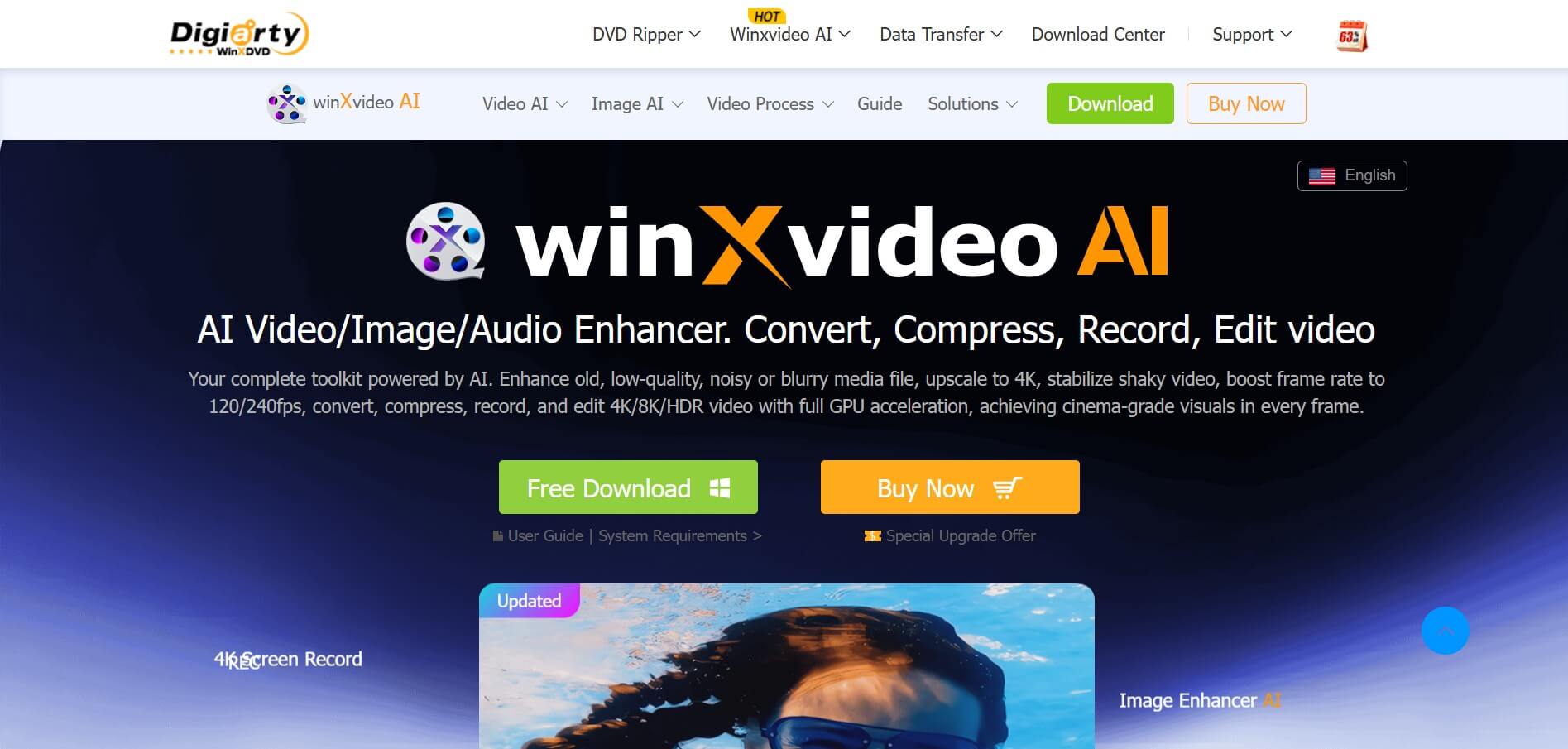
Winxvideo AI is an AI-powered video enhancer that enhances videos, images, and audio using AI, improving quality, stabilizing footage, removing noise, and upscaling to 4K, with conversion and editing features.
 4.2
4.2VideoProc Converter AI
Video Editing
VideoProc Converter AI is an AI video tool with AI enhancements, fast GPU-accelerated conversion, editing, recording, and downloading, making multimedia processing simple, efficient, and high-quality.