
VEED.IO
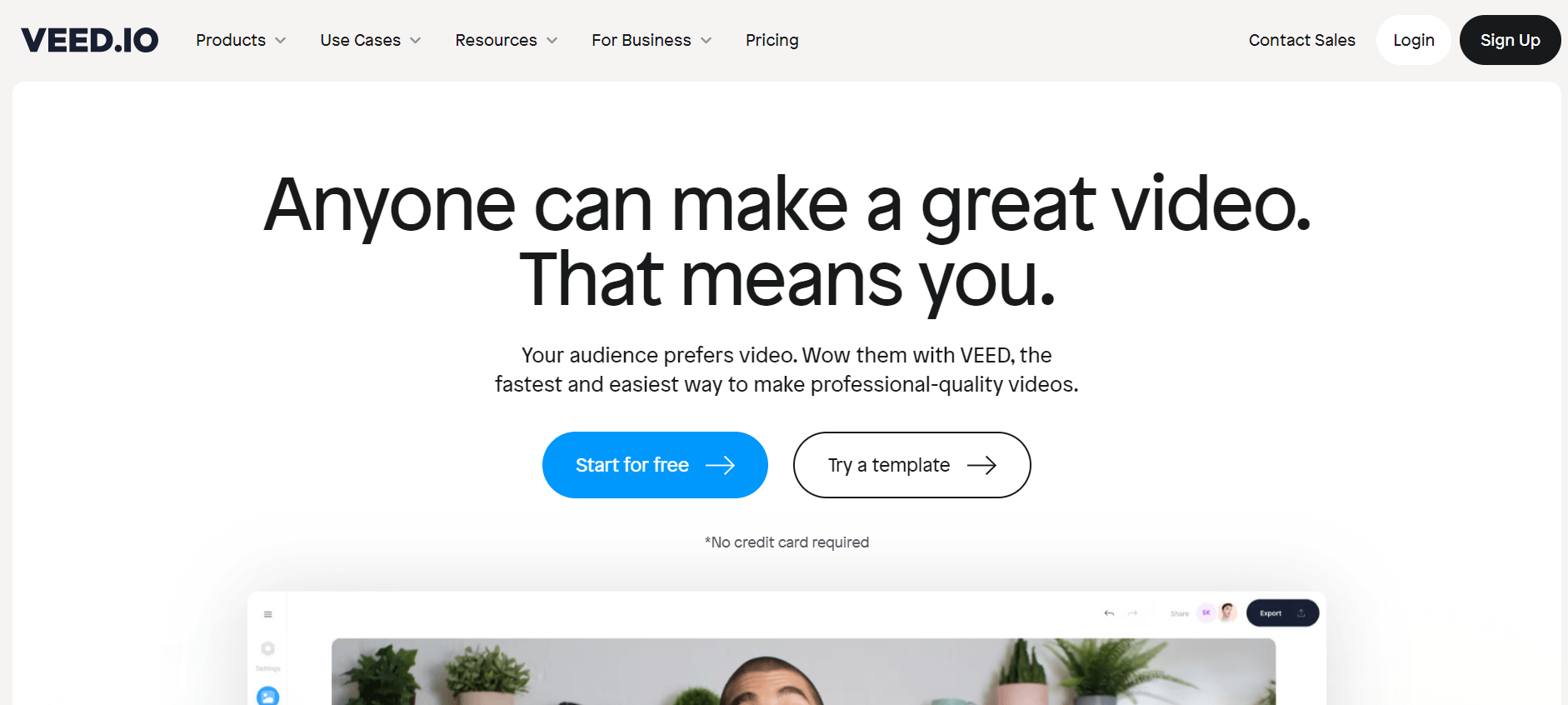
VEED.IO is an online AI video editing tool that allow users create, edit, and share professional videos with subtitles, effects, and branding directly in a browser.
Useful details for evaluating VEED.IO
Primary Category
Video Editing
Pricing Model
Freemium
Related Topics
video-editing, video, editing
Last Updated
Aug 11, 2026
What is VEED.IO?
Veed IO is a cloud-based video editing platform designed to make video creation quick, simple, and accessible to everyone, from beginners to teams and organizations. Veed IO, founded in 2019 by Sabba Keynejad and Tim Beech, eliminates the need for complex, installed software by providing browser-based AI editing with capabilities such as auto-subtitles, voice dubbing, AI avatars, and background noise cancellation. It's ideal for creating social media content, educational videos, webinars, podcasts, and corporate training materials because of its user-friendly drag-and-drop interface and real-time collaboration. Veed IO, backed by a bootstrapped growth story and trusted by big enterprises like Netflix, Meta, and Amazon, has emerged as a go-to solution for artists seeking speedy, professional video outcomes without the learning curve.
VEED.IO provides AI-powered video editing solutions to millions of creators and businesses across the world. The company reportedly crossed $40M ARR in 2024, serves nearly 200,000 paying subscribers, and has over 10 million monthly users globally. VEED raised $35 million in funding from Sequoia and reached an estimated valuation of around $160 million. The platform widely supports AI subtitles, video generation, screen recording, and social media editing. Major brands including Meta, Google, Netflix, Disney, and P&G have reportedly used VEED for content creation and marketing workflows.
Its primary features include over 95% accurate automated subtitles, AI avatars, screen recording, text-to-video conversion, voice translation, background noise removal, and collaborative editing. The platform supports 4K exporting and includes hundreds of social media content templates. VEED.IO, unlike competitors such as Canva and Descript, focuses on speedier browser-based editing and easier AI automation for creators and marketers.
- Founders: Sabba Keynejad and Tim Beech (Mamedov)
- Launch: 2018
- Technology: Front-end powered by React and WebGL; back-end uses FFmpeg and C++ for efficient video processing.
- Use Cases: Social media creators and marketers to educators and enterprise teams producing training, sales, HR, or internal communication videos
In this review, we'll explore VEED.io's features, pricing, AI capabilities, real-world use cases, advantages, and disadvantages and compare it with leading AI video editing platforms such as Descript, CapCut, Canva, and InVideo.

VEED.io at a Glance
| Attribute | Details |
|---|---|
| Product Name | VEED.io |
| Developer | VEED |
| Category | AI Video Editor |
| Platform | Web-based |
| Free Plan | Yes |
| Paid Plans | Creator, Pro, Studio, Enterprise |
| AI Video Generator | Yes |
| AI Avatars | Yes |
| AI Voice Cloning | Yes |
| Auto Subtitles | Yes |
| Video Translation | Yes |
| API Available | Yes |
| Best For | Video Editing, Social Media Content, Marketing Videos, YouTube |
VEED.io evolved from a browser-based video editor to a full-featured AI video creation platform. Its growing set of AI features, which includes text-to-video creation, AI avatars, voice cloning, automatic subtitles, multilingual dubbing, and prompt-based editing, making it ideal for creators, marketers, educators, and businesses.
Support for 29+ languages allows users to translate videos for foreign audiences, while cloud-based editing removes the need for expensive hardware. The platform's adoption by multinational businesses like as Amazon, Google, Meta, Netflix, and the BBC enhances its credibility and enterprise appeal.
VEED.IO Key Features
VEED key features are
- AI Video Editor: VEED provides AI-powered capabilities like text-to-video, avatars, auto-subtitles, and voice translations, allowing users to produce professional-quality films without effort.
- Intuitive Editing Tools: The platform has various editing features such as cutting, cropping, text, subtitles, and effects, making it simple for users to customize their movies.
- Audio editing: Mix and edit audio tracks, add sound effects, and create voiceovers.
- Screen Recording: VEED allows screen recording, making it ideal for generating tutorials, presentations, and other content without extra applications.
- Social Media Optimization: The platform provides options to optimize videos for various social media platforms, ensuring the right format and resolution for each channel.
- AI Avatars: Create professional presenter videos using AI avatars. Simply enter your script and VEED.IO generates a realistic spokesperson video for training, marketing, or business communication.
- Collaboration Tools: Work with teammates in real time by sharing projects, collecting feedback, and managing edits from a single cloud-based workspace.
VEED.IO Pricing
VEED IO offers both free and paid plans.
Free Plan:
- Allows export video in 720 px
- Allows exporting a 10-minute video
- Allows maximum storage of 2 GB
- Allows uploading a 1 GB file
- Allows the creation of 2 videos per day
Lite Plan:
- The plan starts at $12 per month
- Allows no watermark on video
- Offers auto-subtitle on videos
- Allows you to export videos in 1080px.
- Offers full stock audio and video library
- Allows uploading unlimited files
- Allows the creation of 5 videos per day
Pro Plan:
- The plan starts at $18 per month
- Allows generating video with AI studio
- Allows no watermark on video
- Offers auto-subtitle on videos
- Allows you to export videos in 1080px.
- Offers full stock audio and video library
- Allows uploading unlimited files
- Allows the creation of 5 videos per day
- Offers translation to 50+ languages
- Offers 4K ultra HD exports
- Offers AI avatars & voice dubbing
Is VEED.io Worth Paying For?
If you regularly create marketing videos, YouTube content, online courses, or social media campaigns, VEED's paid plans are a great value. Removing watermarks, enabling AI capabilities, exporting at better resolutions, and gaining access to advanced collaborative tools can all significantly enhance production productivity. Casual users can start with the free plan to learn about the platform before upgrading.
Disclaimer: For the latest and most accurate pricing information, please visit the official VEED.IO website.
Veed IO Video/Demo
Who Should Use VEED.io?
A diverse range of users and organizations utilize VEED IO
- Content Creators: Social media influencers, vloggers, and YouTubers use VEED video editor to create video content.
- Educators and Students: Educators use VEED to create online courses, video content, tutorials, and presentations.
- Freelancers: Professionals use VEED to create engaging videos for clients, including social media posts and ads.
- Event Organizers: Use VEED to create event highlights, promotional clips, and videos.
- Businesses: Businesses use VEED for creating marketing videos, ads, promotional content, and demos.
VEED Alternatives
Some of the VEED.IO alternatives are
- Synthesia
- HeyGen
- Descript
- Camtasia
- Simplified
Why Has VEED.io Become So Popular?
- Browser-Based Editing: Unlike traditional editors, which require software installation, VEED.io runs entirely in the browser. Users can edit videos on practically any current computer without worrying about technical requirements or lengthy installation times.
- AI Video Generation: VEED utilizes AI to help users produce videos from simple text instructions. This allows marketers, educators, and creators to create videos far more quickly than manual editing.
- Automatic Subtitles: One of VEED's most popular features is the AI subtitle generator, which automatically transcribes spoken speech and generates editable captions. This enhances accessibility, engagement, and social media performance.
- AI Avatars & Voice Cloning: The platform allows customers to create AI presenters, generate realistic voiceovers, and clone voices for multilingual video production, making it ideal for training videos, product presentations, and advertising campaigns.
- Multilingual Video Translation: VEED offers AI-powered translation and dubbing in over 29 languages, enabling businesses to translate content for foreign audiences without having to re-record videos manually.
- Collaboration Features: Teams can collaborate on projects using shared workspaces, making VEED ideal for agencies, marketing teams, and organizations that manage large amounts of video content.
Veed IO vs Filmora vs Descript vs Kapwing vs Synthesia
| Feature | Veed IO (Online) | Filmora (Desktop) | Descript (AI Editing) | Kapwing (Online) | Synthesia (AI Avatars) |
|---|---|---|---|---|---|
| Integration with Assets | Moderate (stock media, templates) | Limited (manual imports) | Moderate (text/audio focus) | Moderate (templates, stock) | Limited (avatars only) |
| Editing Technology | AI-powered, browser-based | Desktop-based, advanced | AI transcription & editing | Template-driven, cloud-based | AI avatars & dubbing |
| User Interface | Intuitive, web-based | Desktop, traditional NLE | Text-based + UI | Intuitive, web-based | Web-based, simple UI |
| Customization Options | High (subtitles, brand kit, AI tools) | High (multi-track editing) | Moderate (focus on audio & text) | Moderate (social templates) | Low (avatar-driven only) |
| Pricing | Free + $12–59/month plans | $39.99 lifetime or monthly | Free + $12–24/month plans | Free + $16–24/month plans | From $30/month |
| Free Tier Availability | Yes (watermark, 720p) | Trial only | Yes (limited exports) | Yes (basic features) | No |
| Ideal For | Creators, marketers, teams | Professional editors, YouTubers | Podcasters, educators | Social media content creators | Businesses, training, and localization |
Pros and Cons
Pros
- Beginner-friendly interface
- Cloud-based (no heavy PC needed)
- Fast subtitle generation
- Strong AI automation tools
- Great for short-form content
Cons
- Advanced editing weaker than Adobe Premiere
- Some AI features locked behind higher plans
- The free version adds a watermark
- Heavy AI usage can become expensive
How We Rated VEED.IO?
| Rating Parameter | Score (/5) |
|---|---|
| Video Editing Features | 4.9 |
| Ease of Use | 5.0 |
| AI Tools & Automation | 4.8 |
| Templates & Branding | 4.8 |
| Export Quality | 4.8 |
| Speed & Performance | 4.9 |
| Collaboration Features | 4.7 |
| Value for Money | 4.8 |
| Overall Rating | 4.9/5 |
VEED.IO Review
VEED.io has evolved into one of the most complete browser-based AI video creation tools accessible today. Rather than simply providing a timeline editor, it integrates AI video creation, automatic subtitles, avatars, voice cloning, international dubbing, and collaboration into a single cloud-based workspace.
Accessibility is its greatest strength. Beginners can create professional-looking videos without learning complex editing software, while experienced makers benefit from AI automation that speeds up routine tasks like captioning, transcription, translation, and voice synthesizing.
Professionals working on feature videos or advanced motion graphics may continue to rely on desktop tools such as Adobe Premiere Pro or DaVinci Resolve. VEED.io is ideal for businesses, educators, agencies, and content creators who value speed, collaboration, and AI-powered workflows.
Conclusion
VEED.io has set up itself as one of the most user-friendly AI-powered video editing tools for creators, marketers, and businesses wanting to create great content rapidly. Its mix of automatic subtitles, AI avatars, voice tools, and browser-based editing simplifies video production for beginners while yet providing lots of versatility for advanced users. The platform is ideal for short-form social media content, YouTube videos, and marketing initiatives. While expert editors may still prefer conventional tools for more detailed customization, VEED.io provides outstanding value through speed, ease of use, and constant feature improvement, making it a top choice in the rapidly expanding AI video editing industry.
People are also reading:
FAQ
Is VEED completely free?
No, VEED is not completely free. It offers a free plan with limited features and a watermark, while advanced tools like HD exports, brand kits, and subtitles require paid subscriptions.
What is the use of VEED?
VEED is an online video editing tool used to create, edit, and share videos easily. It offers AI-powered features like subtitles, translations, templates, screen recording, and collaborative editing for businesses and creators.
Who is the founder of VEED.IO?
Veed was founded in 2018 by Sabba Keynejad and Timothy Constant, aiming to simplify online video editing with AI-powered tools, enabling creators, marketers, and businesses to produce professional videos quickly and efficiently.
Does VEED.io support AI video generation?
Yes. Users can generate videos from text prompts using VEED's AI-powered video creation tools.
Can VEED.io generate subtitles automatically?
Yes. VEED includes an AI subtitle generator that automatically transcribes speech and creates editable captions.
Does VEED.io support video translation?
Yes. The platform offers AI-powered translation and dubbing in multiple languages.
Is VEED.io good for YouTube creators?
Yes. Many YouTubers use VEED for editing videos, creating captions, generating shorts, and producing marketing content.
Is VEED.io better than CapCut?
VEED.io is generally better for browser-based AI editing, business content, and collaboration, while CapCut excels at quick mobile-first social media editing.
What are the best VEED.io alternatives?
Popular alternatives include CapCut, Descript, InVideo, Canva, Filmora, Kapwing, Runway, and Adobe Premiere Pro.
User Reviews
No reviews yet for VEED.IO.
Featured Tools
Featured AI tools from TechShark

Fashion Diffusion AI
Fashion Diffusion is an AI-powered fashion design platform that helps brands and designers create clothing designs, virtual try-ons, AI models, product photos, and marketing visuals faster and cost-effectively.
Paid
Veo 4
Veo 4 AI is an AI video creation platform that generates dramatic videos from text, images, audio, and video prompts using realistic motion and synchronized sound.
Paid
Happy Horse
HappyHorse AI is an AI-powered video generator that creates cinematic videos with synchronized audio from text, images, and prompts instantly.
Paid
Seedance 2
Seedance 2.0 is an AI-powered video generation platform that transforms text, images, audio, and video into cinematic, multi-shot content with advanced motion control, reference-based consistency, and synchronized sound production.
Freemium
Alternatives
Alternatives to VEED.IO
Popular alternatives to VEED.IO include tools like InVideo, Canva, Descript, and Adobe Premiere Pro. Platforms such as Filmora and DaVinci Resolve are also strong options, especially for more advanced editing. These tools offer similar features like video editing, subtitles, templates, and AI enhancements, but vary in ease of use, pricing, and professional capabilities.
 4.7
4.7Wisecut
Video Editing
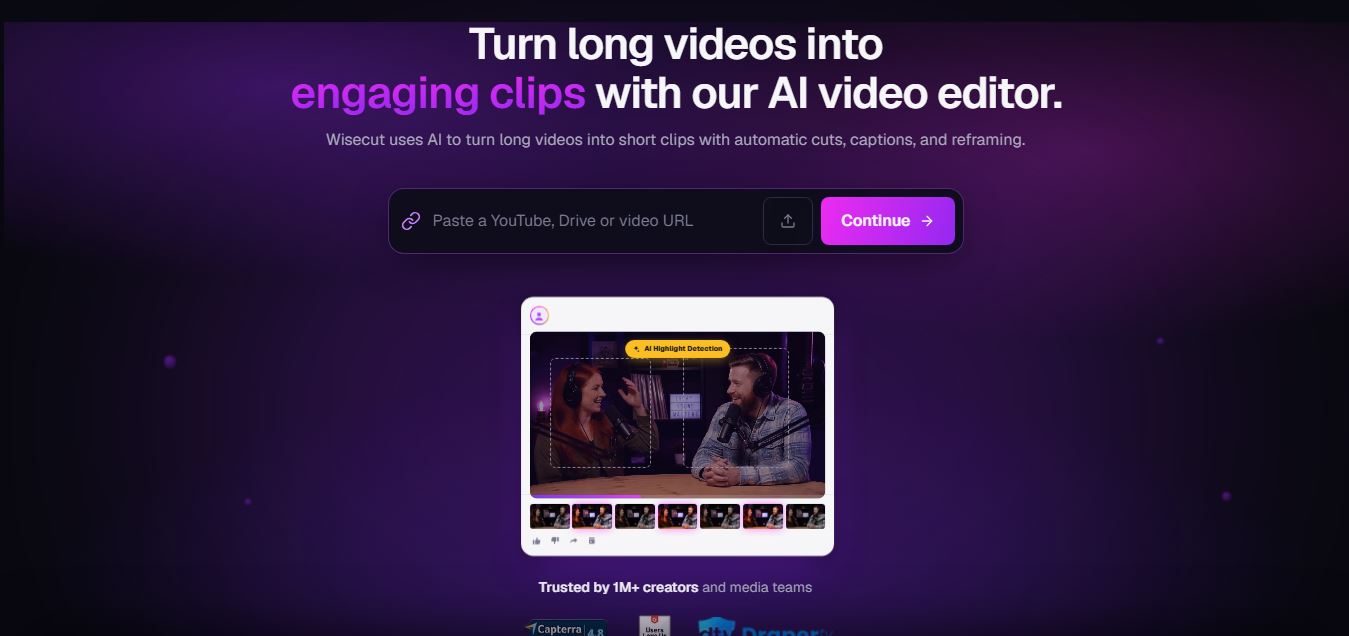
WiseCut AI is an AI-powered video editing platform that automatically transforms long videos into engaging, professional-quality content within minutes.
 4.6
4.6Unboring AI
Video Editing
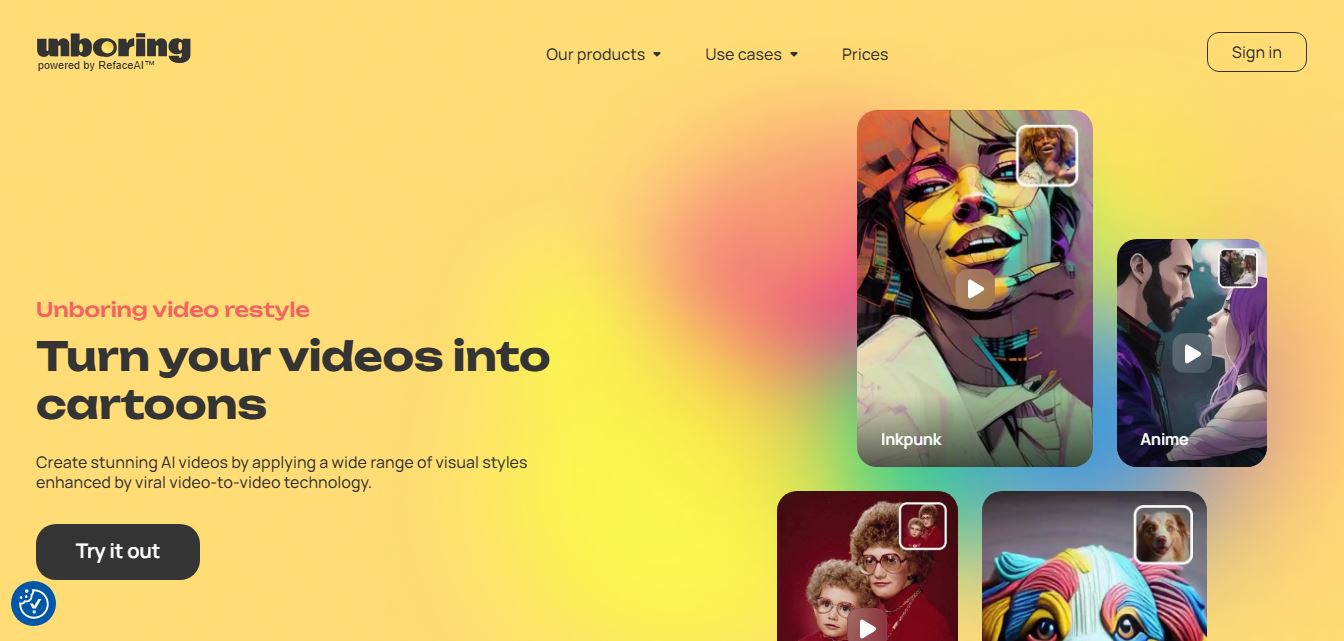
Unboring AI is a creative AI platform that lets users swap faces, animate photos, and transform videos with different visual styles.
 4.3
4.3Media.io
Video Editing
Media.io is an AI-powered online multimedia platform that helps users edit videos, enhance audio, convert files, generate AI content, remove backgrounds, and create professional-quality media with ease.
 4.5
4.5WayinVideo
Video Editing
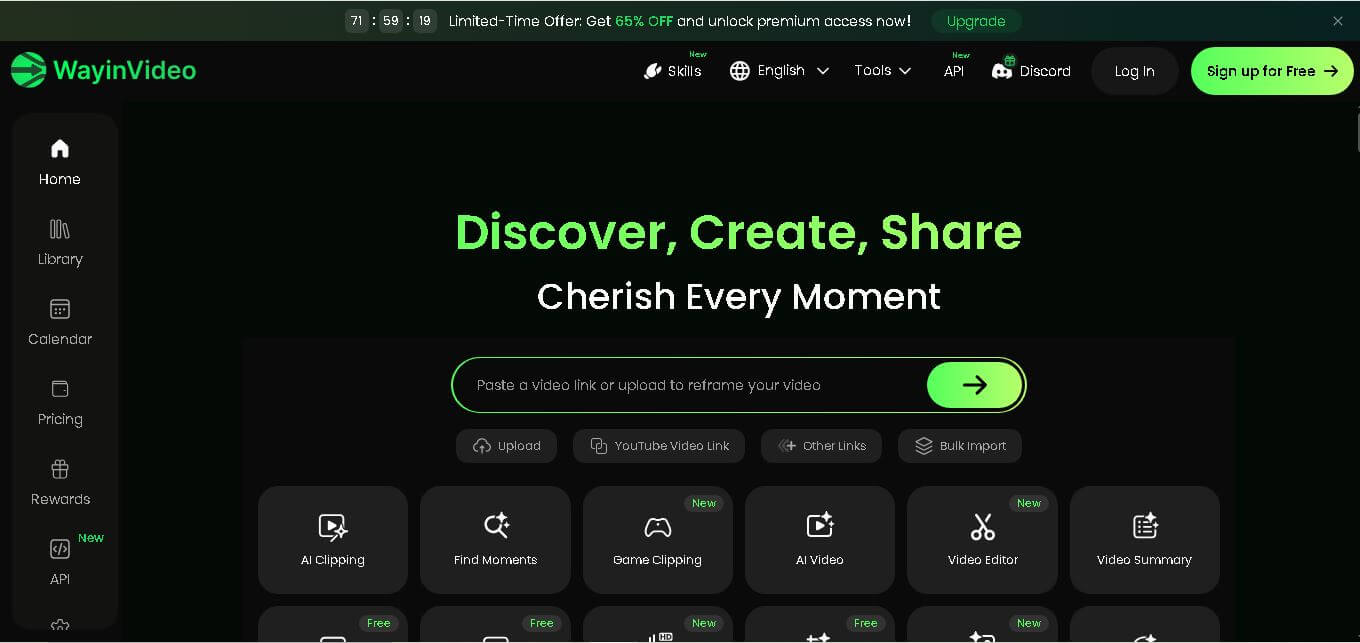
WayinVideo is an AI-powered video editing platform that automatically creates short clips, captions, summaries, transcripts, and social-ready videos from long-form content in minutes.
 4.5
4.5Velo
Video Editing
Velo is an AI-powered video creation platform that transforms documents, prompts, and screen recordings into professional business videos with voice cloning, multilingual support, avatars, analytics, and collaboration.
 4.5
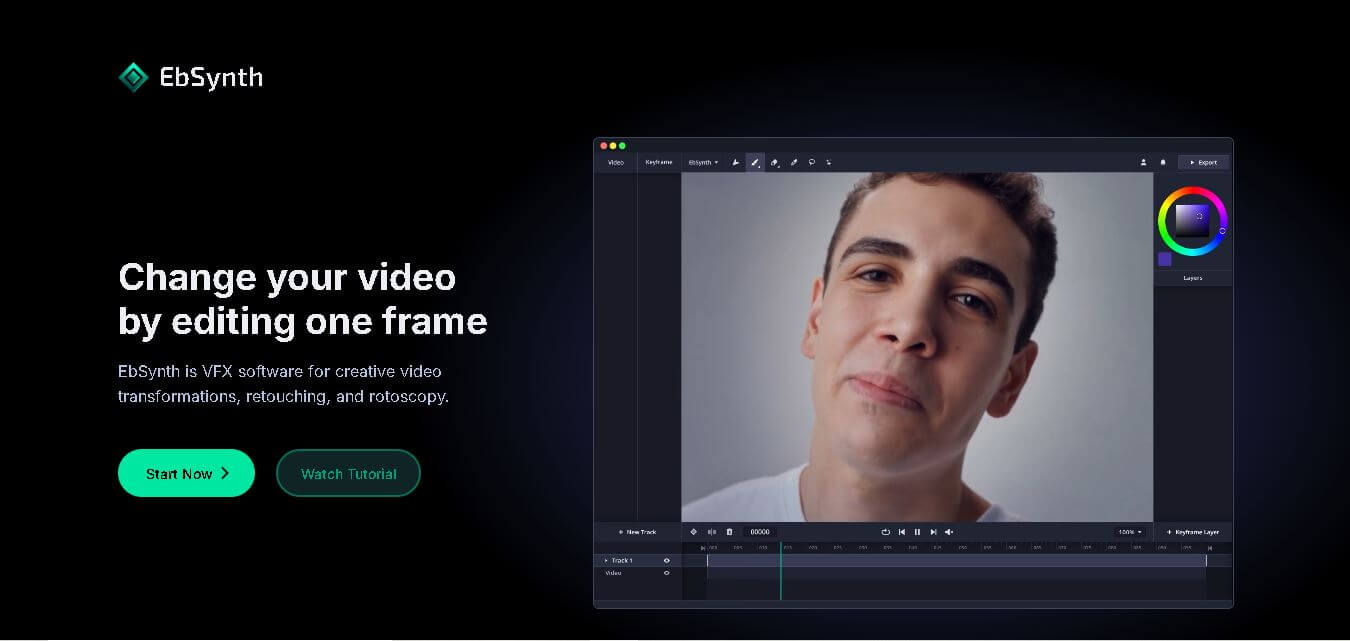
4.5EbSynth
Video Editing
EbSynth is an AI-powered video stylization tool that transforms edited keyframes into complete video sequences, enabling artists and creators to produce stunning animations, visual effects, and artistic videos faster.
 4.5
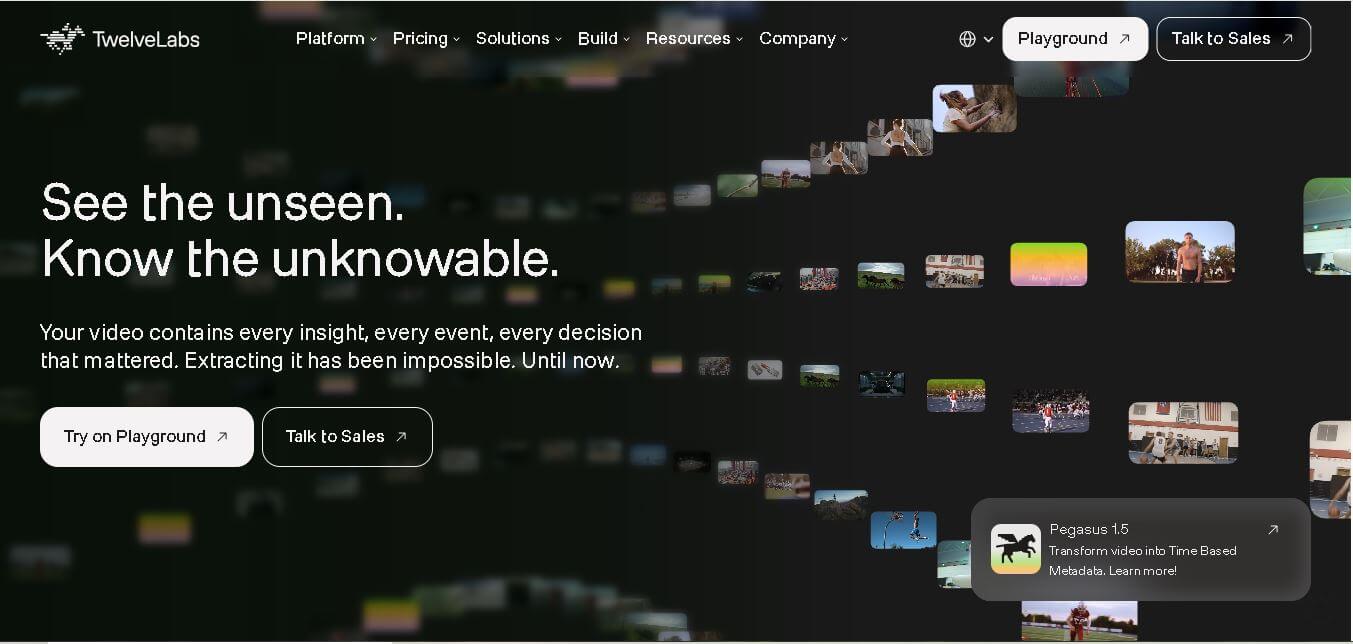
4.5Twelve Labs
Video Editing
Twelve Labs is an AI-powered video understanding platform that helps developers search, analyze, summarize, and extract insights from videos using advanced multimodal artificial intelligence models.
 4.6
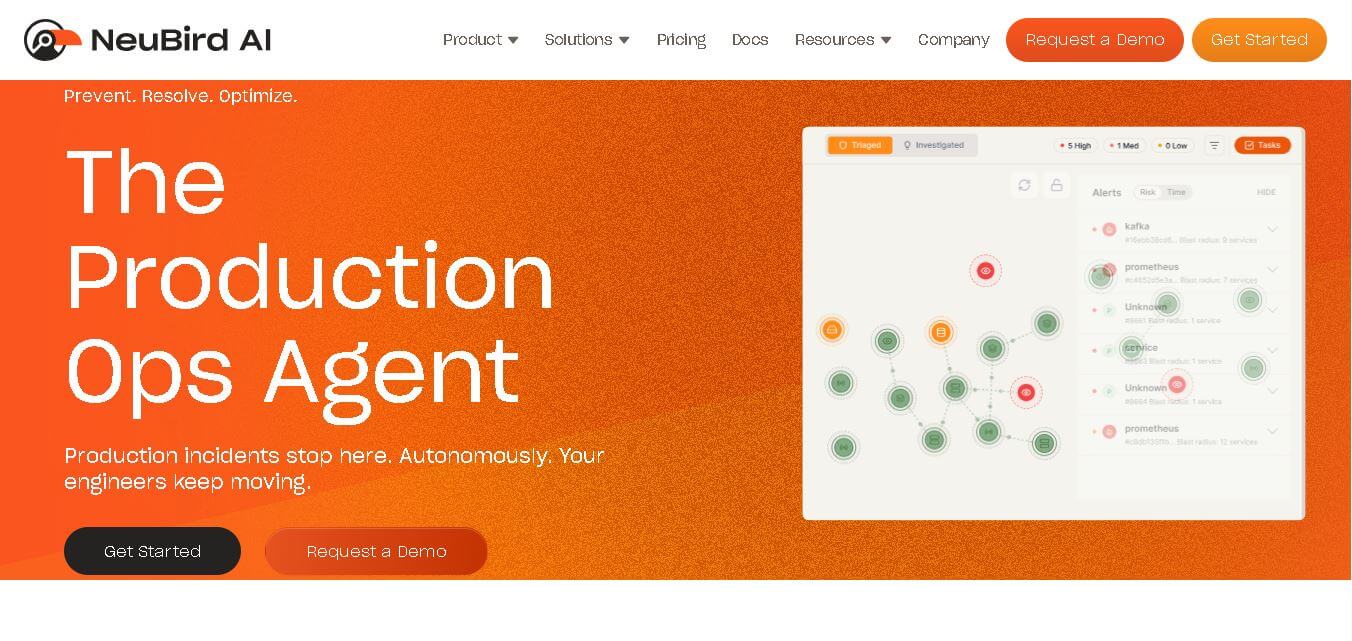
4.6NeuBird
Video Editing
NeuBird AI is an AI-powered production operations platform that helps enterprises automate incident detection, root cause analysis, and IT troubleshooting across cloud-native and hybrid infrastructure environments.
 4.5
4.5quso.ai
Social Media
Quso AI is an AI-powered content creation platform that transforms long videos into engaging short clips, captions, and social media posts automatically.